
Microsoft Entra ID decides who may sign in, to what, from where and with which device. Business IT Support configures and administers Entra ID for businesses, so access stays correct and attackers face several barriers.
What Microsoft Entra ID is and why you need it
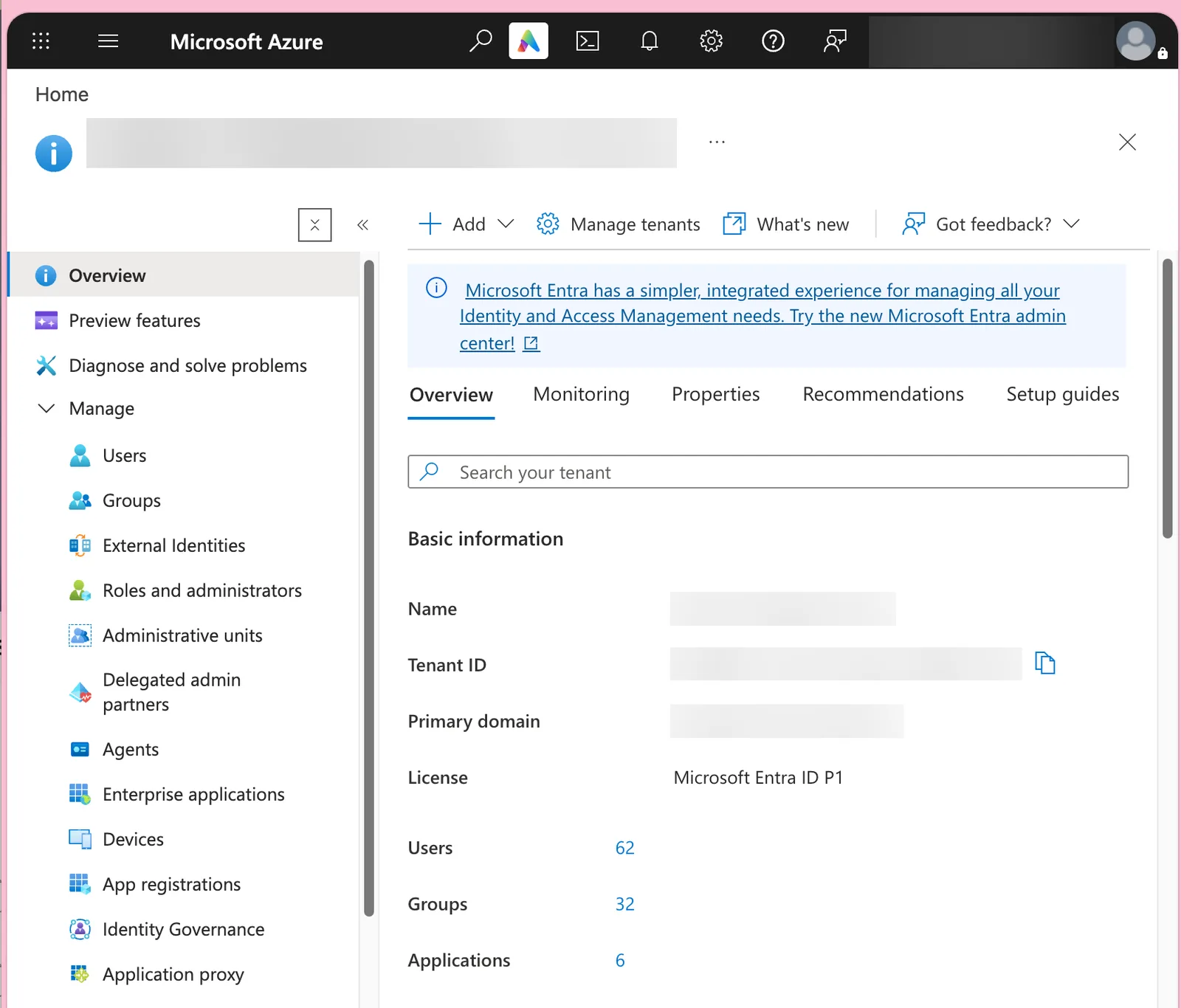
Microsoft Entra ID, formerly Azure Active Directory, is the identity service behind Microsoft 365, Azure and thousands of other cloud applications. Every user, group, device and application has an identity there. Therefore, Entra ID works as the front door to the company’s data.
A well-configured Entra ID gives users single sign-on to the tools they need. At the same time, it stops sign-ins that look suspicious. In contrast, a poorly configured directory leaves old accounts active and gives too many people administrator rights.
Users, groups and roles in Microsoft Entra ID
We start with a clear structure for users and groups. For example, dynamic groups add people automatically based on department or location. In addition, group-based licensing and access follow the groups, so a new employee gets the right tools on day one.
Administrator roles need special care. We give each administrator only the role the job requires, and we use Privileged Identity Management for time-limited elevation. As a result, the number of permanent global administrators stays very low.
Permissions and access to applications and data
Entra ID connects to applications through single sign-on with SAML or OpenID Connect. We register the applications, assign access through groups and remove access when people change roles. Moreover, access reviews ask managers to confirm regularly who still needs what.
Guest users from partners and customers also live in Entra ID. Therefore, we set rules for who may invite guests, what they may see and when their access expires. Consequently, external access stays under control instead of growing forever.
Secure sign-in and conditional access
Conditional access is the core of security in Microsoft Entra ID. For instance, a policy can require multi-factor authentication for all users, block sign-ins from risky countries and demand a compliant device for sensitive applications. We always test new policies in report-only mode first.
We also block legacy authentication, which cannot handle multi-factor authentication. In addition, Identity Protection detects leaked credentials and unusual sign-in behaviour. When it finds a risk, the user must confirm the identity or reset the password.
Hybrid environments, devices and synchronisation
Many companies still run Active Directory on premises. In that case, Entra Connect or Cloud Sync synchronises users and passwords to the cloud. We set up the synchronisation, filter which objects move and monitor that it keeps working.
Devices join Entra ID directly or through hybrid join. Afterwards, Intune manages them and reports whether they meet the security requirements. As a result, conditional access can trust the device as well as the user.
Support, troubleshooting and ongoing administration
Common support cases include blocked sign-ins, synchronisation errors, missing licences and applications that refuse single sign-on. In each case, we read the sign-in logs, which show exactly which policy stopped the user. Then we fix the cause rather than only the symptom.
We also offer ongoing administration with regular reviews of roles, guests, policies and inactive accounts. For that reason, the directory stays clean, and you can show auditors that access follows clear rules.
Contact Datorkirurgen AB about Microsoft Entra ID
Business IT Support is part of Datorkirurgen AB, which has more than 30 years of experience in IT for businesses. We configure, administer and support Microsoft Entra ID for companies remotely anywhere, and on site in Stockholm and across Sweden.
Our prices start at €250 per hour excluding VAT, or as agreed, and we guarantee to solve the problem. Microsoft describes the service in its Entra ID documentation. Contact us, and we will start with a review of your directory.
Frequently asked questions about Microsoft Entra ID
Microsoft Entra ID basics
- What is Microsoft Entra ID?
- Is Entra ID the same as Azure Active Directory?
- Which licence do we need?
- What is a dynamic group?
- How does group-based licensing work?
- What is single sign-on?
- How do we add a new application?
- What is a guest user?
- How do we remove a former employee?
- Who should be global administrator?
Permissions and security
- What is conditional access?
- What is Privileged Identity Management?
- How do we block legacy authentication?
- What is Identity Protection?
- What is an access review?
- How do we limit guest access?
- How do we require a compliant device?
- What does report-only mode mean?
- How do we find inactive accounts?
- How do we read the sign-in logs?
Hybrid, devices and support
- What is Entra Connect?
- What is Cloud Sync?
- What is hybrid join?
- Why does synchronisation fail?
- Can we stop using our domain controllers?
- How do devices join Entra ID?
- Why is a user blocked from signing in?
- Can you review our directory?
- Do you offer ongoing administration?
- How do I contact you about Microsoft Entra ID?