
Network installation for businesses: mesh Wi-Fi with MLO, wired backhaul over CAT7 and fibre, network segmentation and security, planned and installed by Business IT Support.
Why the network decides how well IT works
Almost everything in a modern company depends on the network: cloud services, video meetings, printers, phones and cameras. When the network is unstable, everything else feels slow, even if computers and services are in good condition. A professional network installation is therefore one of the most cost-effective IT investments a company can make. Business IT Support plans and installs networks for offices, clinics, shops and industrial premises.
We always start with a survey of the premises, the walls, the number of users and the type of traffic. Then we choose routers, switches and access points that match the need, and we place them where they give the best coverage. As a result, you get a network designed around your premises instead of one that simply grew over time.
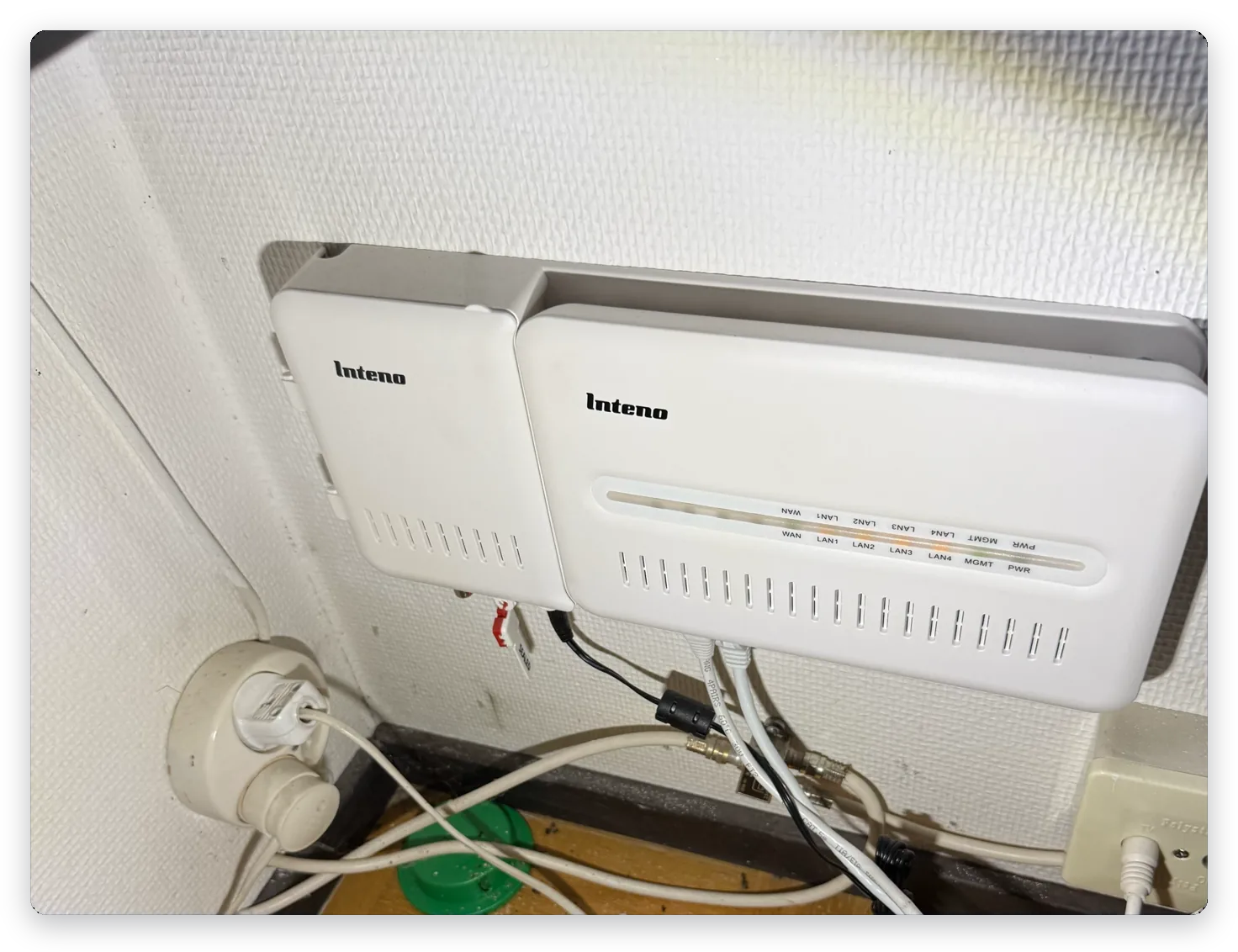
Mesh Wi-Fi with wired backhaul
In short, mesh Wi-Fi means that several access points work together as one network, so users can move around without losing the connection. However, a mesh system is only as good as the link between its nodes, the backhaul. If the nodes talk to each other over radio, part of the capacity disappears on every hop. We therefore connect the nodes with cable wherever possible, preferably CAT6A or CAT7, so that each node delivers full speed.
Where we cannot run cable, we use dedicated radio channels or fibre between buildings. In addition, we tune channels and transmit power so that the nodes do not disturb each other or nearby networks. Consequently, the coverage becomes even, roaming works and speed stays high throughout the premises.
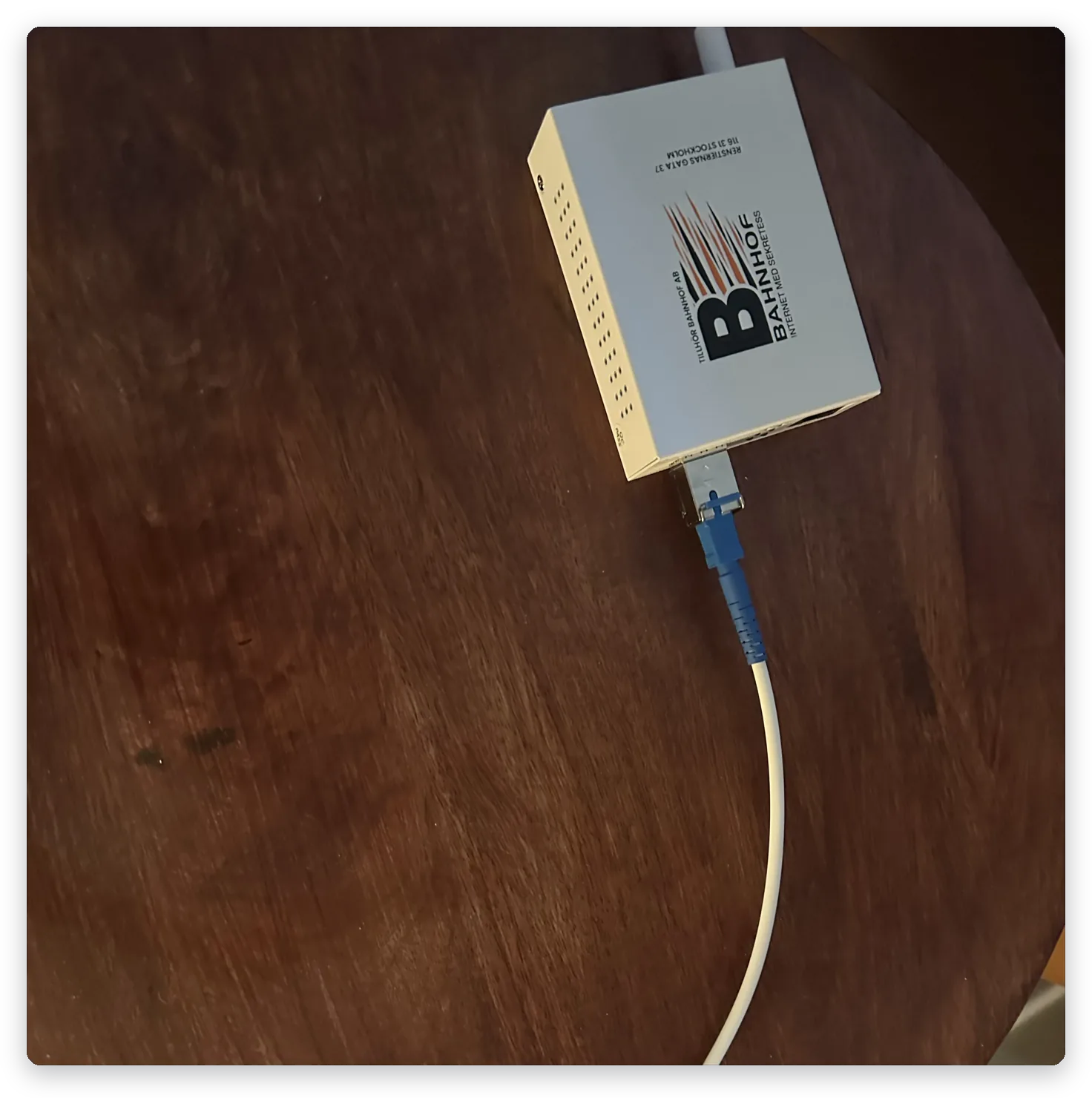
MLO, Wi-Fi 7 and fibre
Wi-Fi 7 introduces Multi-Link Operation, MLO, which lets a device use several frequency bands at the same time. For example, a laptop can send data over both 5 GHz and 6 GHz simultaneously, which gives higher capacity and lower latency. MLO also makes the connection more robust, because traffic can continue on one band if interference hits another. We install Wi-Fi 7 equipment and configure MLO where the devices support it.
In addition, for links between floors or buildings we use fibre with SFP modules and media converters. Electrical interference does not affect fibre, and it can carry high speeds over long distances. Similarly, we choose switches with enough capacity and PoE, so that access points, cameras and phones get both power and data through a single cable.
Segmentation and network security
A secure network consists of separate segments. Staff, guests, printers, cameras and smart devices should not share the same network, because a compromised device could otherwise reach everything else. We therefore set up VLANs and firewall rules so that each group only reaches what it needs. Guests get internet access but cannot see company equipment.
Furthermore, we use WPA3 where possible, update firmware and turn off functions you do not need, such as remote management from the internet. Finally, we document the installation with addresses, passwords and a network map, so that future changes are quick and safe.
Contact Datorkirurgen AB about network installation
Are you planning new premises, or does your current network give you problems? Business IT Support, part of Datorkirurgen AB, plans, installs and troubleshoots networks for companies in Sweden. We can also review an existing design remotely and propose improvements before you buy equipment.
Tell us about your premises, the number of users and what does not work today, and we will propose a solution. Our prices start at €250 excl. VAT per hour, or as agreed, and we guarantee to solve the problem. Contact us, and we will make sure your network is fast, stable and secure.
Frequently asked questions about Network installation
Questions about network installation
- What is mesh Wi-Fi?
- What is backhaul in a mesh network?
- Why does wired backhaul beat wireless backhaul?
- How many access points does an office need?
- Where should we place access points?
- What is the difference between CAT6A and CAT7?
- When does a business network need fibre?
- What is a PoE switch?
- Why is the Wi-Fi slow in some rooms?
- How do you measure Wi-Fi coverage?
Network installation: Wi-Fi 7 and security
- What is Wi-Fi 7?
- What is MLO in Wi-Fi 7?
- Do our devices support MLO?
- What is a VLAN?
- How do you set up a guest network?
- Why should cameras be on a separate network?
- What is WPA3?
- How often should we update firmware?
- How do you protect the router against attacks?
- Should we turn off remote management?
More about installation and contact
- How long does a network installation take?
- Can you work outside office hours?
- Can you reuse our existing equipment?
- Do you document the installation?
- Can you review our network design remotely?
- Can you install networks in several buildings?
- Do you help with fibre from the operator?
- Can you troubleshoot an existing network?
- What does a network installation cost?
- How do we contact you about network installation?