
An Azure Blob Storage backup gives the company a copy of its data outside the office, protected against fire, theft and ransomware. Business IT Support sets up the storage account, the protection and the transfers, and we test that the data can come back.
Why cloud backup to Azure Blob Storage
Clearly, a backup that sits in the same room as the server disappears in the same fire or break-in. Therefore, the classic 3-2-1 rule recommends three copies, on two types of media, with one copy off-site. In this respect, Azure Blob Storage is a cost-effective place for that off-site copy.
Moreover, Azure scales without new hardware, and the data can stay in a European region. As a result, the company gets a flexible backup target that meets typical requirements for data location.
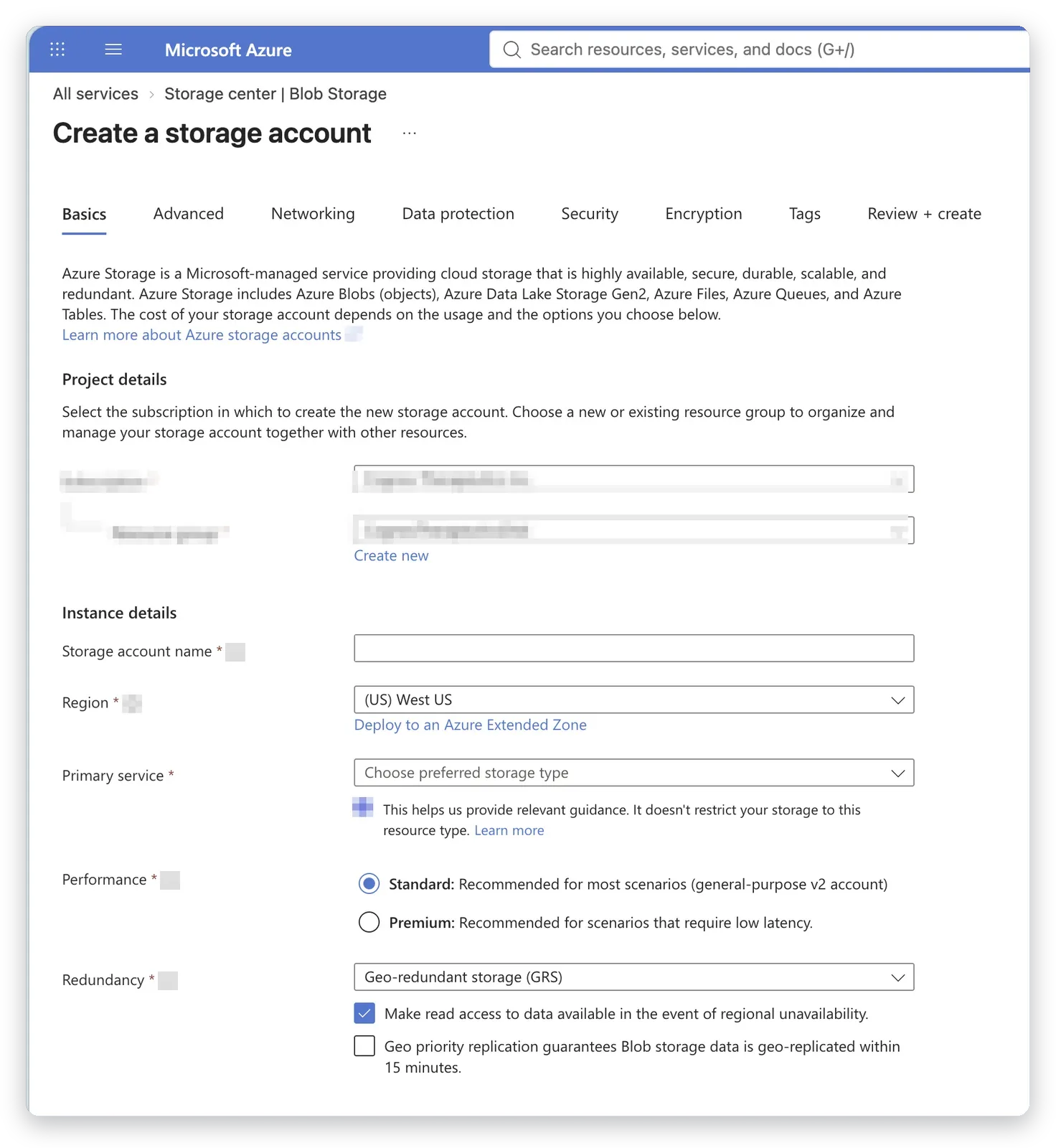
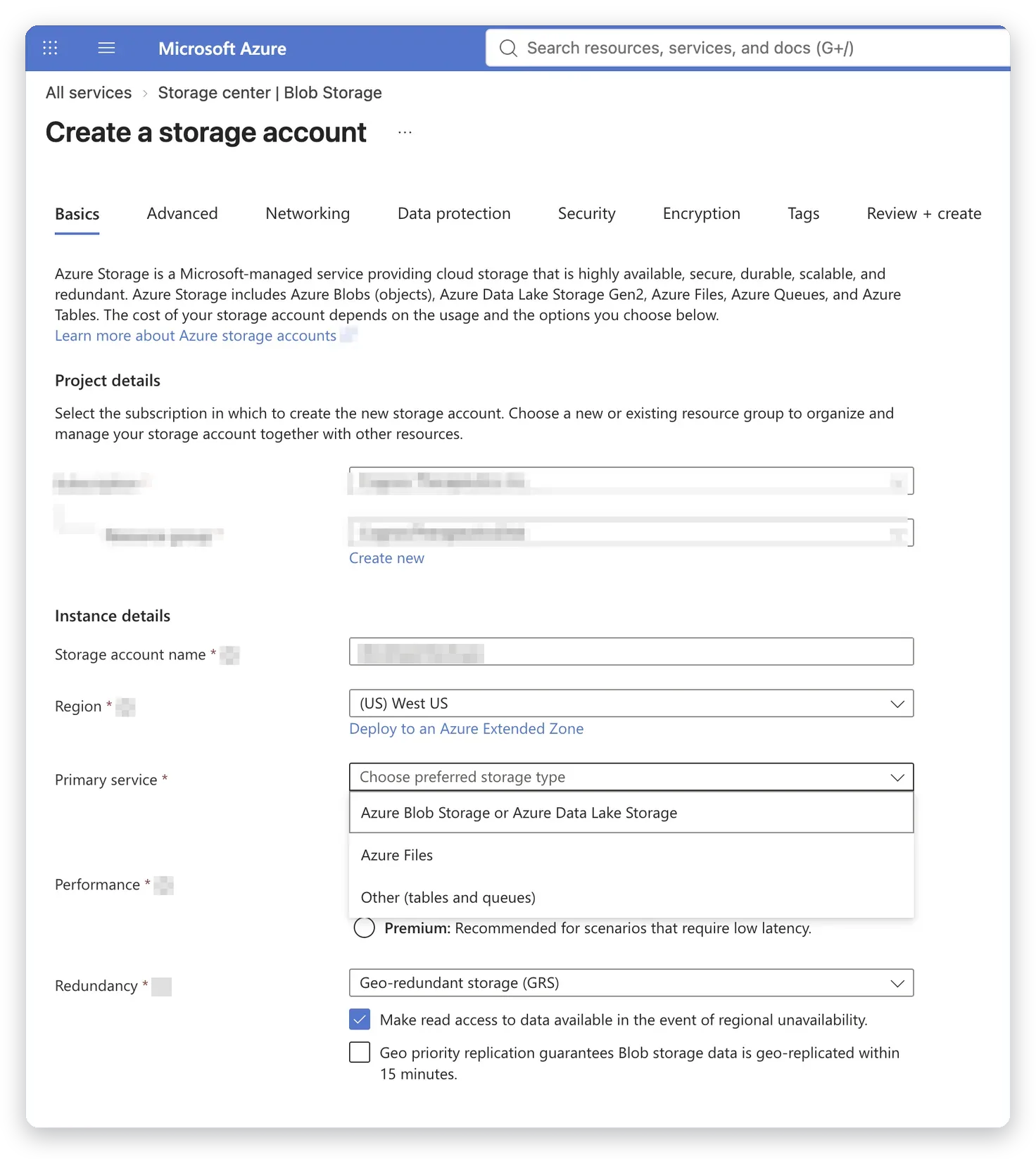
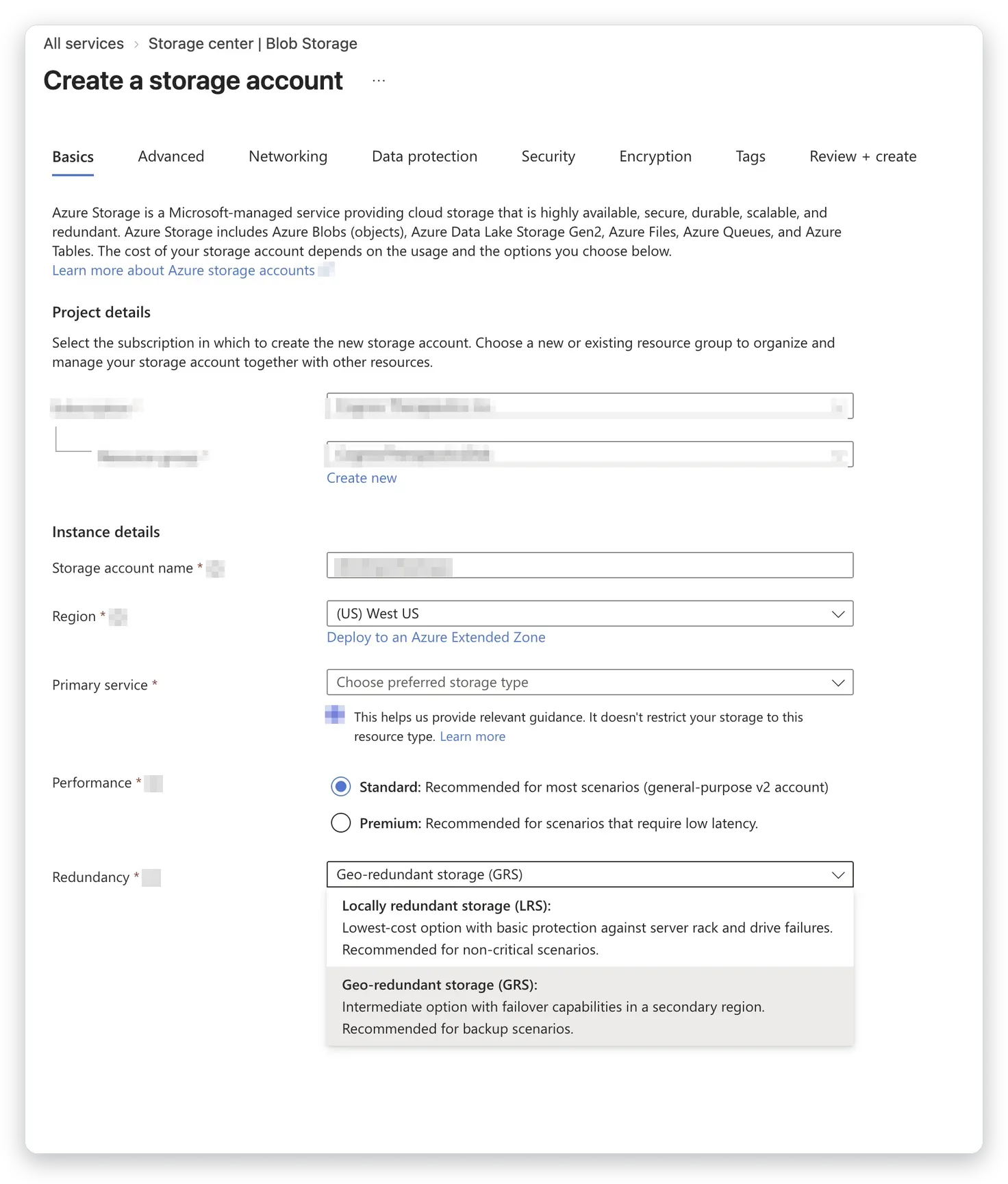
Storage account, containers and settings
First of all, we create a dedicated storage account for backups in a suitable region with the right redundancy. Then we choose the access tier: cool or cold for backups that rarely need reading, and archive for long-term copies. In addition, we enable versioning and soft delete.
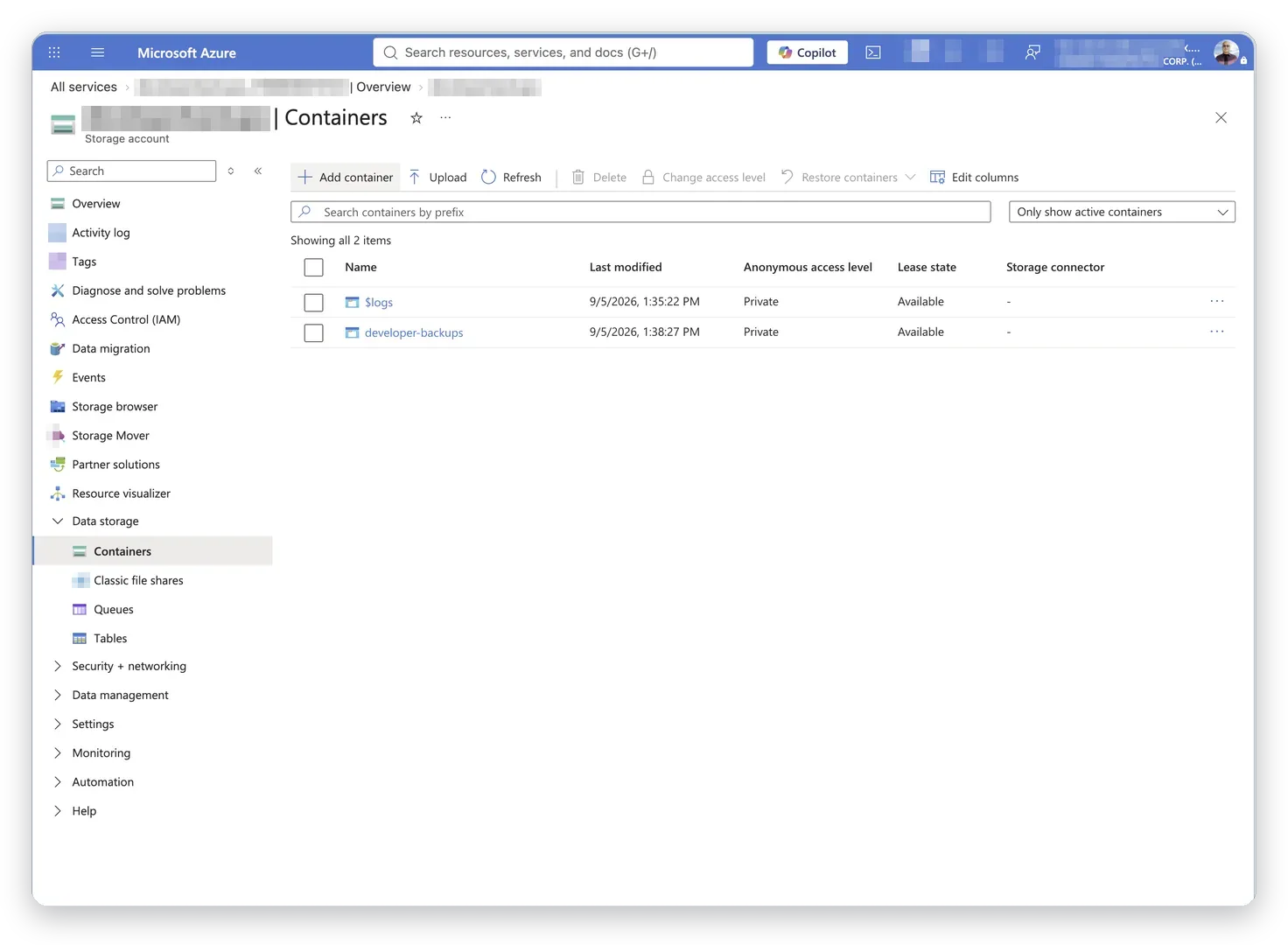
Inside the account, we create one container per system or purpose, for example servers, NAS devices and databases. Consequently, permissions and retention can differ between them, and the structure stays easy to follow.
Moreover, we estimate the monthly cost before the first upload, based on the data volume, the access tier and the expected number of restores. Consequently, the budget holds, and there are no surprises when the first invoice arrives.
Immutable storage, SAS and access
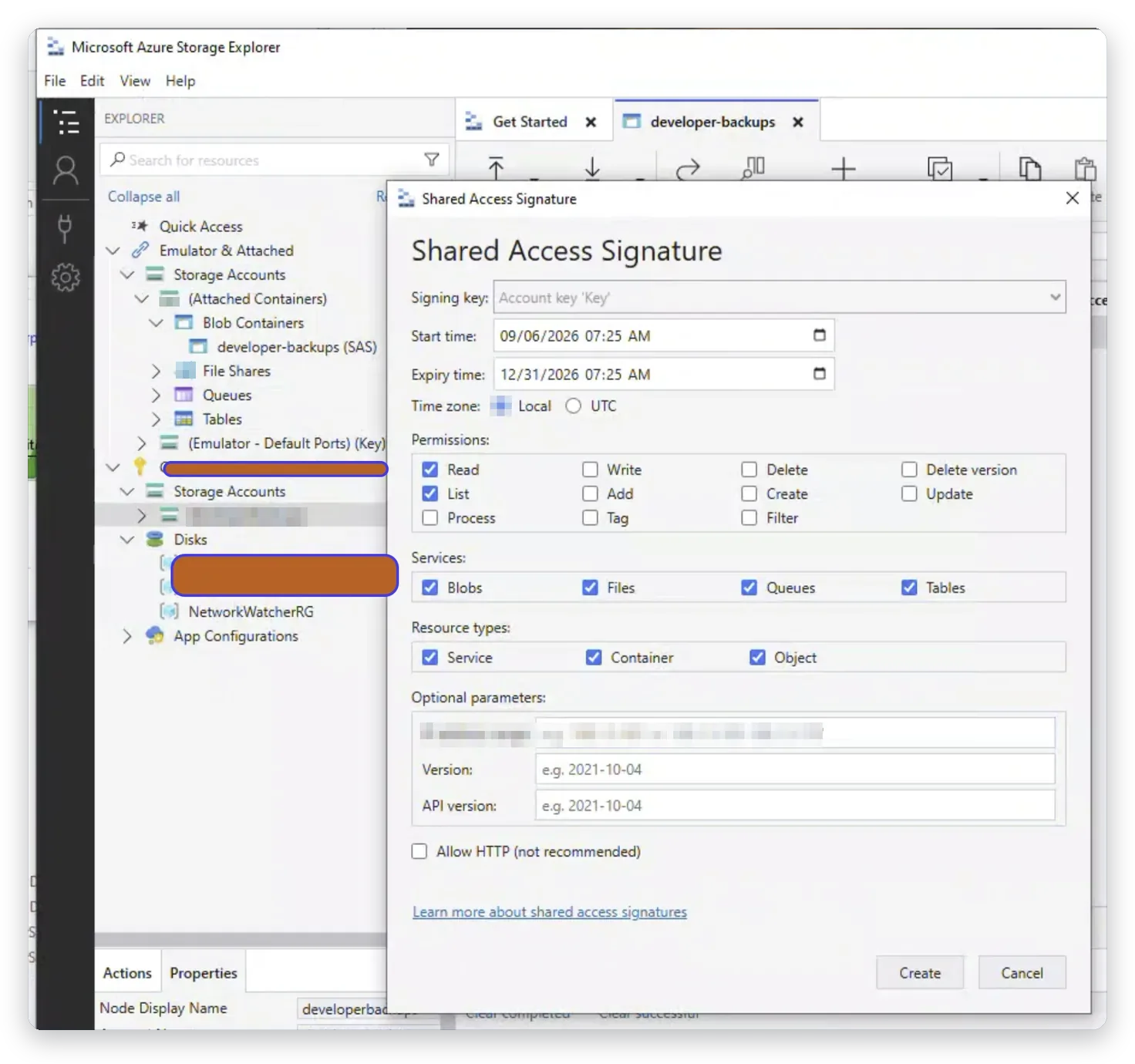
In addition, to protect the backups against ransomware we add an immutability policy that locks the data for a set number of days. Furthermore, the backup software gets its own limited access, preferably through a managed identity or a short-lived SAS token, never through the account key.
We also restrict network access to known addresses or a private endpoint. As a result, even an attacker with stolen credentials cannot reach the backup from an unknown network.
Transfer, monitoring and restore
Many backup products, such as Synology Hyper Backup, Veeam and Azure Backup, write directly to Blob Storage. Otherwise, we use AzCopy for scheduled transfers. In both cases, we monitor that every job succeeds and raise an alert when one fails.
Finally, we test restores regularly and document the result. Consequently, you know how long it takes to get the data back, and the Azure Blob Storage backup stays a real safety net rather than a false sense of security.
Contact Datorkirurgen AB about Azure Blob Storage backup
Business IT Support is part of Datorkirurgen AB, which has more than 30 years of experience in IT for businesses. We set up and monitor cloud backups to Azure Blob Storage for companies remotely anywhere, and on site in Stockholm and across Sweden.
In addition, our prices start at €250 per hour excluding VAT, or as agreed, and we guarantee to solve the problem. Microsoft describes the service in its Blob Storage introduction. Contact us, and we will plan your off-site backup.
Frequently asked questions about Azure Blob Storage backup
Basic questions
- Why back up to the cloud?
- What is the 3-2-1 rule?
- Why choose Azure Blob Storage?
- Can the data stay in Europe?
- Which access tier should we use?
- What does a cloud backup cost?
- How much data can we store?
- Which redundancy do we need?
- Can we back up a NAS to Azure?
- Can we back up servers to Azure?
Protection and access
- How do we protect backups against ransomware?
- What is immutable storage?
- Should the backup software use the account key?
- What is a managed identity?
- What is a SAS token?
- How do we limit network access?
- What is a private endpoint?
- Is the data encrypted?
- Who should have access to the backups?
- Should backups use a separate subscription?
Operations and support
- How do we know a backup succeeded?
- How often should we test a restore?
- How long does a restore take?
- Can we restore a single file?
- Can you set up alerts?
- Can you follow up the cost?
- Can you migrate our old backups?
- Do you work outside office hours?
- Do you offer ongoing support?
- How do I contact you about Azure Blob Storage backup?