
reCAPTCHA for businesses separates real visitors from bots before a form reaches your inbox. It is therefore one of the most cost-effective security measures for a company website, and it also affects how customers and search engines see your business.
What reCAPTCHA for businesses is
reCAPTCHA is Google’s service for detecting automated traffic on websites and in apps. Version 2 shows a checkbox or an image challenge. Version 3, on the other hand, works entirely in the background and gives each request a risk score between 0.0 and 1.0. A value close to 1.0 suggests a human, while a value close to 0.0 suggests a bot.
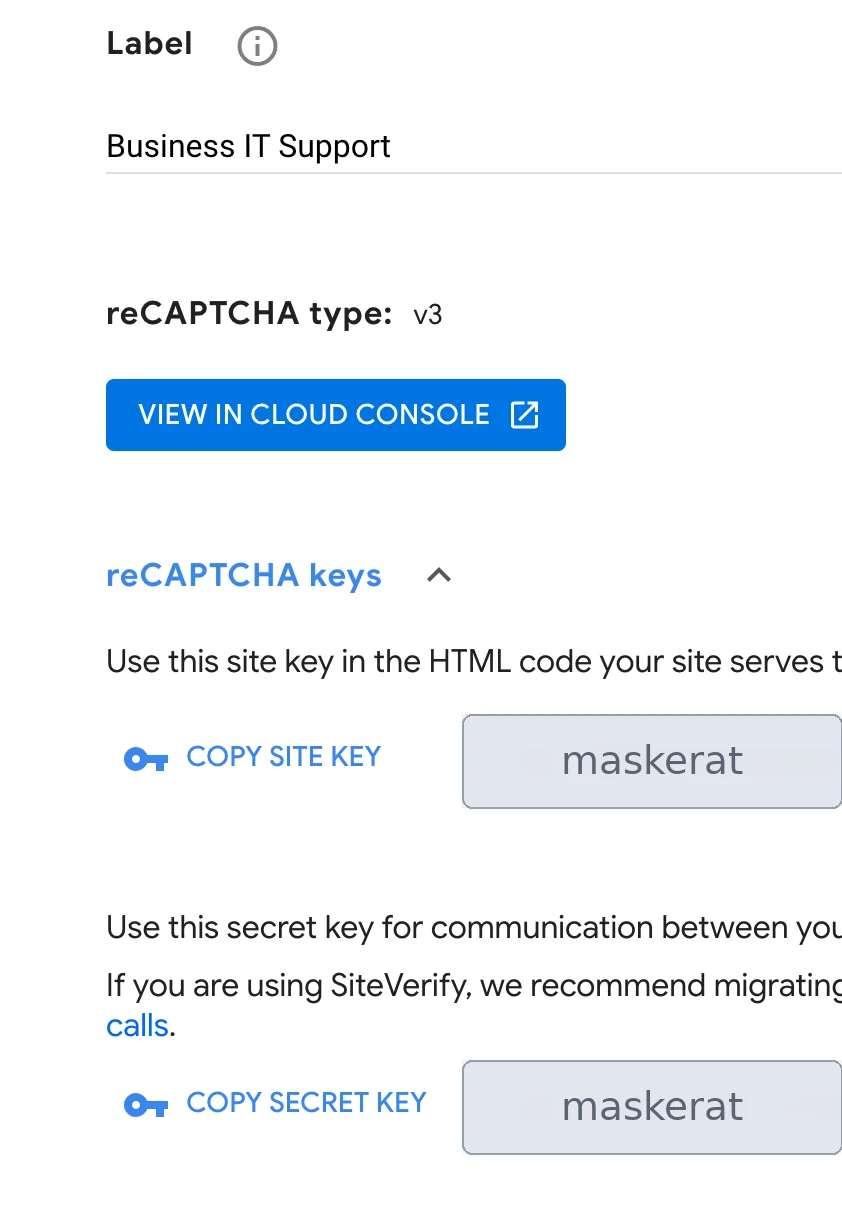
Technically, the solution has two parts. First, the site key loads a script in the visitor’s browser and creates a token when the visitor submits the form. Then the server sends the token and the secret key to Google for verification. Only after that does the website accept or reject the message.
In addition, Google returns the action name, for example contact or login, and the hostname. A correct integration therefore checks both values and not only the score. Otherwise, an attacker could reuse a valid token from another page. We also make sure the server accepts each token only once and within a short time.
Why company forms need protection
An open contact form is in practice a door into your email, your CRM and sometimes your ticket system. Bots fill in forms around the clock with advertising, phishing and links to malware. Moreover, they test stolen passwords against login pages, known as credential stuffing, and create fake accounts at scale.
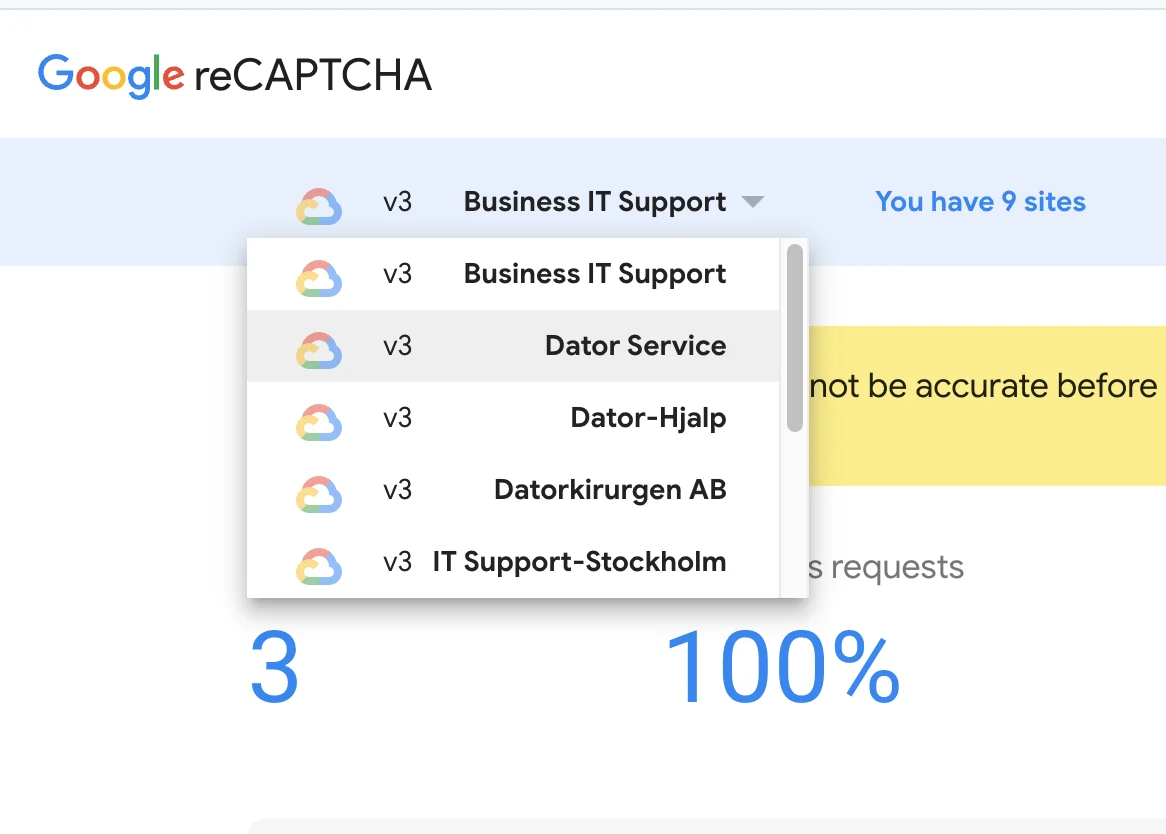
In the autumn of 2026, Datorkirurgen AB received a wave of form spam on several of its own websites. We therefore mapped every form and enabled reCAPTCHA v3 with one key per website, together with a server-side control question. On the site where the protection was already active, Google rated every attempt that week as suspicious.
reCAPTCHA in Google Cloud and Fraud Defense
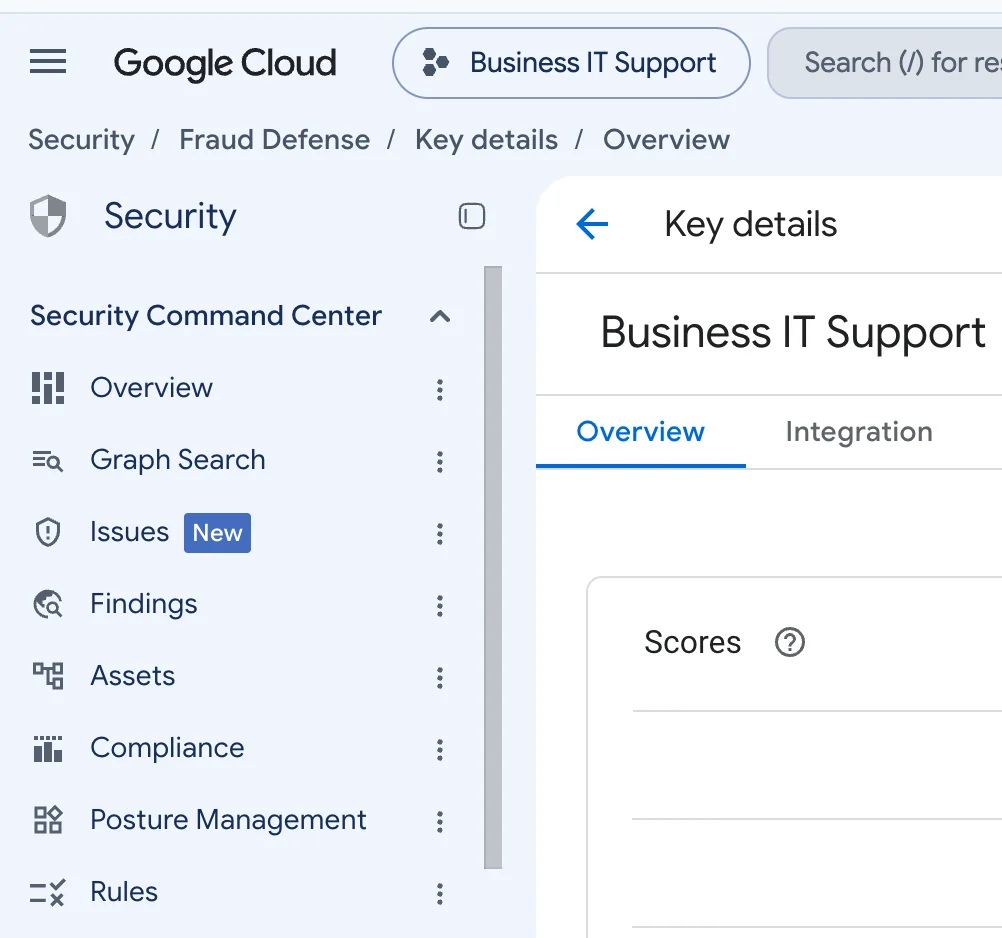
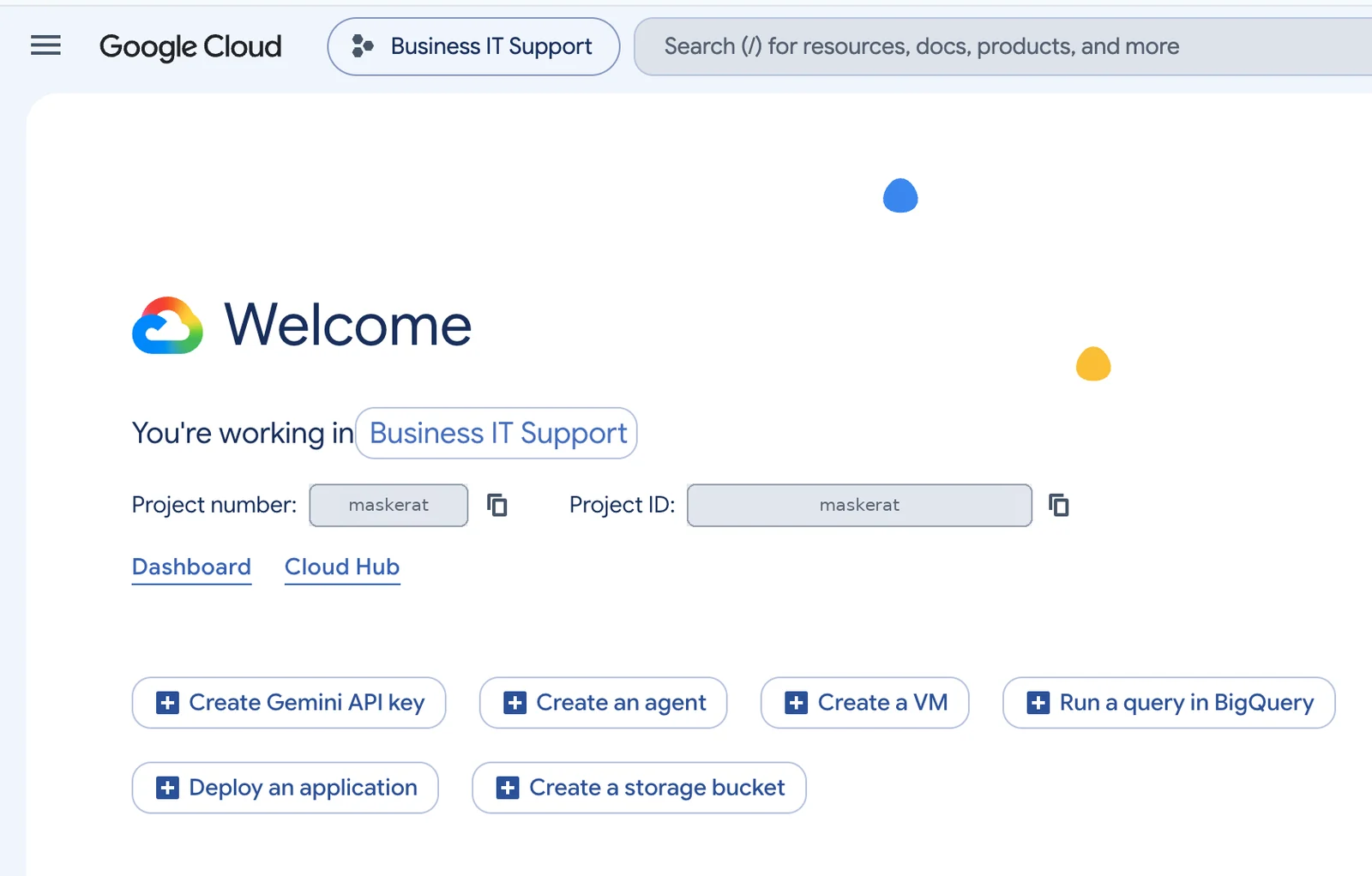
At the same time, Google has moved reCAPTCHA from the older admin console to Google Cloud. Every key now belongs to a Cloud project, and Google planned to finish the automatic migration during the first quarter of 2026. In April 2026, Google also presented Google Cloud Fraud Defense, where reCAPTCHA forms the base of the bot protection.
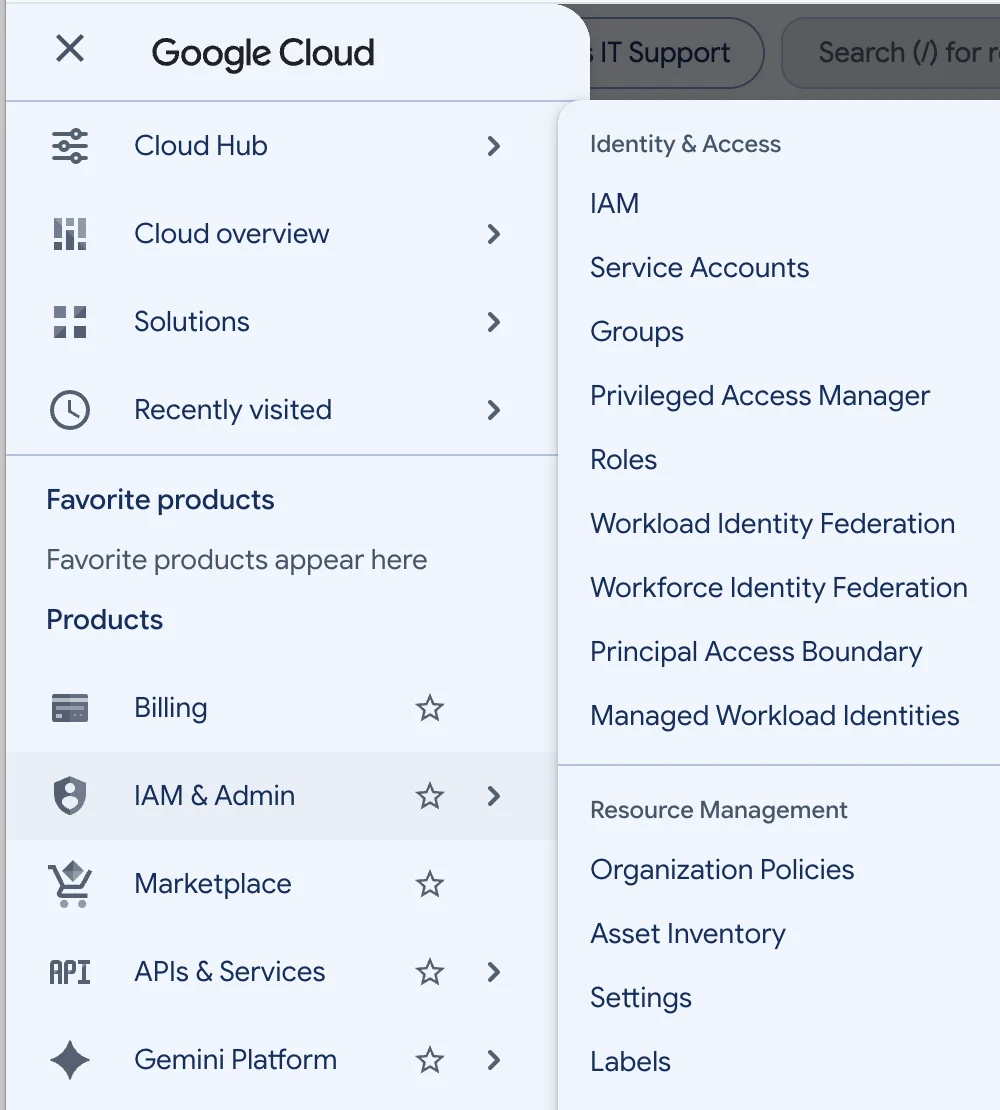
This change means three things for a business. First of all, 10,000 assessments per month are free, but the limit applies to the whole organisation, not to each website. Secondly, the protection stops returning scores if the organisation passes the limit without billing. Finally, IAM in Google Cloud decides who may read and change the keys.
How we configure reCAPTCHA for businesses
One key per website and the right domains
We always create a separate key for each website and add only the domains that belong to it. As a result, the key does not work on anyone else’s site, and we can follow the statistics per website. We normally choose version 3 and start with Google’s recommended threshold of 0.5. Then we adjust the value based on the score distribution in the console.
Secret key, privacy and protection in several layers
The secret key, however, belongs on the server and never in source code, email or chat. We also describe the use in the privacy policy, because the script processes technical data about the visitor. In addition, we combine reCAPTCHA with a hidden honeypot, a timing check, rate limiting and SPF, DKIM and DMARC for the email that the form sends.
The effect on security and credibility
With working bot protection, the inbox receives real enquiries instead of spam. Consequently, staff answer customers faster and do not risk clicking a phishing link hidden in a form message. Login pages also become much harder to attack with stolen passwords.
Furthermore, visitors notice nothing with version 3, because there are no puzzles to solve. The website therefore stays fast and accessible. For search engines and customers, a site without spam comments and fake accounts also signals a serious, well-maintained business.
Contact Datorkirurgen AB about reCAPTCHA for businesses
Business IT Support is part of Datorkirurgen AB, which has more than 30 years of experience in IT for businesses. We install and configure reCAPTCHA for businesses remotely anywhere, and we support WordPress, custom sites and applications.
Our prices start at €250 per hour excluding VAT, or as agreed, and we guarantee to solve the problem. Google describes version 3 in its developer documentation. Contact us, and we will review the forms on your websites.
Frequently asked questions about reCAPTCHA for businesses
Questions about reCAPTCHA for businesses
- What is reCAPTCHA?
- What is the difference between version 2 and version 3?
- What does the risk score mean?
- Which threshold should we use?
- Will visitors see a puzzle?
- Does reCAPTCHA slow down the website?
- Does it work with WordPress forms?
- Can we protect login pages too?
- Why do we need one key per website?
- What is credential stuffing?
Google Cloud, cost and privacy
- Why did reCAPTCHA move to Google Cloud?
- What is Google Cloud Fraud Defense?
- How many assessments are free?
- What happens if we pass the free limit?
- Who should have access to the keys?
- Where should the secret key live?
- Must we mention reCAPTCHA in the privacy policy?
- Does reCAPTCHA comply with GDPR?
- Can we use reCAPTCHA in an app?
- How do we rotate a leaked key?
Support and cooperation
- Can you review all our forms?
- What is a honeypot field?
- Why do we still receive some spam?
- Can you combine reCAPTCHA with other protection?
- Can you set up SPF, DKIM and DMARC as well?
- How long does an installation take?
- Do you support custom-built websites?
- Can you monitor the scores over time?
- Do you offer ongoing support?
- How do I contact you about reCAPTCHA for businesses?