
SharePoint administration keeps the company’s documents structured, findable and secure. Business IT Support configures sites, libraries and permissions in SharePoint Online, migrates old file servers and supports the users every day.
What professional SharePoint administration means
To begin with, SharePoint Online stores the files behind Microsoft Teams and many intranets. Without a plan, however, sites multiply, permissions grow messy and nobody finds the right version of a document. Professional SharePoint administration therefore prevents that from the start.
For this reason, we design the site structure, set sharing rules and keep permissions under control. In addition, we train key users who then help their colleagues. As a result, SharePoint becomes a tool people like to use rather than a confusing archive.
Sites, document libraries and metadata
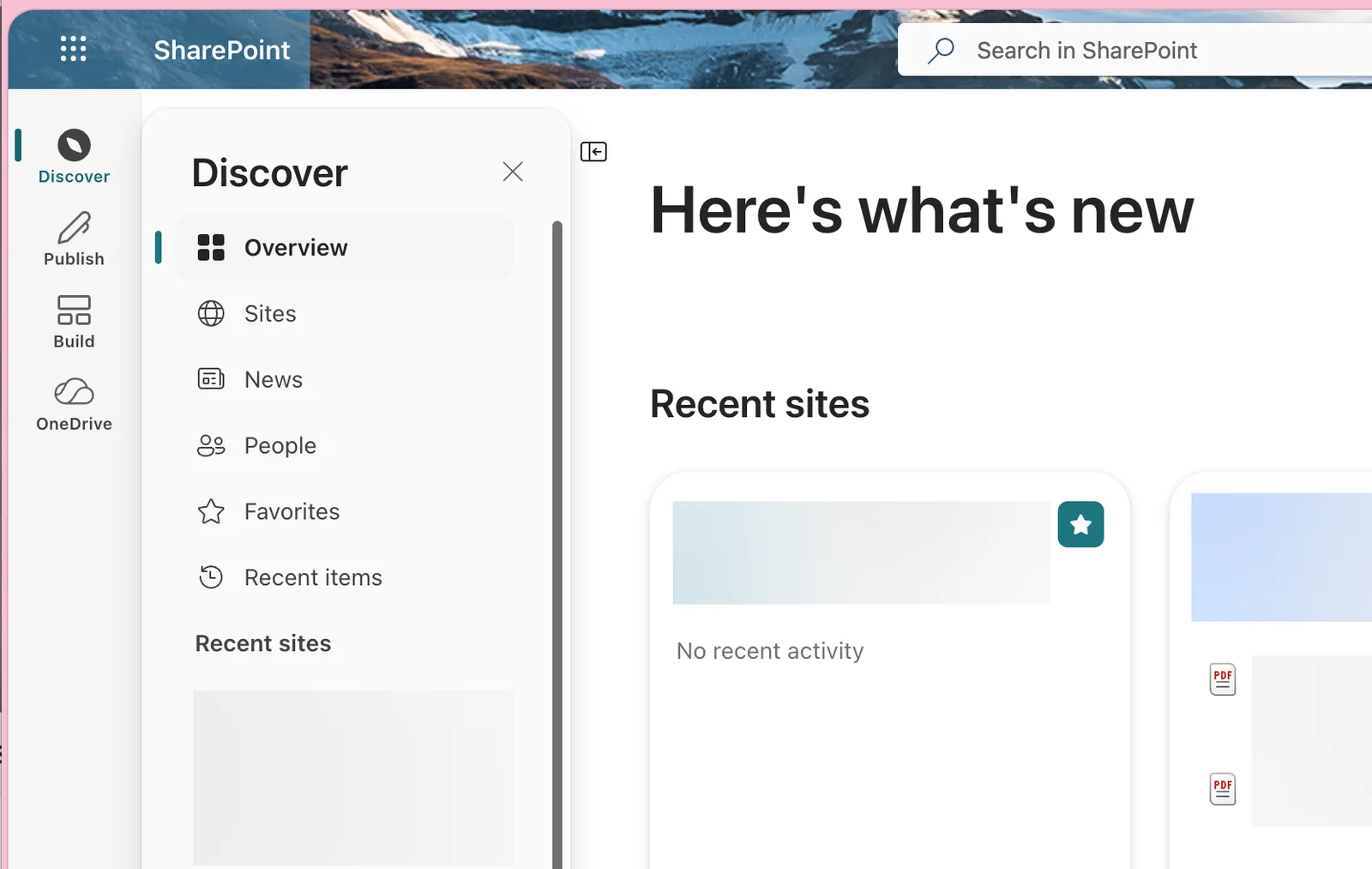
First of all, we choose between team sites and communication sites for each need. Team sites suit projects and departments, while communication sites suit news and the intranet. Then we connect related sites to a hub, so navigation and search work across them.
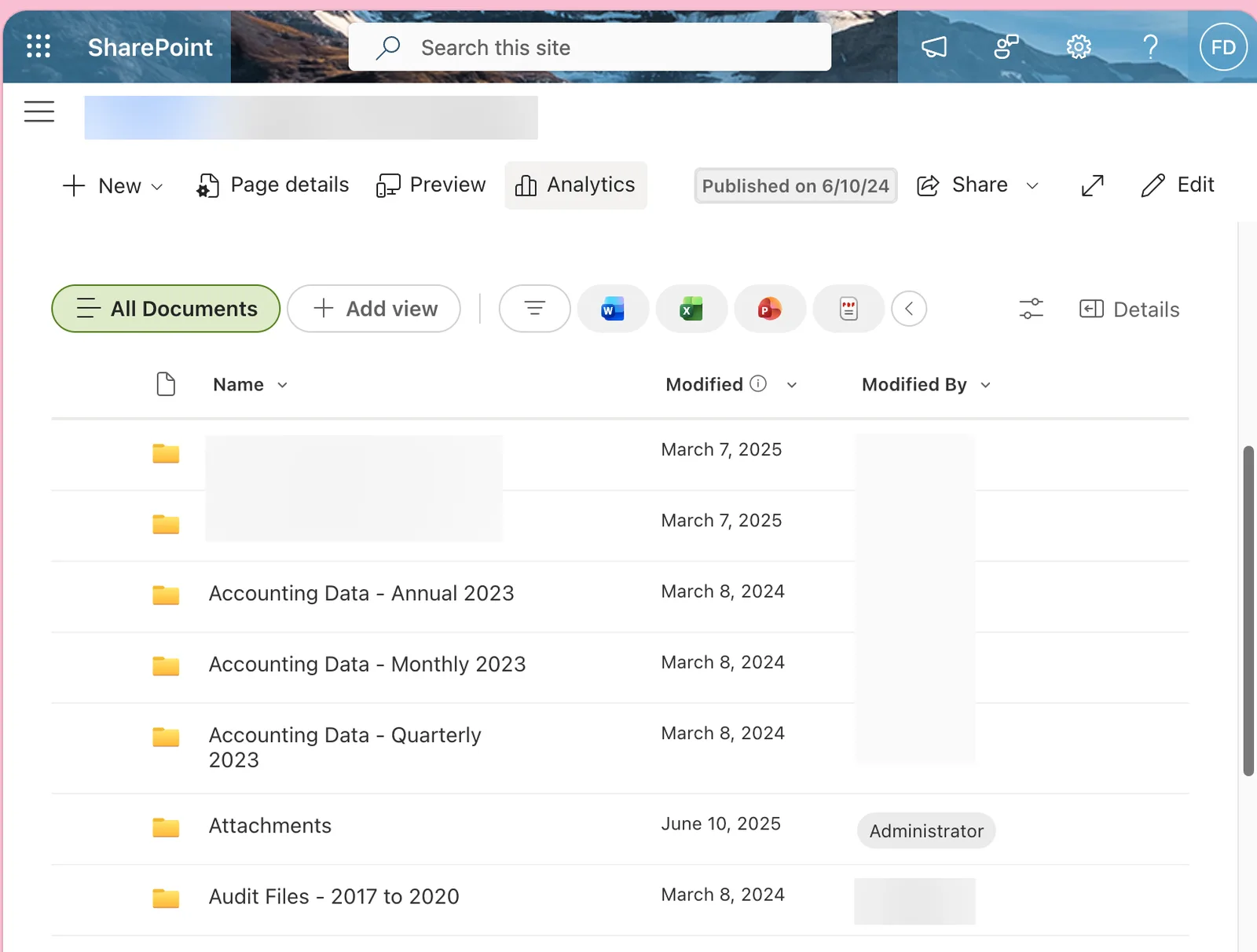
Similarly, inside each site we create document libraries with views, columns and metadata. For example, a column for customer or project makes it easy to filter documents without deep folder trees. Moreover, version history keeps earlier versions, so a mistake never deletes important work.
Permissions, guests and sharing in SharePoint administration
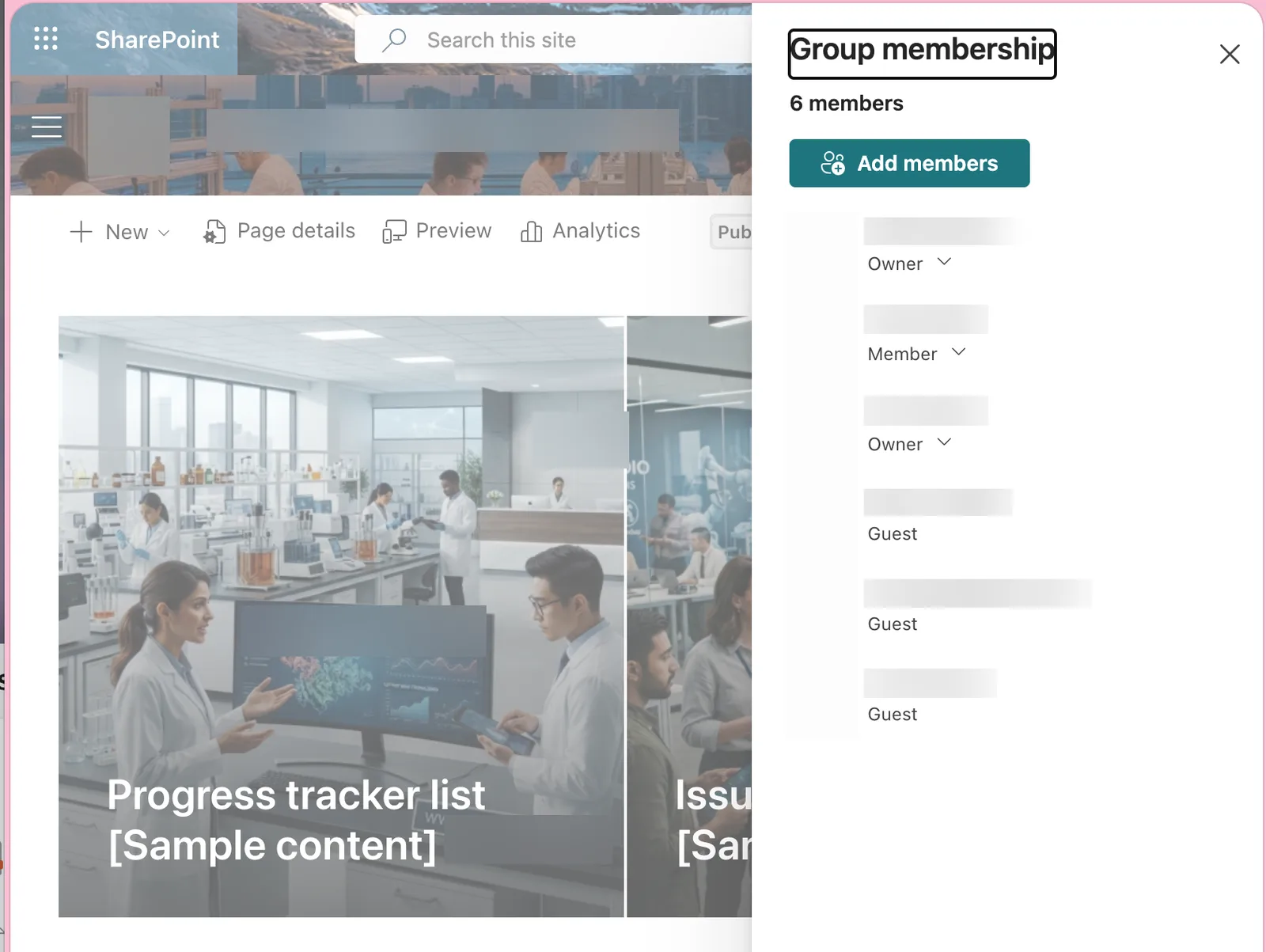
In general, we assign permissions through Microsoft 365 groups and SharePoint groups instead of single users. In other words, owners, members and visitors each get a clear role. Consequently, access stays understandable even after years of changes.
Above all, external sharing needs firm rules. Therefore, we decide which sites may share with guests, set expiry dates on sharing links and block ”anyone” links where the data is sensitive. In addition, we review guest access regularly and remove what nobody needs.
Migration, security and governance
At the same time, many companies still keep files on an old file server or in Dropbox. Therefore, we migrate them to SharePoint with the SharePoint Migration Tool or Migration Manager, and we keep dates and permissions where possible. Before the move, we clean out duplicates and old files.
In addition, for governance we use sensitivity labels, retention policies and data loss prevention. For instance, a label can stop documents with personal data from leaving the company. As a result, you meet requirements such as GDPR with less manual work.
Ongoing SharePoint support and troubleshooting
Generally speaking, everyday questions concern access denied messages, sync problems in OneDrive, lost files and slow searches. Usually, we check permissions, version history and the recycle bins, which often solve the case within minutes. If needed, we restore an entire library to an earlier point in time.
Besides that, we also monitor storage use and site growth in the admin centre. Consequently, we can archive old sites before the tenant runs out of space.
Common SharePoint problems we solve
For example, typical problems include broken inheritance, too many unique permissions, files with very long paths and libraries with more than 5,000 items in one view. In addition, we often see sites without owners after staff leave.
Then we solve these problems step by step and document the result. Furthermore, we adjust the structure so the same problem does not return.
Contact Datorkirurgen AB about SharePoint administration
Business IT Support is part of Datorkirurgen AB, which has more than 30 years of experience in IT for businesses. We configure, migrate and support SharePoint for companies remotely anywhere, and on site in Stockholm and across Sweden.
Our prices start at €250 per hour excluding VAT, or as agreed, and we guarantee to solve the problem. Microsoft describes the service in its SharePoint documentation. Contact us, and we will start with a review of your sites.
Frequently asked questions about SharePoint administration
SharePoint administration basics
- What is SharePoint Online?
- What is the difference between a team site and a communication site?
- What is a hub site?
- How does SharePoint relate to Teams?
- Should we use folders or metadata?
- How does version history work?
- How much storage do we get?
- Can SharePoint replace our file server?
- Who should own a site?
- How do we build an intranet?
Permissions and sharing
- How do we give a colleague access?
- What is broken inheritance?
- How do we share a file with a customer?
- Can we block anyone links?
- How do guest users work?
- How do we set expiry dates on links?
- What is a sensitivity label?
- How do we find files shared externally?
- What does access denied mean?
- How do we remove a former employee’s access?
Migration and support
- How do you migrate a file server to SharePoint?
- Do dates and permissions follow the migration?
- Can you migrate from Dropbox or Google Drive?
- Why does OneDrive sync fail?
- How do we restore a deleted file?
- Can we restore a whole library?
- Why is search slow or incomplete?
- What is the 5,000 item limit?
- Do you offer ongoing administration?
- How do I contact you about SharePoint administration?