
Microsoft 365 and Azure for businesses: migration, security, permissions and day-to-day support from Business IT Support, part of Datorkirurgen AB.
Why the cloud needs someone in charge
Microsoft 365 and Azure certainly offer great possibilities. However, the environment quickly becomes disorganised if nobody is responsible for permissions, security and costs. Many companies start with a few licences and accounts and discover a couple of years later that nobody really knows who has access to what, that old accounts remain and that costs keep rising. Business IT Support therefore helps companies migrate, configure and run Microsoft environments so that they stay in order. For that reason, we take responsibility for licences, users, groups and settings, and we also document how everything fits together.
In addition, we make sure that essential protection, such as multi-factor authentication and the right access policies, is in place. As a result, staff can use the services without obstacles while company data stays protected. A well-run cloud environment saves time, reduces the risk of intrusion and gives you better control over both security and costs.

Exchange, Teams, SharePoint and email security
The core of Microsoft 365 is email, collaboration and document management. First of all, we migrate and configure Exchange Online for email and calendars, Teams for meetings and chat, and SharePoint and OneDrive for shared files. We also set up permissions, sharing rules and a storage structure, so documents are easy to find but not available to more people than necessary. Because email is a common way in for fraudsters, we make sure your domain has SPF, DKIM and DMARC.
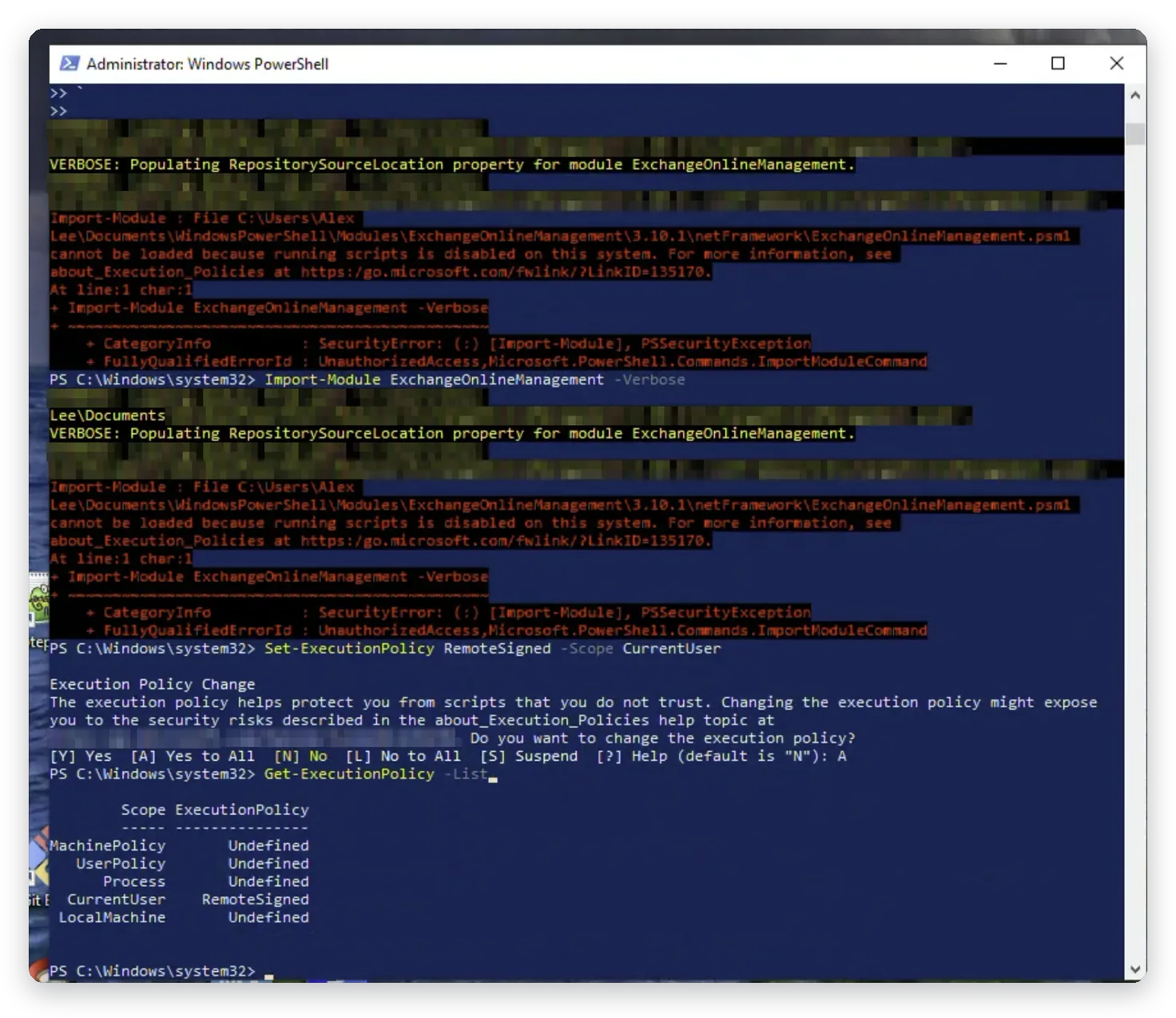
When needed, we use PowerShell to manage many users or sites in a consistent way. Furthermore, we review sharing settings regularly, since over-shared folders are one of the most common causes of accidental leaks. In this way collaboration works without weakening security, and new employees get started with their tools and accounts quickly.
Azure for storage, backup and remote desktops
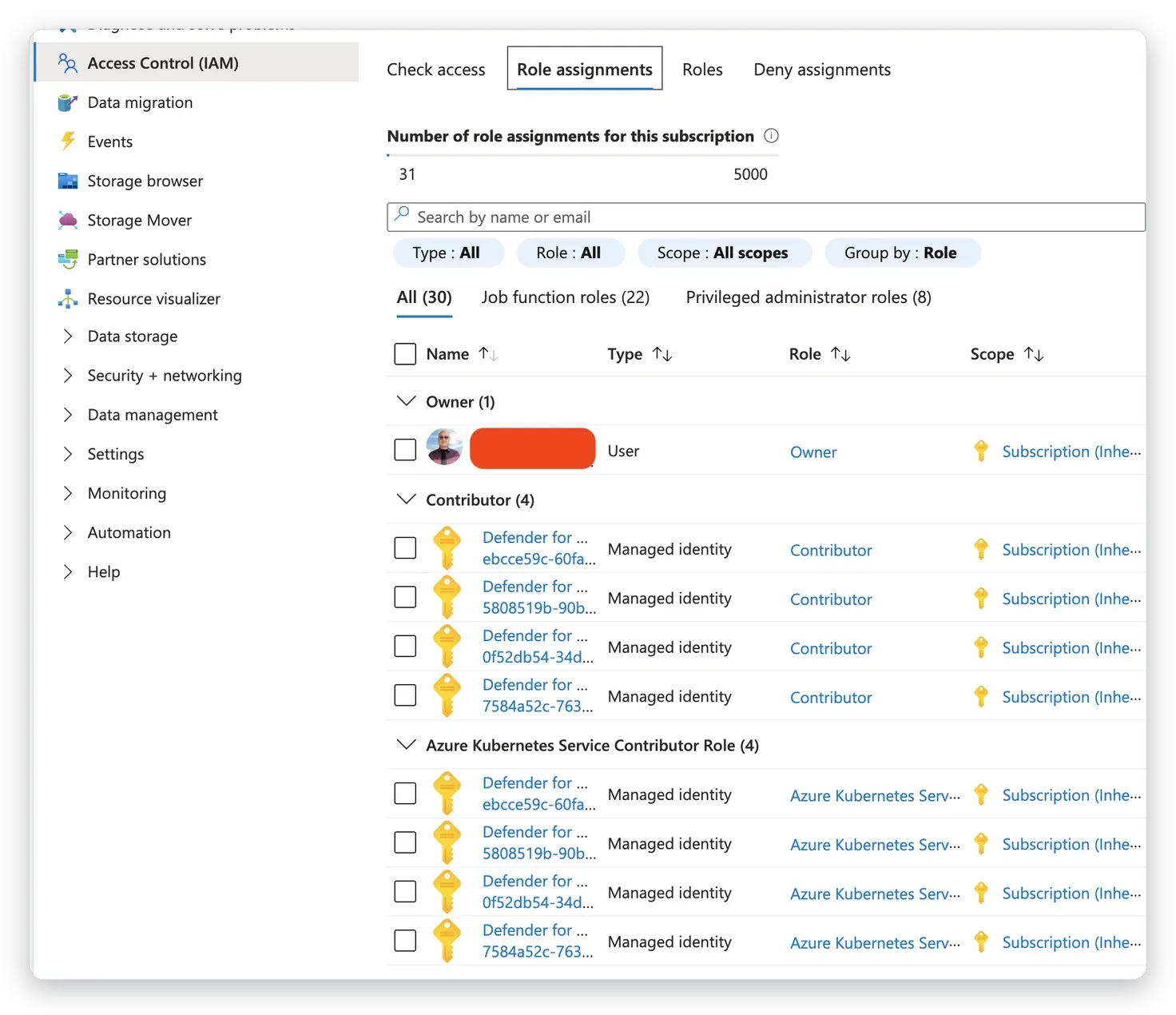
Azure is Microsoft’s cloud platform, and companies therefore use it for everything from storage and backup to virtual machines. For example, we build backup solutions with Azure Blob Storage, where copies can be protected against deletion with immutable storage. We also move files with tools such as Storage Explorer and AzCopy. Likewise, with Azure Virtual Desktop users get secure access to a desktop in the cloud from any device, which makes remote work easier and reduces the need for local servers.
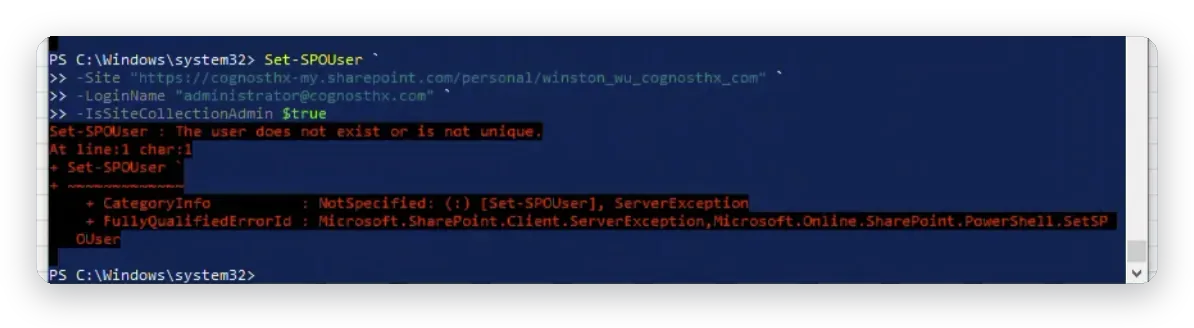
In addition, roles and permissions control access, and we regularly review who holds which role. We also follow up on costs, because forgotten resources otherwise keep costing money. Similarly, we choose solutions that match the size and needs of the company, and we say so when a simpler solution is enough.
Migration without downtime
Moving from local servers or older systems to the cloud requires planning. First, we map what exists: mailboxes, files, applications and users. Then we plan the move, choose a suitable time and test with a small group before everyone moves. The migration itself preferably takes place outside office hours, so the business is disturbed as little as possible. At the same time, we check that email, calendars and files have arrived.
Throughout the work we make sure a backup exists, so nothing is lost if something unexpected happens. Finally, we decommission the old environment securely, so that old servers do not remain as a vulnerability. A well-executed migration is barely noticed by users, and that is exactly what we aim for.
Contact Datorkirurgen AB about Microsoft 365 and Azure
Do you want to move to the cloud or bring order to your Microsoft environment? Business IT Support, part of Datorkirurgen AB, migrates, configures and operates Microsoft 365 and Azure for companies in Sweden and abroad. We start with a review of what you have today, and then we propose a clear plan with prioritised actions. If you already use Microsoft 365, we can review licences, permissions, sharing and security settings and correct what needs correcting.
We also help with backup, email security and administration with PowerShell. After the project we remain available for ongoing support and regular security reviews. Our prices start at €250 excl. VAT per hour, or as agreed, and we guarantee to solve the problem. Contact us, and we will go through your needs and put together a proposal for a secure, transparent and cost-effective environment.
Frequently asked questions about Microsoft 365 and Azure
Questions about Microsoft 365 and Azure
- What is included in Microsoft 365 for business?
- Which Microsoft 365 licence should we choose?
- How do you migrate email to Microsoft 365?
- How do you move a file server to Microsoft 365?
- How do you add a user in Microsoft 365?
- How do you remove a user in Microsoft 365?
- How do you enable multi-factor authentication?
- How do you share files securely in SharePoint?
- Does Microsoft 365 need a separate backup?
- What does Microsoft 365 cost for a small company?
Microsoft 365 and Azure: the Azure platform
- What is Microsoft Azure?
- What can a company use Azure for?
- How do you back up to Azure?
- What is Azure Blob Storage?
- What is Azure Virtual Desktop?
- How do you assign permissions in Azure?
- How do you keep Azure costs under control?
- Is Azure secure for sensitive data?
- How do you move files to Azure?
- Azure or AWS – which suits a small company best?
More about migration and support
- How long does a cloud migration take?
- Can you migrate without downtime?
- What happens to old servers after a migration?
- How do you protect Microsoft 365 against intrusion?
- How do you protect email against spoofing?
- What is DMARC in Microsoft 365?
- How do you manage many users with PowerShell?
- Can you review our Microsoft 365 environment?
- Do you offer ongoing support for Microsoft 365?
- Can you work with our tenant from abroad?