
Starlink for businesses brings fast internet to offices, construction sites, summer houses and boats far from fibre. The result, however, depends on the installation. Business IT Support places the dish, connects it to the company network and troubleshoots problems.
Starlink for businesses only works with a correct installation
Starlink connects to satellites in low orbit, which gives much lower latency than older satellite internet. As a result, video meetings, cloud services and VPN work well. However, the dish needs a clear view of the sky, and the network behind it must be set up correctly.
Many problems that users blame on Starlink actually come from obstructions, a weak Wi-Fi network or a router that does not suit the business. Therefore, we look at the whole chain, from the dish to the last laptop.
Placement matters most
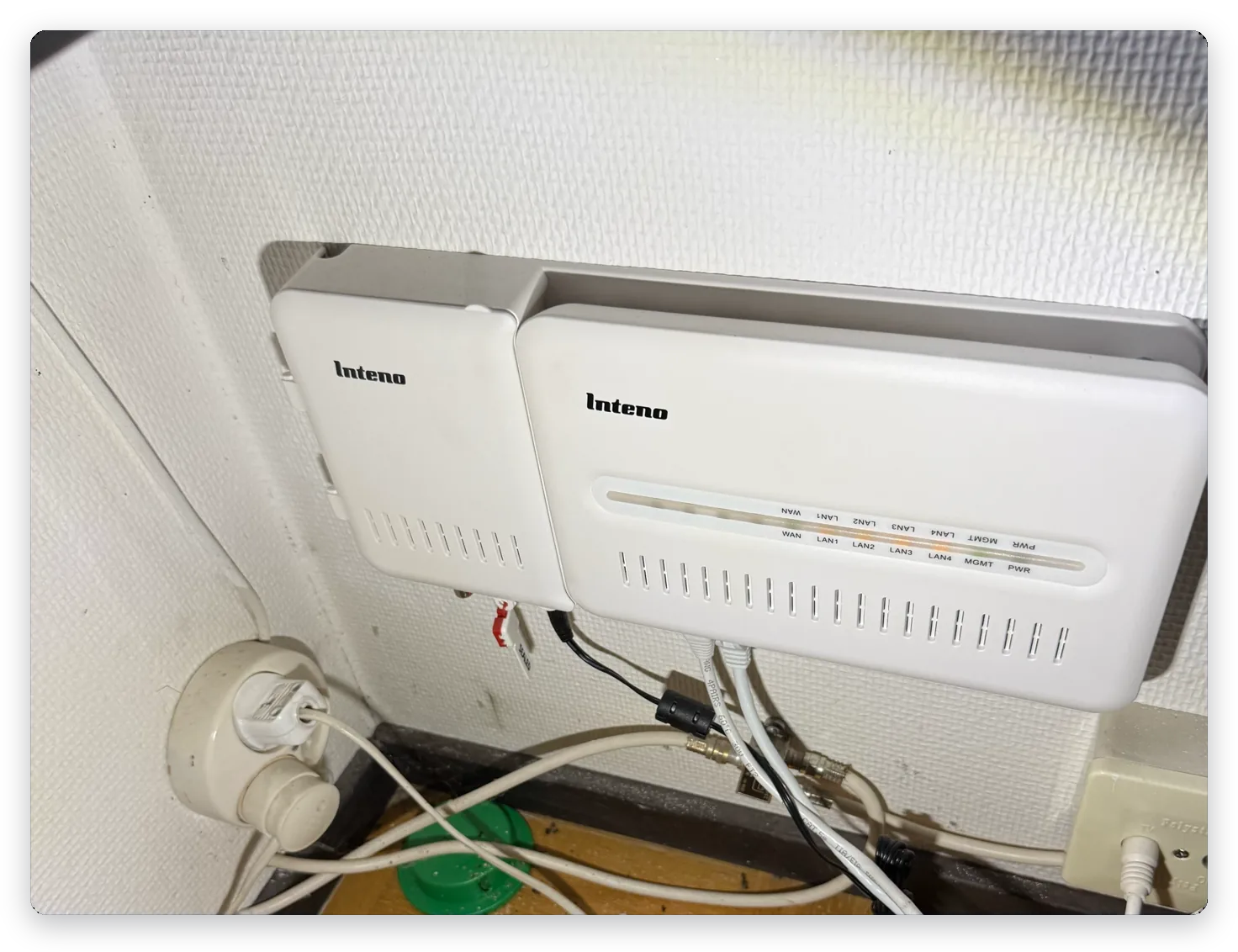
First of all, we use the Starlink app to check for obstructions such as trees, chimneys and buildings. The dish needs a wide, clear view, mainly towards the north in the Nordic countries. In addition, we choose a mount that withstands wind, snow and ice, and we route the cable safely into the building.
For boats and vehicles, the requirements differ, since the dish moves. In those cases, we choose a suitable model and mount and plan the power supply. Consequently, the connection stays stable on the move as well.
Network and router
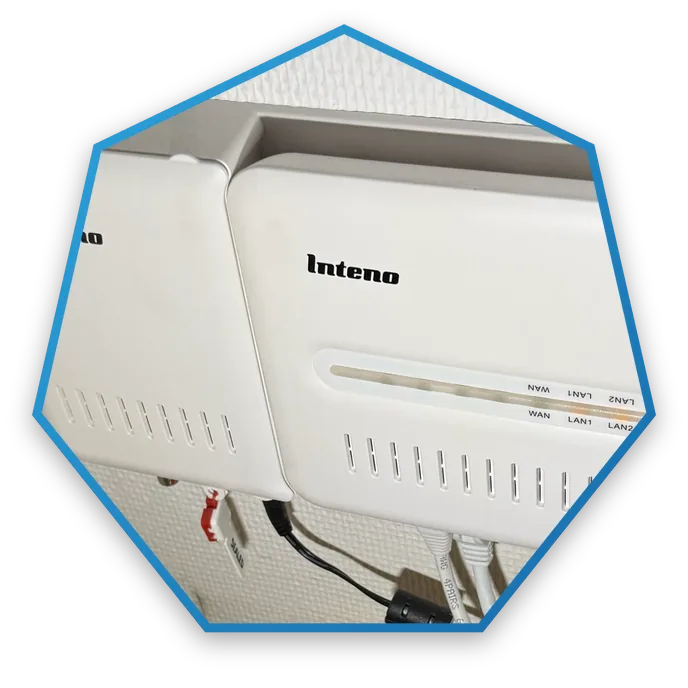
The Starlink router works well in a home, but businesses often need more: VLANs, a firewall, VPN and a guest network. Therefore, we often put the Starlink router in bypass mode and connect the dish to a business router or firewall. As a result, Starlink becomes one connection among others in a managed network.
For larger premises, we add mesh nodes or access points with wired backhaul, and fibre where the distances are long. Furthermore, Starlink can serve as a backup line that takes over automatically when the fibre goes down.
Limitations and common problems
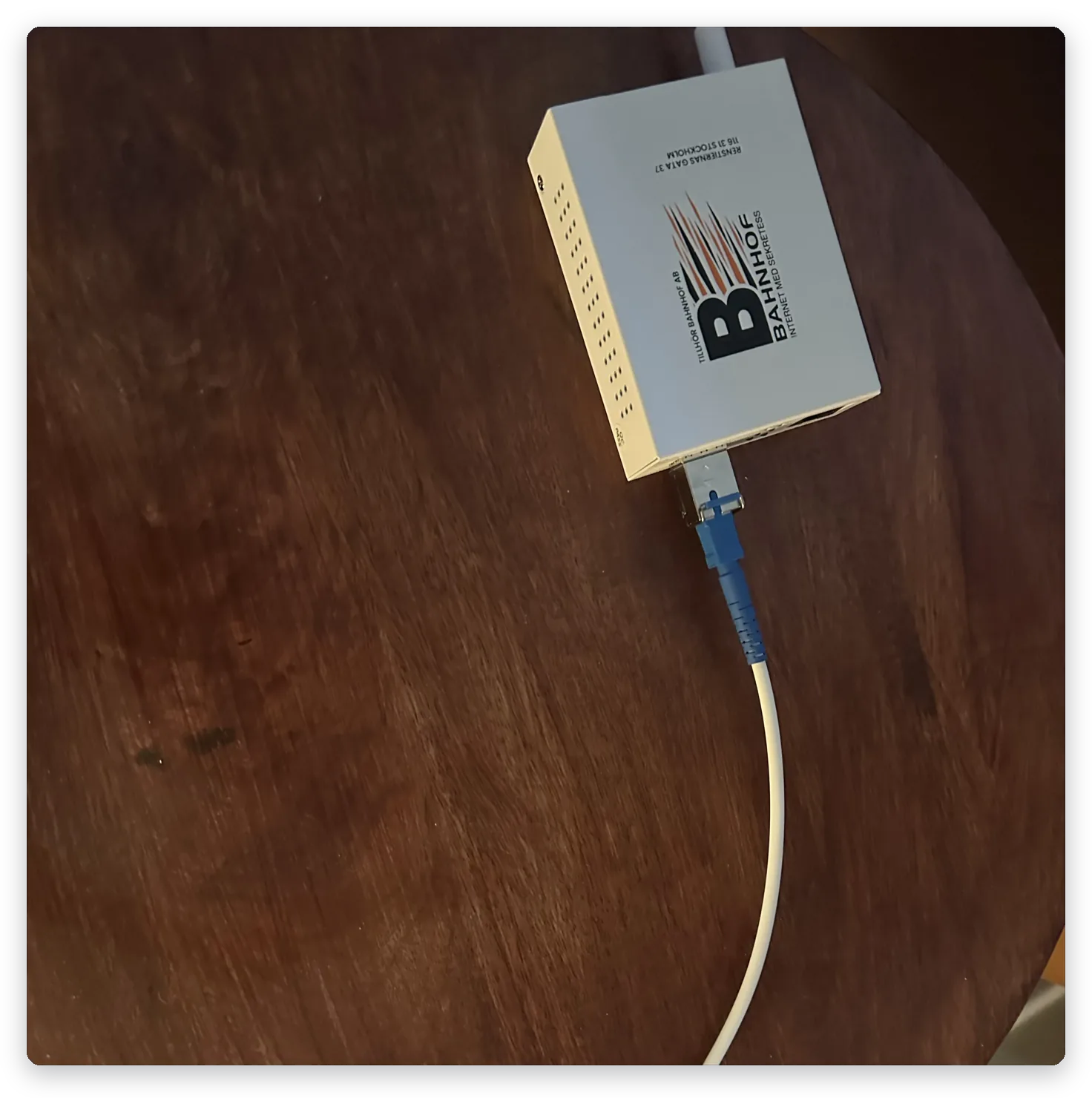
Standard plans use carrier-grade NAT, which blocks incoming connections to cameras and servers. In that case, we use a VPN, a cloud service or a plan with a public IP address. Moreover, heavy snow and obstructions cause short dropouts, which the app shows in its statistics.
Common problems also include a slow Wi-Fi network, a faulty cable and a router in the wrong place. We test speed and latency at each step and fix the weakest link. Consequently, the users get the performance that Starlink can actually deliver.
In addition, we document the installation with photos, cable routes and settings. Therefore, anyone can understand the setup later, for example when the dish needs a new mount or the router needs replacing.
Contact Datorkirurgen AB about Starlink for businesses
Business IT Support is part of Datorkirurgen AB, which has more than 30 years of experience in IT for businesses. We install and support Starlink for businesses, holiday homes and boats, connected to secure company networks, in Stockholm and across Sweden.
In addition, our prices start at €250 per hour excluding VAT, or as agreed, and we guarantee to solve the problem. Starlink describes its business plans on starlink.com. Contact us, and we will plan the installation.
Frequently asked questions about Starlink for businesses
Starlink for businesses: basic questions
- What is Starlink?
- How fast is Starlink?
- What latency does Starlink have?
- Does Starlink work for video meetings?
- Does Starlink work with VPN?
- Which Starlink plan suits a business?
- Can Starlink replace fibre?
- Can Starlink be a backup line?
- Does Starlink work on a boat?
- Does Starlink work in winter?
Installation and network
- Where should the dish be placed?
- How do we check for obstructions?
- Which mount should we use?
- How do we route the cable indoors?
- What is bypass mode?
- Can we use our own router?
- Can we connect a firewall?
- How do we cover a large building with Wi-Fi?
- What is wired backhaul?
- Can Starlink and fibre share one network?
Limitations and support
- What is CGNAT?
- Can we reach our cameras remotely?
- Can we get a public IP address?
- Why does the connection drop now and then?
- Why is the speed lower than expected?
- Can you troubleshoot our installation?
- Do you install in summer houses?
- Do you work outside office hours?
- Do you offer ongoing support?
- How do I contact you about Starlink for businesses?