
DMARC, SPF and BIMI for businesses: we check your domain, correct SPF, DKIM and DMARC, and add your logo to recipients’ inboxes with BIMI.
What a domain check looks like
Email is one of the most common ways for fraudsters to reach a company. If your domain lacks the right DNS records, anyone can send messages that appear to come from you. Business IT Support therefore starts with a domain check, where we review SPF, DKIM, DMARC, MX records and certificates. As a result, you get a clear picture of what works and what needs fixing.
SPF lists the servers that may send email for your domain. DKIM adds a digital signature that shows that nobody has changed the message. DMARC then tells the receiving server what to do with messages that fail the checks, and it sends reports back to you. Together they form the basis of modern email authentication.
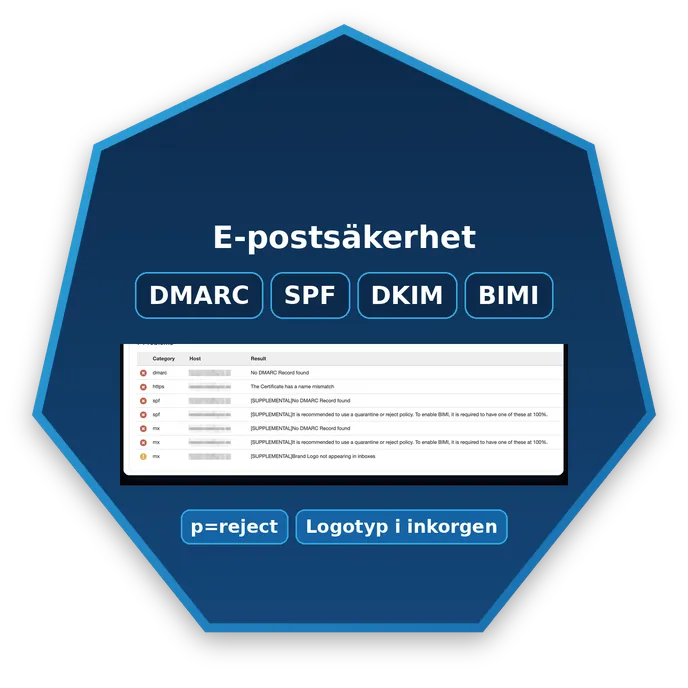
Missing DMARC record and weak policy
Many companies have no DMARC record at all, or a record with the policy p=none, which only monitors and never stops anything. Since 2024, Google and Yahoo also require DMARC from organisations that send large volumes of email, and Microsoft has introduced similar requirements. Messages from domains without proper authentication are therefore more likely to end up in spam.
We introduce DMARC step by step. First, we collect reports and identify every service that sends email for you, such as Microsoft 365, newsletter tools and invoicing systems. Then we correct SPF and DKIM for each of them. Finally, we tighten the policy to quarantine and reject, so that receiving servers stop forged messages.
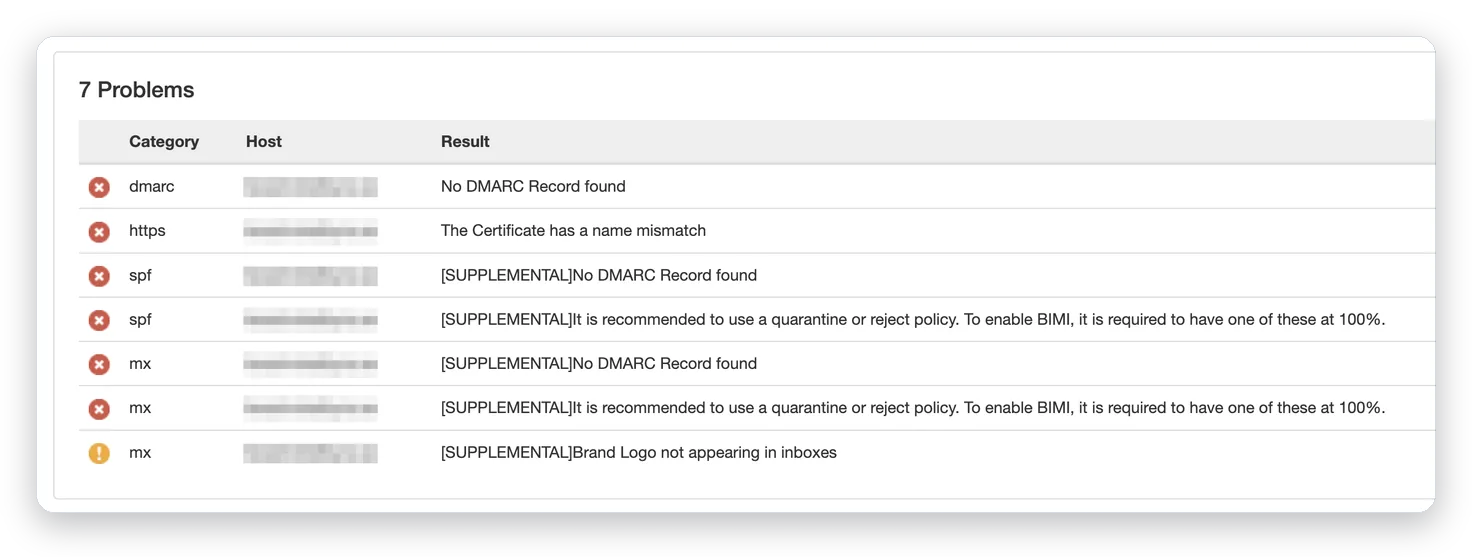
Certificate errors and the BIMI logo
BIMI, Brand Indicators for Message Identification, shows your logo next to your messages in the recipient’s inbox. It requires a DMARC policy of quarantine or reject, a logo in a specific SVG format and, for Gmail and Apple Mail, a certificate that verifies the logo. We help you prepare the logo, publish the BIMI record and obtain the certificate.
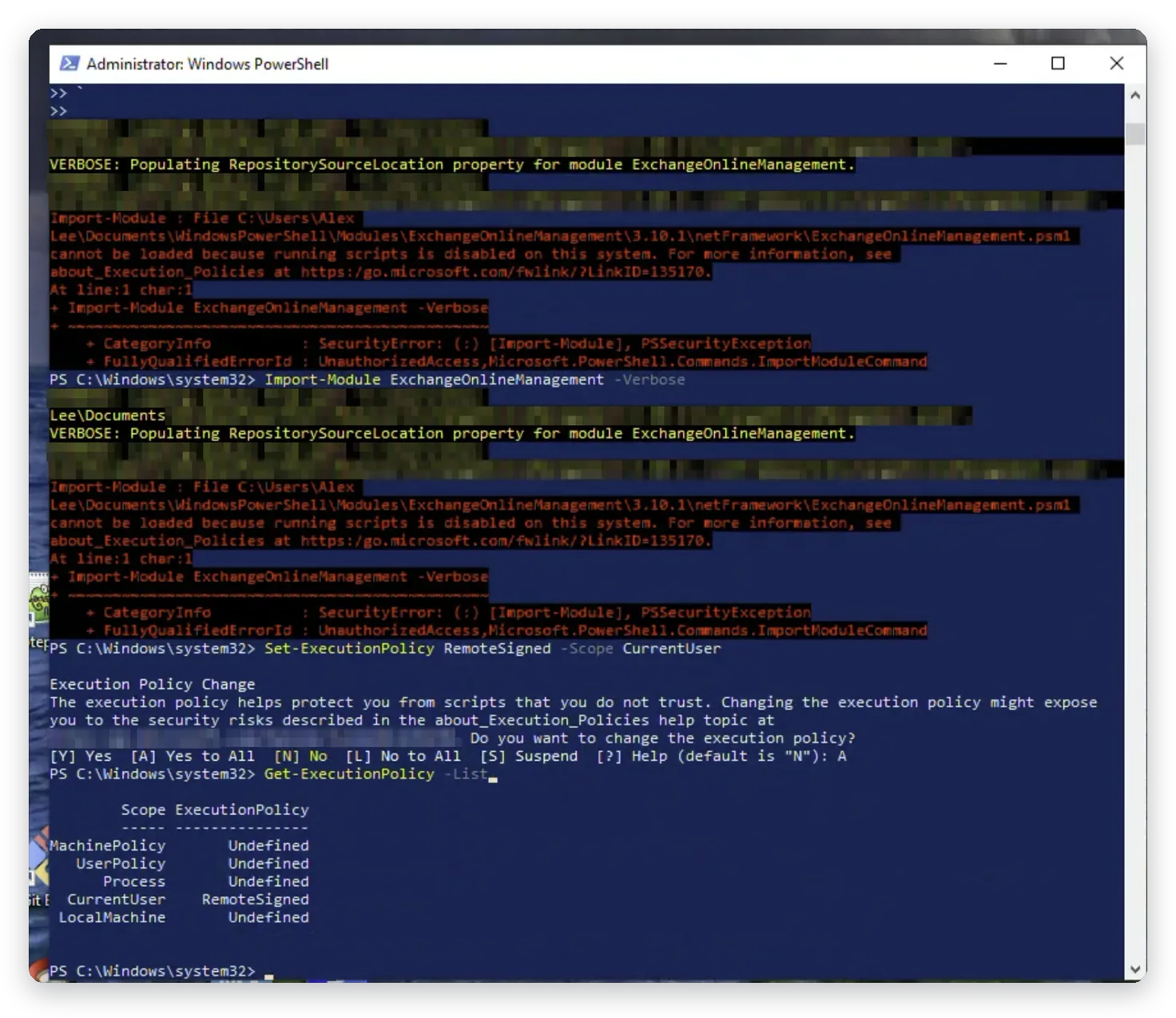
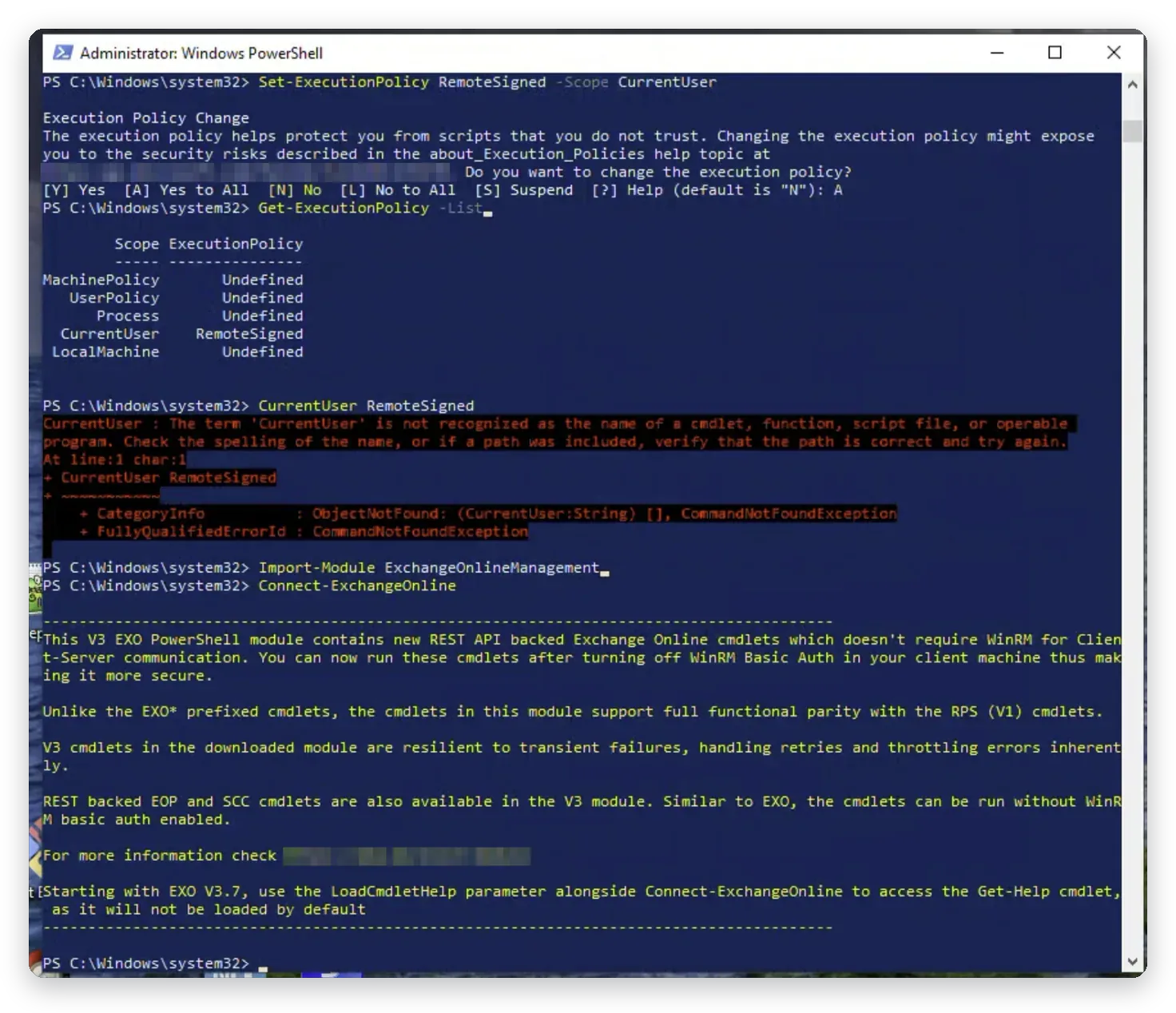
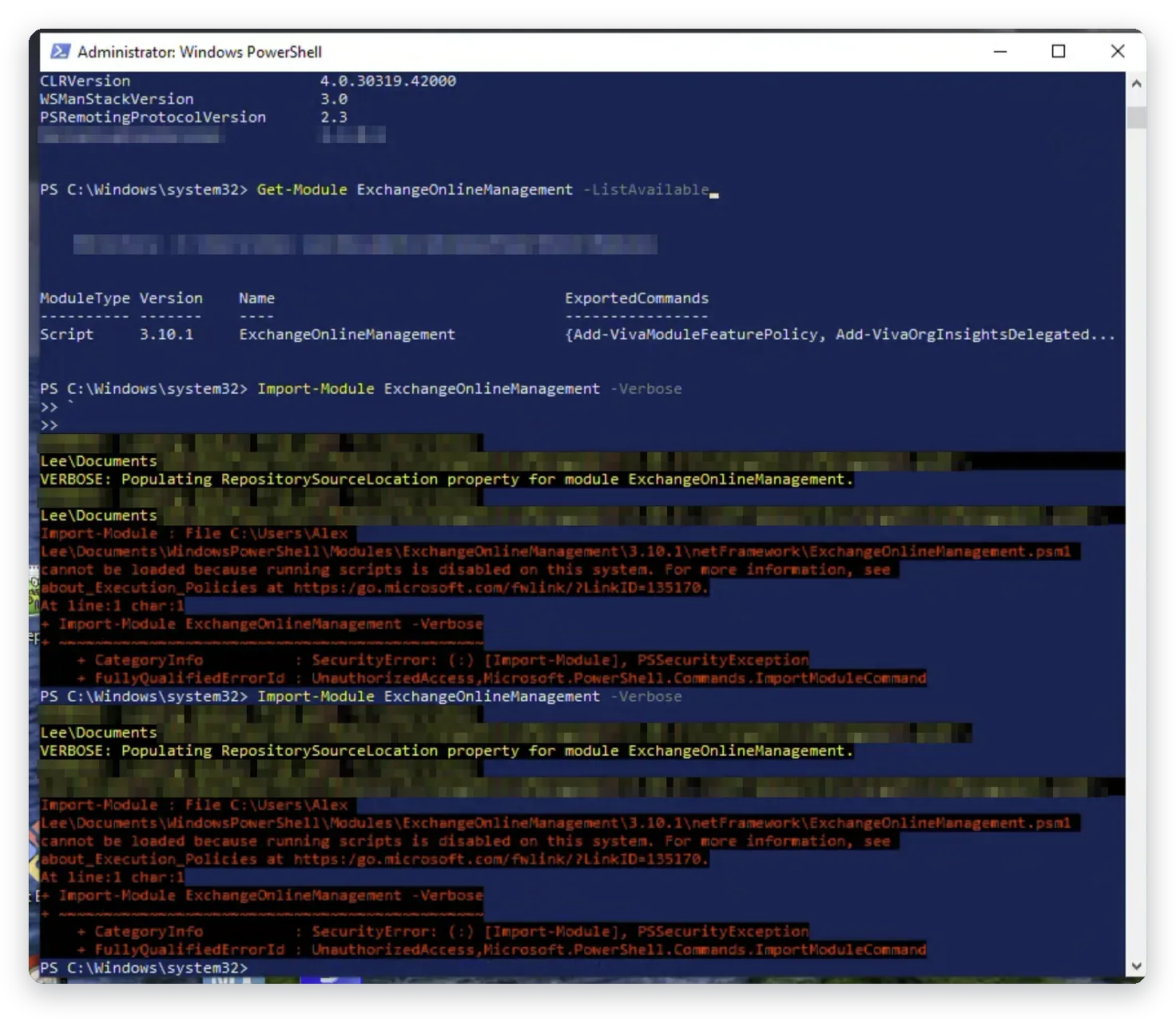
We also check TLS certificates on mail servers and web domains, because expired or mismatched certificates cause warnings and failed deliveries. In addition, we use PowerShell to verify settings in Exchange Online, such as DKIM keys and connectors. Consequently, the whole chain from sender to inbox works as intended.
Why this matters even more in sensitive industries
Law firms, clinics, accountants and financial companies handle information that attracts fraudsters in particular. A single forged invoice or a fake message about changed bank details can cause serious damage. For that reason, these organisations benefit most from a strict DMARC policy and regular monitoring of the reports.
Furthermore, correct email authentication strengthens trust in your brand. Customers see that your messages are verified, and your own messages reach the inbox instead of the spam folder. In this way, email security is both protection and a quality mark.
Contact Datorkirurgen AB about DMARC, SPF and BIMI
Do you want to know whether your domain has proper protection, or do your messages end up in spam? Business IT Support, part of Datorkirurgen AB, checks and corrects email authentication for companies in Sweden and abroad. Because the work takes place in DNS and the mail platform, we can carry it out entirely remotely.
Send us your domain name, and we will report what we find and what the next steps are. Our prices start at €250 excl. VAT per hour, or as agreed, and we guarantee to solve the problem. Contact us, and we will make sure your email arrives and that nobody else can send in your name.
Frequently asked questions about DMARC, SPF and BIMI
Questions about DMARC, SPF and BIMI
- What is SPF?
- What is DKIM?
- What is DMARC?
- What is BIMI?
- Which DMARC policy should we use?
- What does p=none mean in DMARC?
- Why do our emails end up in spam?
- How do you read DMARC reports?
- Can SPF have several include records?
- What happens if SPF has too many lookups?
DMARC, SPF and BIMI: setup and requirements
- How do you set up DKIM in Microsoft 365?
- How do you set up DKIM in Google Workspace?
- What do Google and Yahoo require from senders?
- Which services send email in our name?
- How do you add a newsletter tool to SPF?
- What is a VMC certificate for BIMI?
- What format must the BIMI logo have?
- Does BIMI work in Outlook?
- How long does it take to introduce DMARC?
- Can a strict DMARC policy stop legitimate email?
More about email security and contact
- How do we know if someone is forging our domain?
- How do you protect against invoice fraud by email?
- Do you check MX records and certificates?
- Can you do everything remotely?
- Do you help companies outside Sweden?
- Do you monitor DMARC reports over time?
- Can you check several domains?
- What does a domain check cost?
- Do you help after a phishing attack?
- How do we contact you about DMARC, SPF and BIMI?