
Microsoft 365 administration keeps email, Teams, files and security working every day. Business IT Support configures and administers Microsoft 365 for businesses, from the first domain to licences, devices and security policies.
What Microsoft 365 administration includes
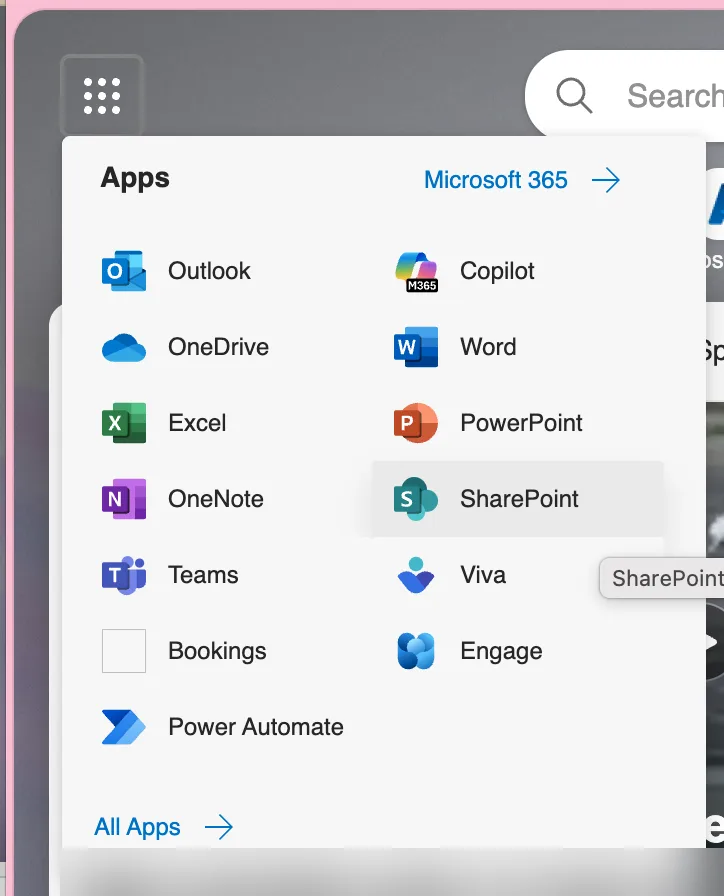
Microsoft 365 contains far more than Word and Outlook. It also includes Exchange Online, Teams, SharePoint, OneDrive, Entra ID, Intune and Defender. Each service has its own settings, and together they decide how secure and productive the company becomes. Therefore, someone needs to own the whole picture.
Our administration covers users, groups, licences, email, sharing, devices and security. In addition, we keep track of changes that Microsoft announces in the Message center. As a result, new features help you instead of surprising you.
Tenant, domains and licences
To begin with, everything starts with the tenant. Then we add and verify your domains, set up the DNS records for email and configure SPF, DKIM and DMARC. We also choose the right licences, for example Business Basic, Business Standard, Business Premium or an Enterprise plan. Many companies pay for licences they do not use, so we review the assignment regularly.
Furthermore, we create a clear naming standard for users, groups and shared mailboxes. Group-based licensing then assigns the correct licence automatically when someone joins a department. Consequently, onboarding and offboarding take minutes instead of hours.
Email, Teams and collaboration
First of all, in Exchange Online we set up mailboxes, shared mailboxes, distribution groups, rules and retention. We also configure spam and phishing protection, so fewer dangerous messages reach the users. Similarly, in Teams we decide who may create teams, how guests join and how meetings work.
Meanwhile, SharePoint and OneDrive store the files. For this reason, we structure sites around the way you work and set sharing rules that protect sensitive information. In addition, we teach your staff the difference between a chat, a channel and a document library, which avoids confusion later.
Security in Microsoft 365 administration
In fact, most attacks against Microsoft 365 start with a stolen password. For that reason, we enable multi-factor authentication for all users and block legacy authentication. We also use conditional access to require compliant devices and safe locations for sensitive data.
Microsoft Defender for Office 365 scans links and attachments, and Secure Score shows what else needs improvement. Moreover, we set up audit logs and alerts for suspicious sign-ins, mailbox forwarding and mass downloads. As a result, we detect an incident early and limit the damage.
Devices, Intune and everyday support
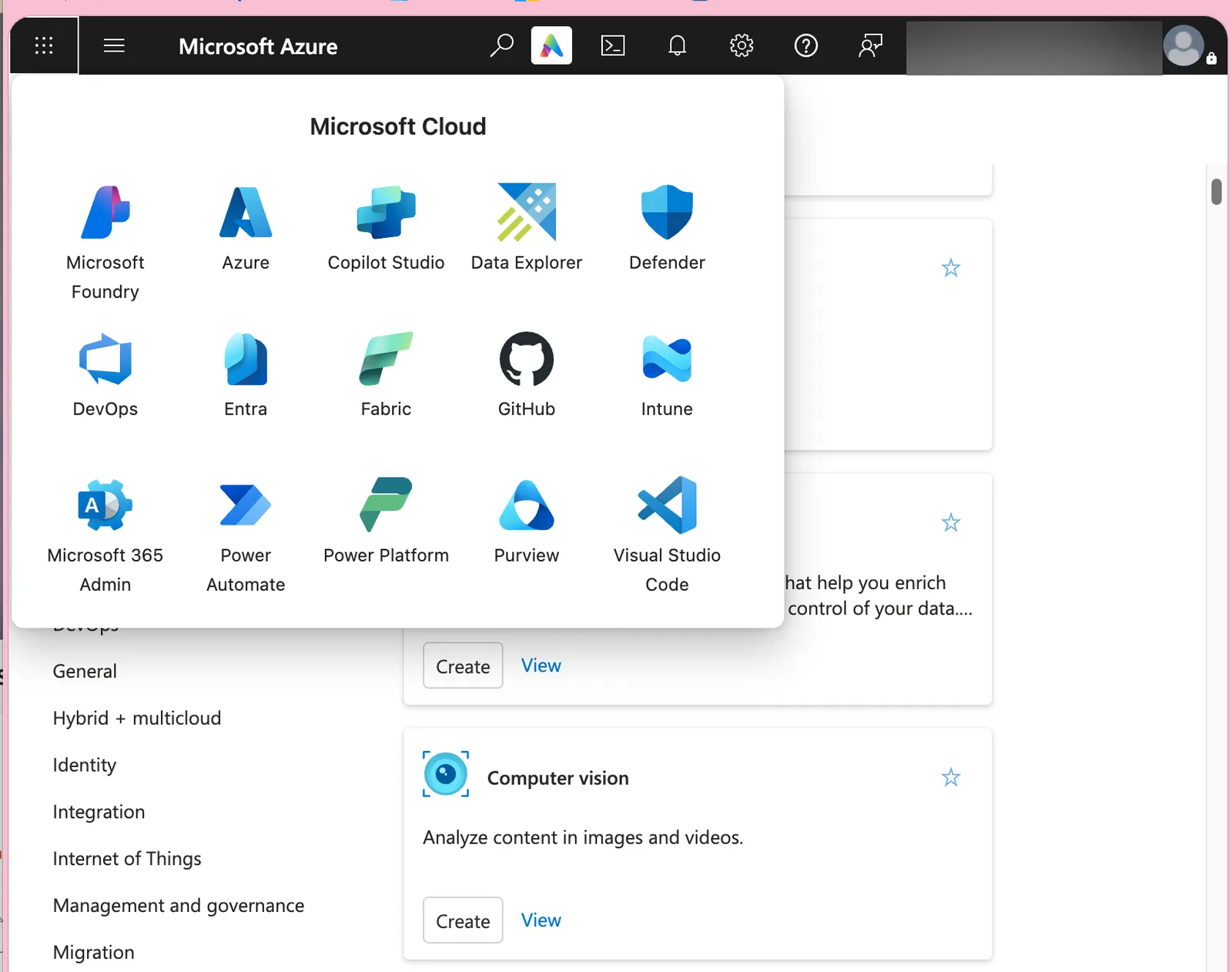
To begin with, Intune manages Windows, macOS, iOS and Android devices. With Windows Autopilot, a new computer configures itself the first time the user logs in. We also deploy applications, updates and security baselines from Intune. If a device disappears, we can wipe the company data remotely.
In addition, everyday support covers forgotten passwords, full mailboxes, sharing questions and Teams problems. Because we know your tenant, we usually solve these cases quickly. In addition, we document recurring issues and improve the setup, so the same question comes back less often.
Cost, licences and how to get started
In general, the cost of Microsoft 365 depends on the number of users and the licence level. Business Premium often gives the best value for smaller companies, because it includes Intune, Defender and conditional access. However, the right choice depends on your needs, so we review them first.
Getting started is simple. Firstly, we review your current tenant or create a new one. Then we agree on the most urgent improvements and a plan for the rest. Finally, you can choose ongoing administration or support when you need it.
Contact Datorkirurgen AB about Microsoft 365 administration
Business IT Support is part of Datorkirurgen AB, which has more than 30 years of experience in IT for businesses. We configure, administer and support Microsoft 365 for companies remotely anywhere, and on site in Stockholm and across Sweden.
Our prices start at €250 per hour excluding VAT, or as agreed, and we guarantee to solve the problem. Microsoft describes the admin tools in its Microsoft 365 admin documentation. Contact us, and we will start with a review of your tenant.
Frequently asked questions about Microsoft 365 administration
Microsoft 365 basics
- What does Microsoft 365 include?
- Which licence suits a small business?
- What is a tenant?
- How do we add our own domain?
- Which DNS records does email need?
- What is group-based licensing?
- Can we mix different licences?
- How do we remove a user correctly?
- What is a shared mailbox?
- Who should be global administrator?
Email, Teams and security
- How do we stop phishing emails?
- What are SPF, DKIM and DMARC?
- How do we enable multi-factor authentication?
- What is conditional access?
- How do guests join Teams?
- Who may create new teams?
- What is Secure Score?
- How do we detect a compromised account?
- Can we block mail forwarding to external addresses?
- How long should we keep email?
Devices, support and cost
- What is Intune?
- What is Windows Autopilot?
- Can we manage Mac computers?
- How do we wipe a lost phone?
- Why is a mailbox full?
- How do we share files safely?
- How do we lower the licence cost?
- Can you take over our tenant?
- Do you offer ongoing administration?
- How do I contact you about Microsoft 365 administration?