
WordPress database security covers everything from the database user and its permissions to the table prefix, wp-config.php and the security keys. Business IT Support reviews and hardens the database, and we also find malicious code that attackers hide there.
Malicious code also lives in the database
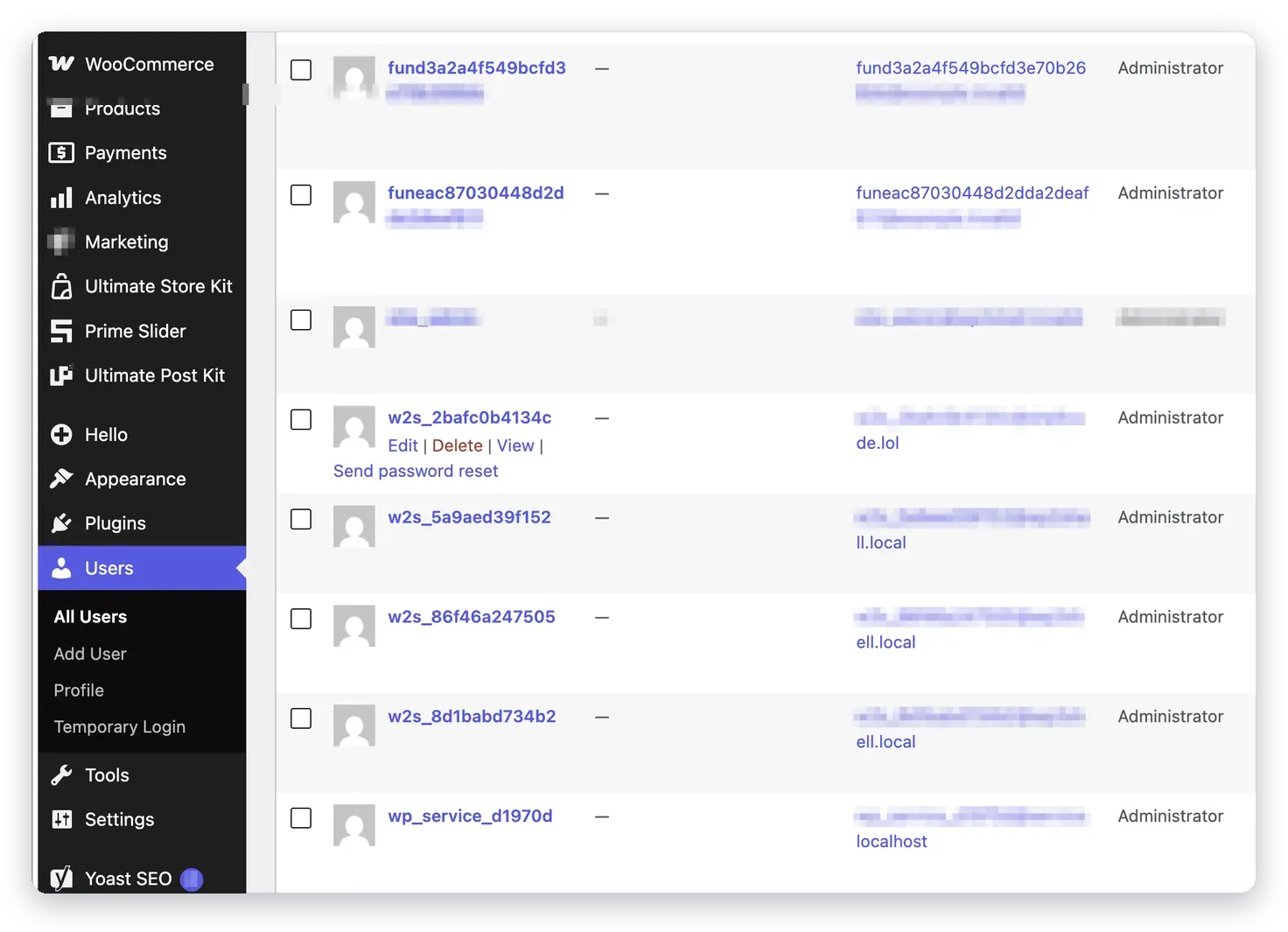
Many people believe that a clean set of files means a clean website. However, attackers often store malicious code, spam links and fake administrators in the database instead. For example, a script can sit inside a widget, an option or a post and load again every time a page opens.
Therefore, a real clean-up always includes the database. We search options, posts, metadata and users for suspicious content, and we compare the results with a known clean state where one exists.
WordPress database security: users and permissions
First of all, WordPress should connect with its own database user, never with the root account. That user only needs rights to its own database. As a result, a compromised site cannot read or damage other databases on the same server.
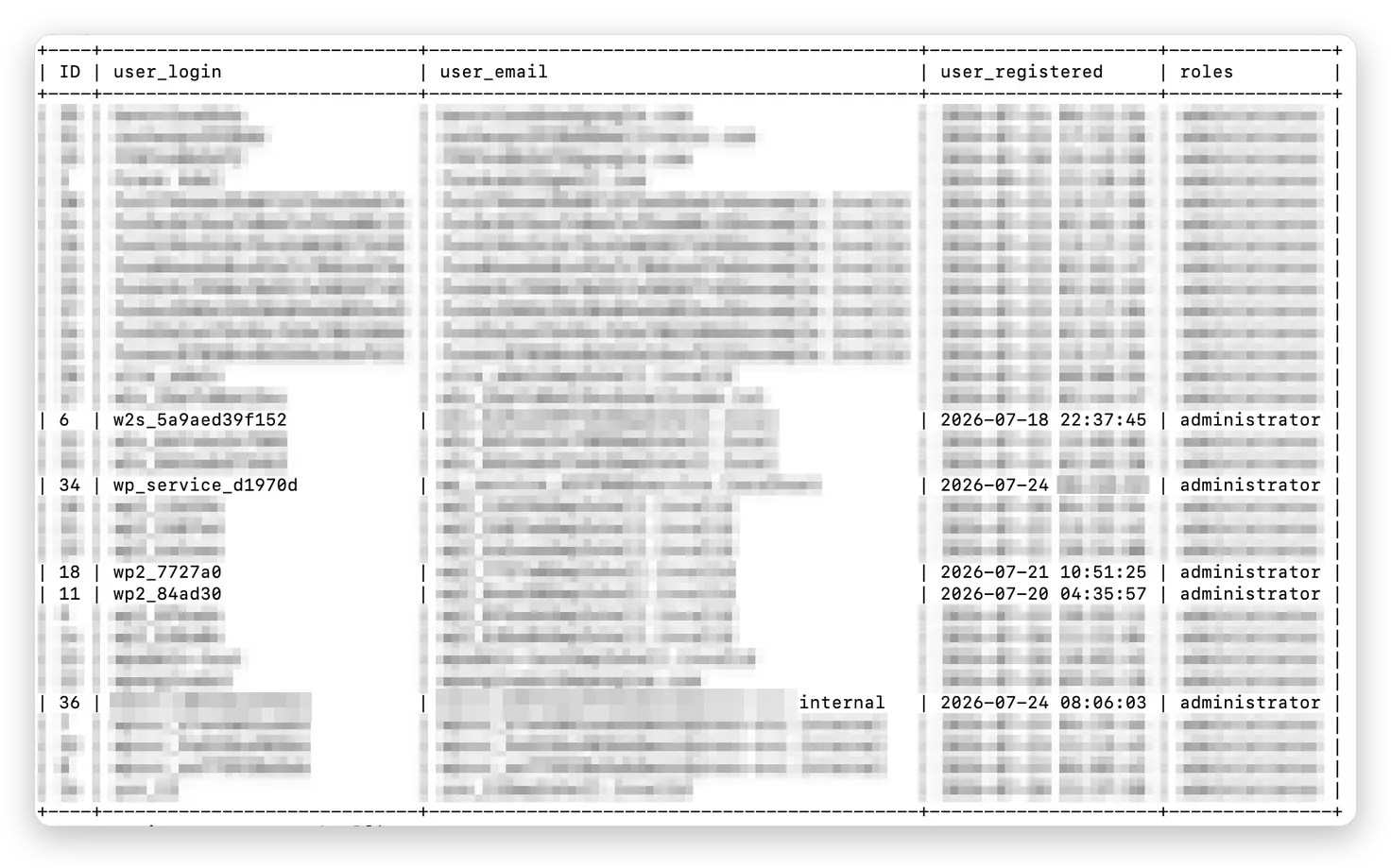
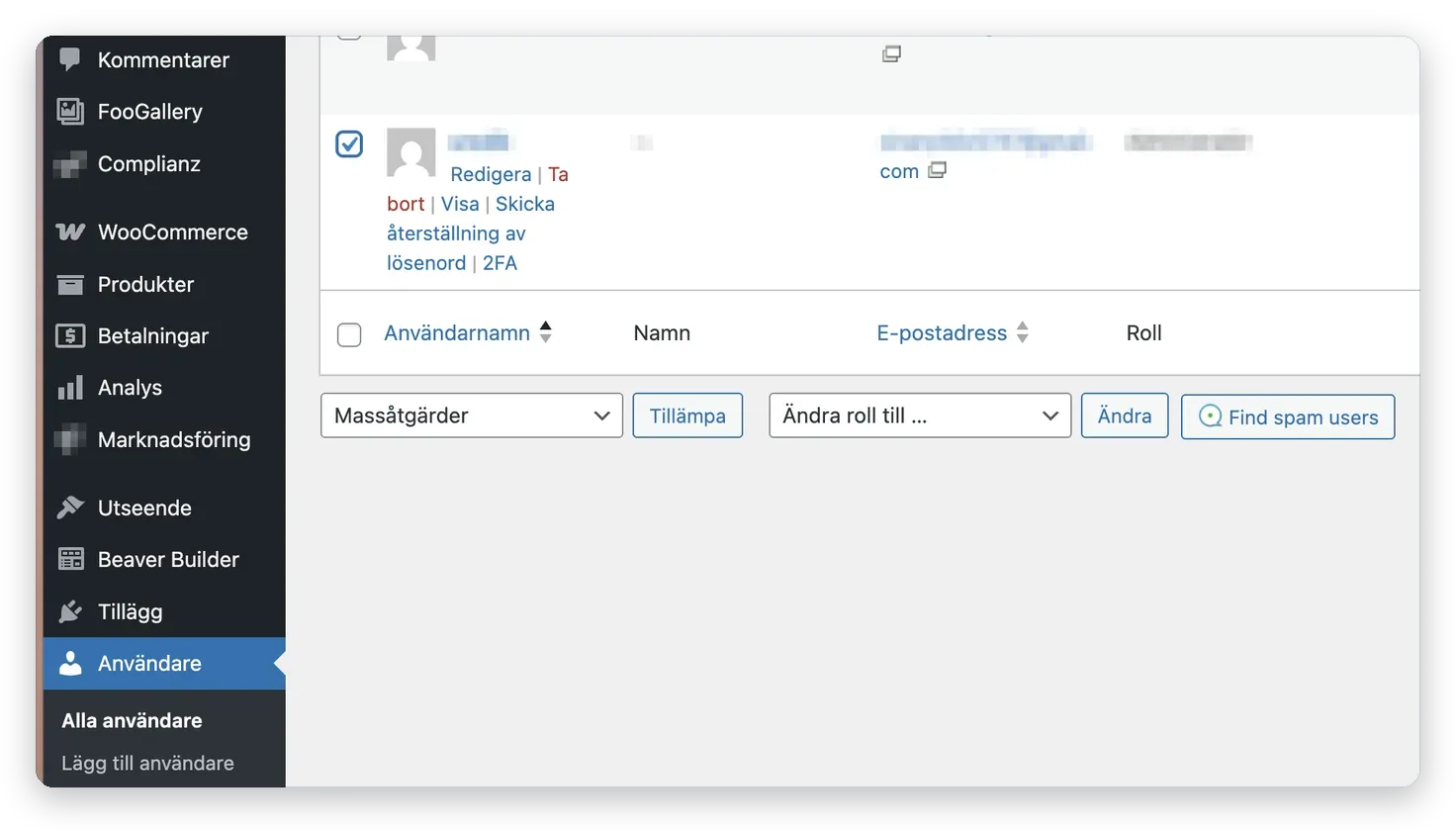
In addition, we review the WordPress users stored in the database. Administrator accounts should be few, personal and protected with strong passwords and two-factor authentication. Consequently, a stolen password from a former employee cannot open the site.
Posts, options and metadata
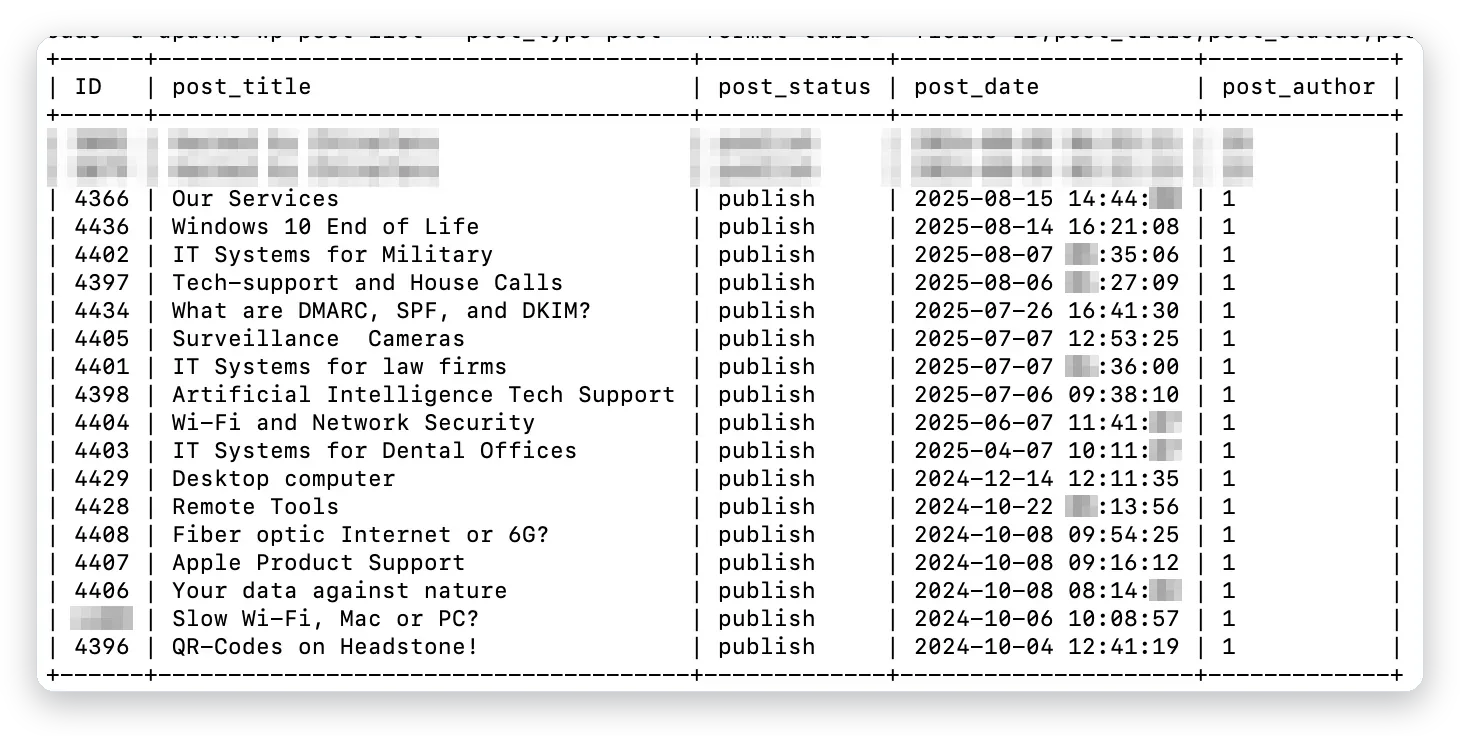
In particular, attackers like the options table, because WordPress loads many options on every request. Moreover, they hide code in post metadata and in serialised data that is hard to read. We therefore search for typical patterns such as base64 strings, eval calls, iframes and unknown script sources.
Whenever we find something, we then trace where it comes from. For instance, a malicious option may belong to a fake plugin. In that case, we remove both the plugin and its data, so the code does not return.
Finally, we take a fresh backup of the clean database and store it outside the server. As a result, you always have a known good copy to return to, and we can compare future changes against it. In addition, we schedule regular database backups with a retention period that matches your needs.
wp-config, security keys and table prefix
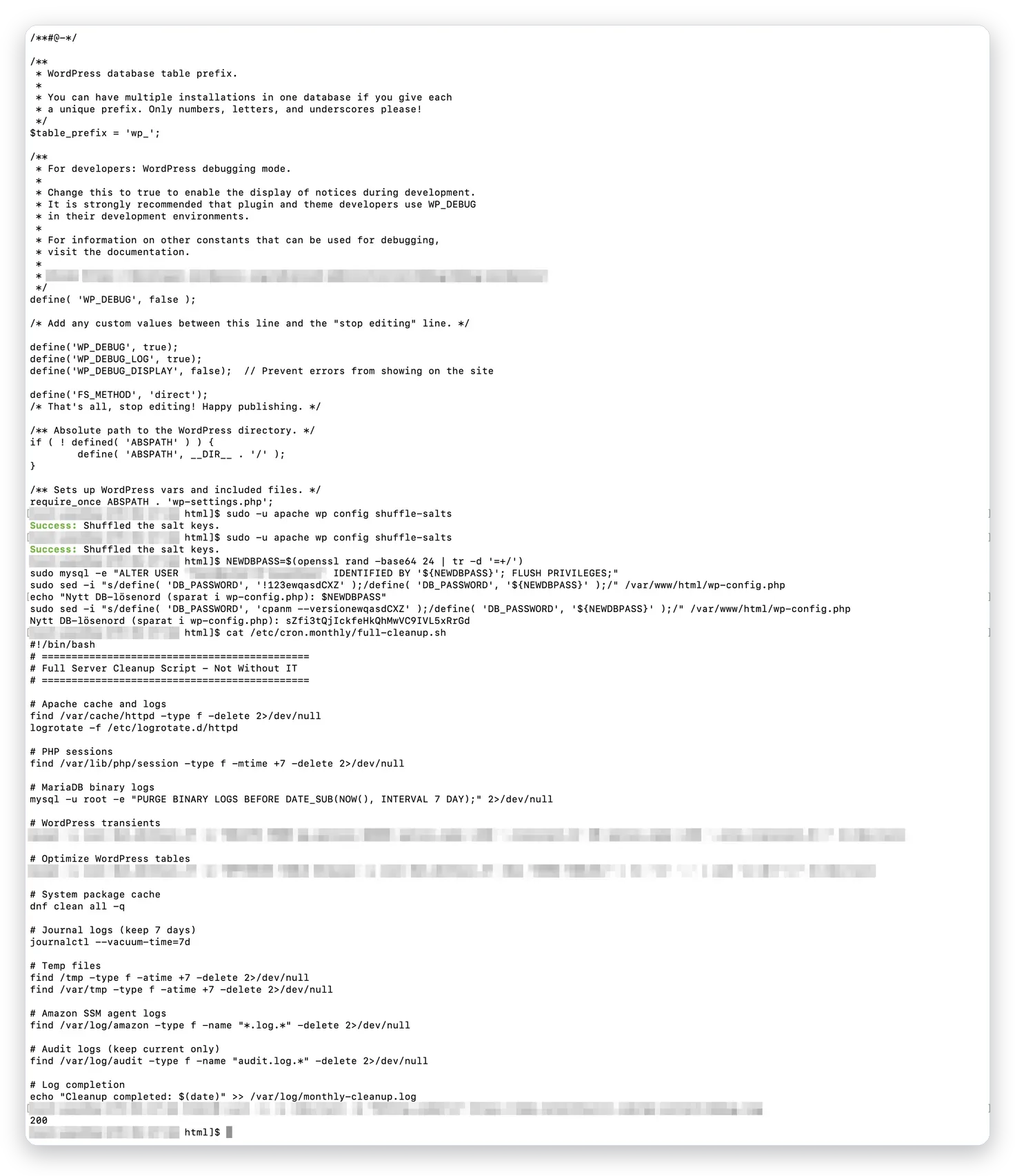
Similarly, the file wp-config.php holds the database password and the security keys. For that reason, it needs strict file permissions and should sit outside the public web folder when possible. We also replace the security keys after every suspected intrusion, which signs out all logged-in users.
A custom table prefix instead of the default wp_ gives a small extra barrier against automated attacks. However, it is not a security measure on its own. Therefore, we combine it with updates, a firewall, backups and monitoring.
Contact Datorkirurgen AB about WordPress database security
Business IT Support is part of Datorkirurgen AB, which has more than 30 years of experience in IT for businesses. We review, clean and harden WordPress databases for companies remotely anywhere, and on site in Stockholm and across Sweden.
In addition, our prices start at €250 per hour excluding VAT, or as agreed, and we guarantee to solve the problem. WordPress gives advice in its WordPress hardening guide. Contact us, and we will start with a review of your database.
Frequently asked questions about WordPress database security
WordPress database security basics
- Can malicious code hide in the database?
- Which tables do attackers use?
- Why should WordPress not use the root user?
- Which permissions does the database user need?
- What is the table prefix?
- Should we change the table prefix?
- What are the security keys?
- When should we change the security keys?
- Where should wp-config.php live?
- Which file permissions should wp-config.php have?
Clean-up and investigation
- How do you find malicious code in the database?
- What is base64 code in an option?
- Can a widget contain malware?
- How do you find fake administrators?
- Do you clean serialised data?
- Can you compare with a clean backup?
- How long does a database clean-up take?
- Do you keep evidence of the attack?
- Can you clean the database without downtime?
- What happens to legitimate content?
Prevention and support
- How often should we back up the database?
- Should the database accept remote connections?
- Do we need a web application firewall?
- Can you monitor the database for changes?
- Can you harden our whole WordPress site?
- Do you support MariaDB and MySQL?
- Do you work with shared hosting?
- Can you take over our hosting?
- Do you offer ongoing support?
- How do I contact you about WordPress database security?