
A tenant-to-tenant migration moves users, email, files and domains from one Microsoft 365 tenant to another. Business IT Support plans and carries out the move, so the business keeps working and no data disappears on the way.
Why companies need a tenant-to-tenant migration
The most common reason is a merger or an acquisition, where two companies want one shared tenant. In other cases, a company leaves a group, changes its name or wants to leave a tenant that a former supplier set up. Sometimes a tenant has also grown messy over the years, so a clean start makes more sense than repairs.
Whatever the reason, the migration affects every user. Therefore, the move needs careful planning, clear communication and a tested order of work. As a result, the users notice as little as possible, and the business continues as usual.
Planning before the tenant-to-tenant migration
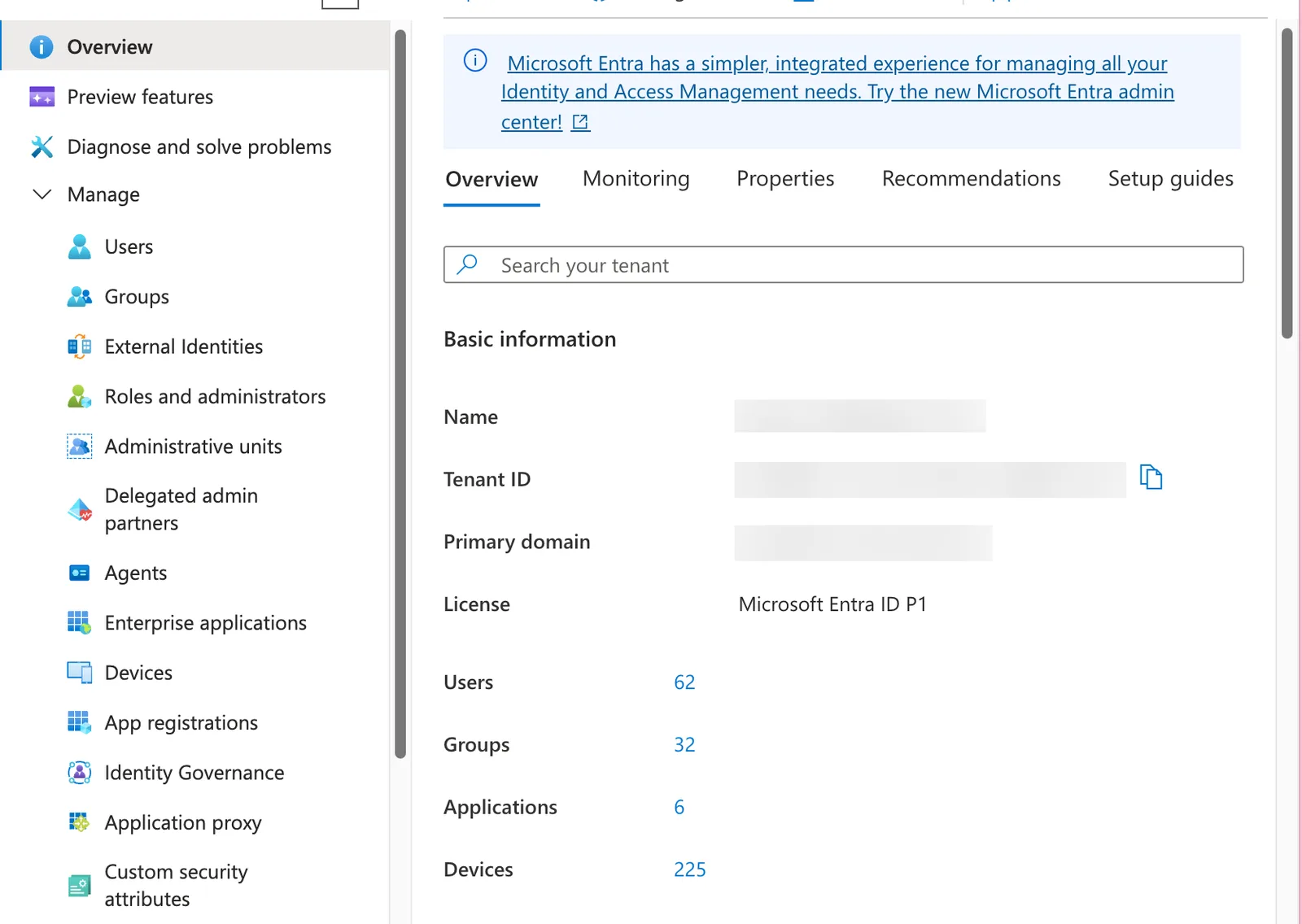
First, we map users, groups, shared mailboxes, Teams, SharePoint sites, licences and devices in the source tenant. We also check data volumes, third-party applications and DNS records. Then we create a mapping between old and new accounts and decide in which order everything moves.
Furthermore, we choose the tools. Microsoft offers cross-tenant mailbox and OneDrive migration, and tools such as Quest On Demand Migration handle larger moves with Teams and SharePoint. Finally, we agree on a cut-over date and inform the users in good time.
Email, OneDrive and SharePoint in the migration
Email usually moves in two steps. To begin with, we pre-stage the mailboxes so most of the content already sits in the new tenant. Then, at cut-over, a short delta sync moves the last messages. Consequently, users keep calendars, contacts and old email without long interruptions.
OneDrive and SharePoint follow the same principle with pre-stage and delta. In addition, we recreate permissions, sharing links and site structures in the target tenant. Teams chats and channels need special attention, so we agree in advance what moves and what stays as an archive.
Domains, Entra ID and devices
A domain can only exist in one tenant at a time. Therefore, we remove it from the old tenant and add it to the new one during the cut-over window, usually over a weekend. We prepare every DNS record in advance, so email flows again within a short time.
Devices also need a plan. Computers joined to the old Entra ID must join the new one, and Intune policies need to follow. Moreover, multi-factor authentication methods do not move, so users register them again. We guide each user through this step to avoid lock-outs.
Cut-over, checks and support after the move
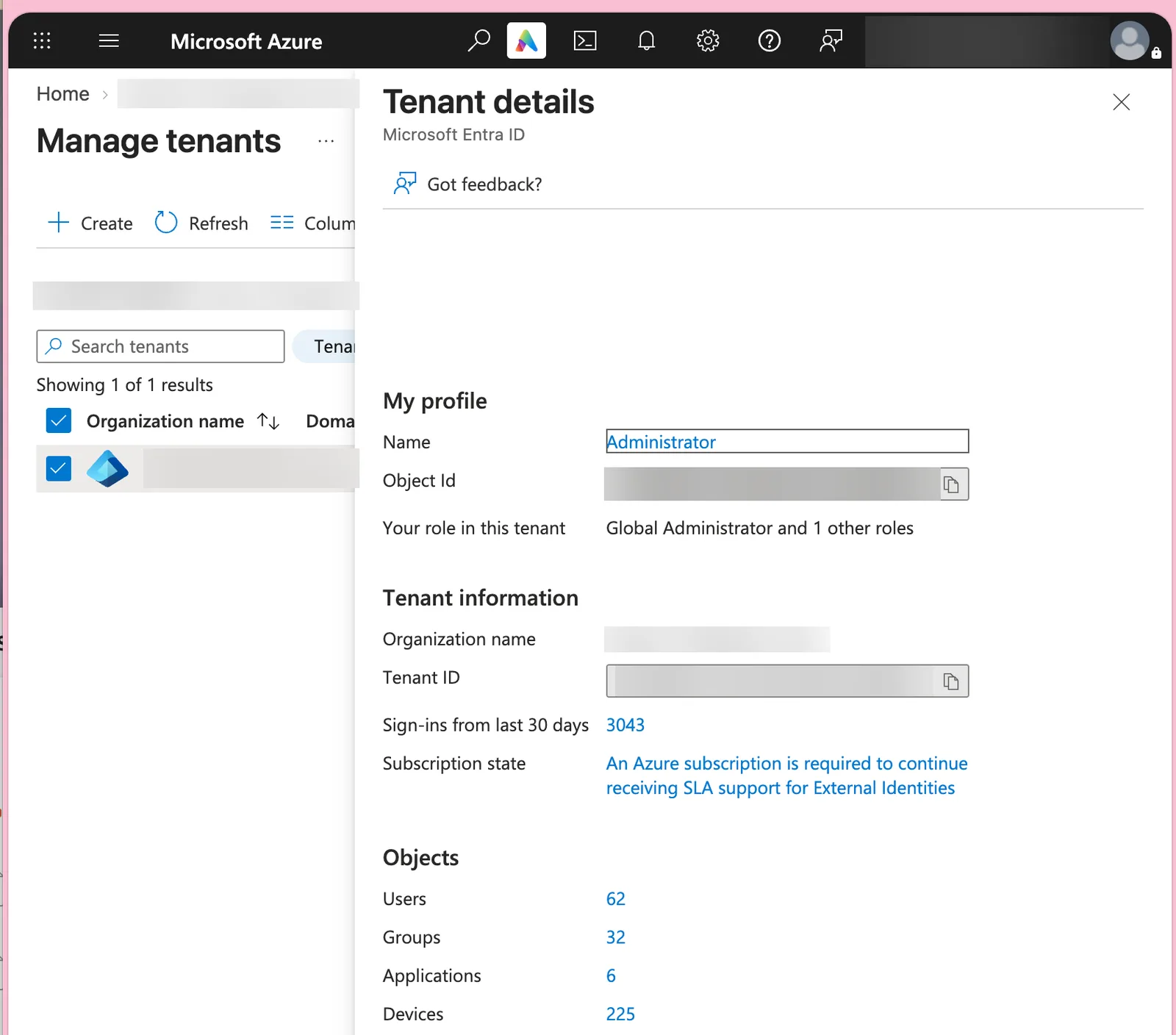
On cut-over day, we follow a written checklist. First, we stop new changes in the old tenant. Next, we run the final sync, move the domain and update DNS. Then we test email, files, Teams and logins with a few pilot users before everyone starts.
During the first days, we offer extra support for questions about Outlook profiles, OneDrive sync and authentication. In addition, we keep the old tenant read-only for a period, so nothing gets lost. Afterwards, we document the new environment and hand it over.
Common mistakes in a tenant-to-tenant migration
The most common mistake is to start without a complete inventory. For example, a forgotten shared mailbox or an application that sends email through the old domain can stop important work. Another mistake is to move the domain too early, before the data has arrived.
Poor communication also creates problems. If users do not know what happens, they keep working in the old tenant and lose changes. For that reason, we send clear instructions before, during and after the move. As a result, the migration stays calm and predictable.
Contact Datorkirurgen AB about a tenant-to-tenant migration
Business IT Support is part of Datorkirurgen AB, which has more than 30 years of experience in IT for businesses. We plan and carry out tenant-to-tenant migrations for companies remotely anywhere, and on site in Stockholm and across Sweden.
Our prices start at €250 per hour excluding VAT, or as agreed, and we guarantee to solve the problem. Microsoft describes cross-tenant mailbox moves in its migration documentation. Contact us, and we will start with an inventory of your tenants.
Frequently asked questions about tenant-to-tenant migration
Planning a tenant-to-tenant migration
- What is a tenant-to-tenant migration?
- When do companies need to move tenants?
- How long does a migration take?
- What do you map before the move?
- Which tools do you use?
- Do we need extra licences during the move?
- Can we move only some users?
- How do we inform the users?
- When is the best time for cut-over?
- Can we test before the real move?
Email and files
- How does email move between tenants?
- Do calendars and contacts move as well?
- How does OneDrive move?
- Can SharePoint sites keep their permissions?
- What happens to Teams chats?
- What is a delta sync?
- Do sharing links still work after the move?
- Can we keep an archive of the old tenant?
- What happens to shared mailboxes?
- How do we check that all data arrived?
Domains, security and support
- How do we move a domain between tenants?
- How long is email down during cut-over?
- Do computers need to rejoin Entra ID?
- Do users need to register MFA again?
- What happens to Intune policies?
- Can applications keep sending email?
- How long do you keep the old tenant?
- Do you offer support after the move?
- Can you migrate from Google Workspace too?
- How do I contact you about a tenant-to-tenant migration?