
A Synology NAS gives the business fast, central storage with snapshots and backup. Business IT Support installs, configures, migrates and supports Synology devices for companies, remotely and on site in Sweden.
What a Synology NAS is and when it suits the business
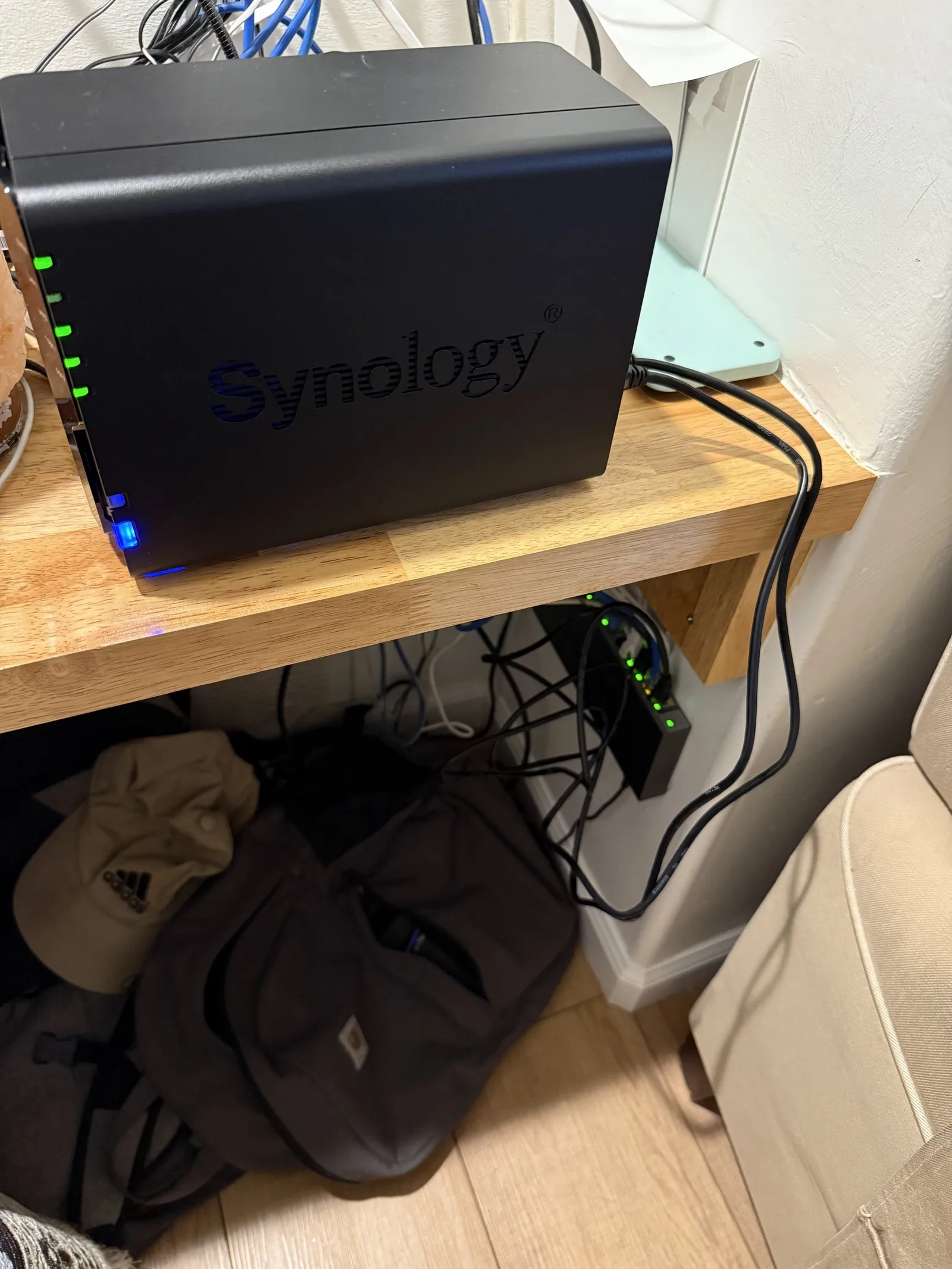
A NAS is a network storage device with several disks, its own operating system and services for file sharing, backup and synchronisation. Synology runs DSM, an operating system with a clear interface and tools such as Hyper Backup, Synology Drive and Active Backup. Therefore, it suits offices that work with large files, need fast local access or want a second copy of their cloud data.
At the same time, a NAS needs correct configuration. Otherwise, it easily becomes a single point of failure or an open door for ransomware. For that reason, we always combine the device with snapshots, an external backup and clear permissions.
Installation and configuration of DSM
First, we choose the right DiskStation or RackStation, disks from the compatibility list and a storage layout. For most offices, SHR-2 or RAID 6 with Btrfs gives a good balance between capacity, protection and data integrity checks. Then we install the disks, update DSM, create the volumes and set up notifications by email or the DSM mobile app.
Furthermore, we turn off services that you do not need, change the default administrator account and enable two-factor authentication. As a result, the Synology NAS starts its life with a secure baseline.
Users, permissions and domain
Shared folders follow the structure of the business, for example finance, projects and management. We assign permissions through groups instead of individual users. Consequently, a new employee gets the right access by joining a group.
In addition, the NAS can join Active Directory or use LDAP, so users sign in with their normal account. We also enable logging of file access, which helps both troubleshooting and security investigations.
Migration and data transfer to a Synology NAS
When you move from an old server or another NAS, we plan the migration carefully. To begin with, we inventory folders, permissions and data volumes. Then we use Synology Migration Assistant or Active Backup for Business to copy the data in stages, and we keep timestamps and permissions intact.
Before the final switch, we run a last delta copy and update mapped drives and shortcuts. Afterwards, we compare the number of files and the total size between source and target. Therefore, you can be sure that every file arrived.
Backup, snapshots and ransomware protection
With Snapshot Replication, Btrfs snapshots save the state of a shared folder as often as every hour. If ransomware encrypts files, we roll back to a snapshot from before the attack within minutes. Moreover, immutable snapshots in DSM 7.2 and later stop an attacker from deleting them, even with administrator rights.
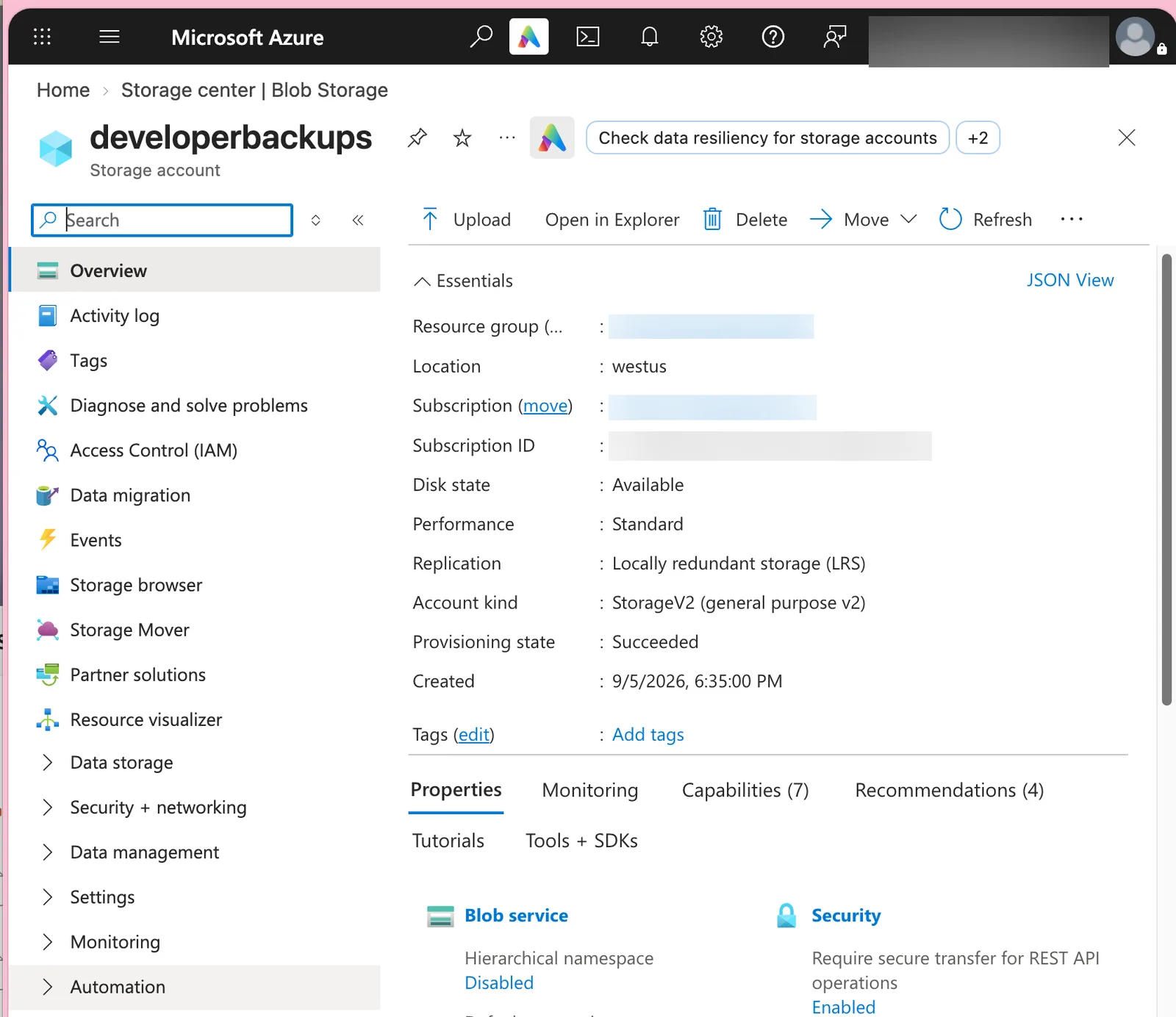
In addition, Hyper Backup sends encrypted, versioned copies to another Synology at a second site, to Synology C2 or to Azure Blob Storage. Active Backup for Business can also protect your PCs, servers and Microsoft 365 data on the same device. Finally, we test a restore regularly, because an untested backup gives a false sense of security.
Remote access, updates and support
Remote access should never expose DSM directly to the internet. Instead, we use Synology VPN Server or QuickConnect with two-factor authentication, and we enable auto block and the built-in firewall. Synology Drive then gives staff secure access to their files from laptops and phones.
Updates fix security holes, so we install them on a controlled schedule. In addition, we monitor disk health, temperature and free space. When a disk starts to fail, we replace it before data is at risk, and you always have a contact who knows your device.
Contact Datorkirurgen AB about your Synology NAS
Business IT Support is part of Datorkirurgen AB, which has more than 30 years of experience in IT for businesses. We install, migrate and support Synology devices for companies remotely anywhere, and on site in Stockholm and across Sweden.
Our prices start at €250 per hour excluding VAT, or as agreed, and we guarantee to solve the problem. The manufacturer describes the products on its website. Contact us, and we will help you choose, set up or move to the right device.
Frequently asked questions about Synology NAS devices
Synology NAS basics
- What is a NAS?
- Which model suits a small office?
- Which RAID level should we choose?
- How many disks do we need?
- Can a NAS replace a file server?
- Does a NAS work with Mac and Windows?
- How long does a NAS last?
- Which disks should we buy?
- Can we expand the storage later?
- What does a NAS cost?
Configuration, permissions and backup
- How do we set up shared folders?
- Can the NAS join Active Directory?
- How do we enable two-factor authentication?
- What is a snapshot?
- How do snapshots protect against ransomware?
- Where should the off-site copy live?
- Can we back up to Azure?
- How often should we test a restore?
- Can we log file access?
- How do we receive alerts about failing disks?
Migration, operations and support
- How do you migrate data from an old server?
- Do permissions follow during migration?
- How long does a migration take?
- How do we access the NAS remotely?
- Should the NAS face the internet?
- How often should we update the NAS?
- What happens if a disk fails?
- Can you monitor our NAS?
- Do you offer ongoing support?
- How do I contact you about our NAS?