
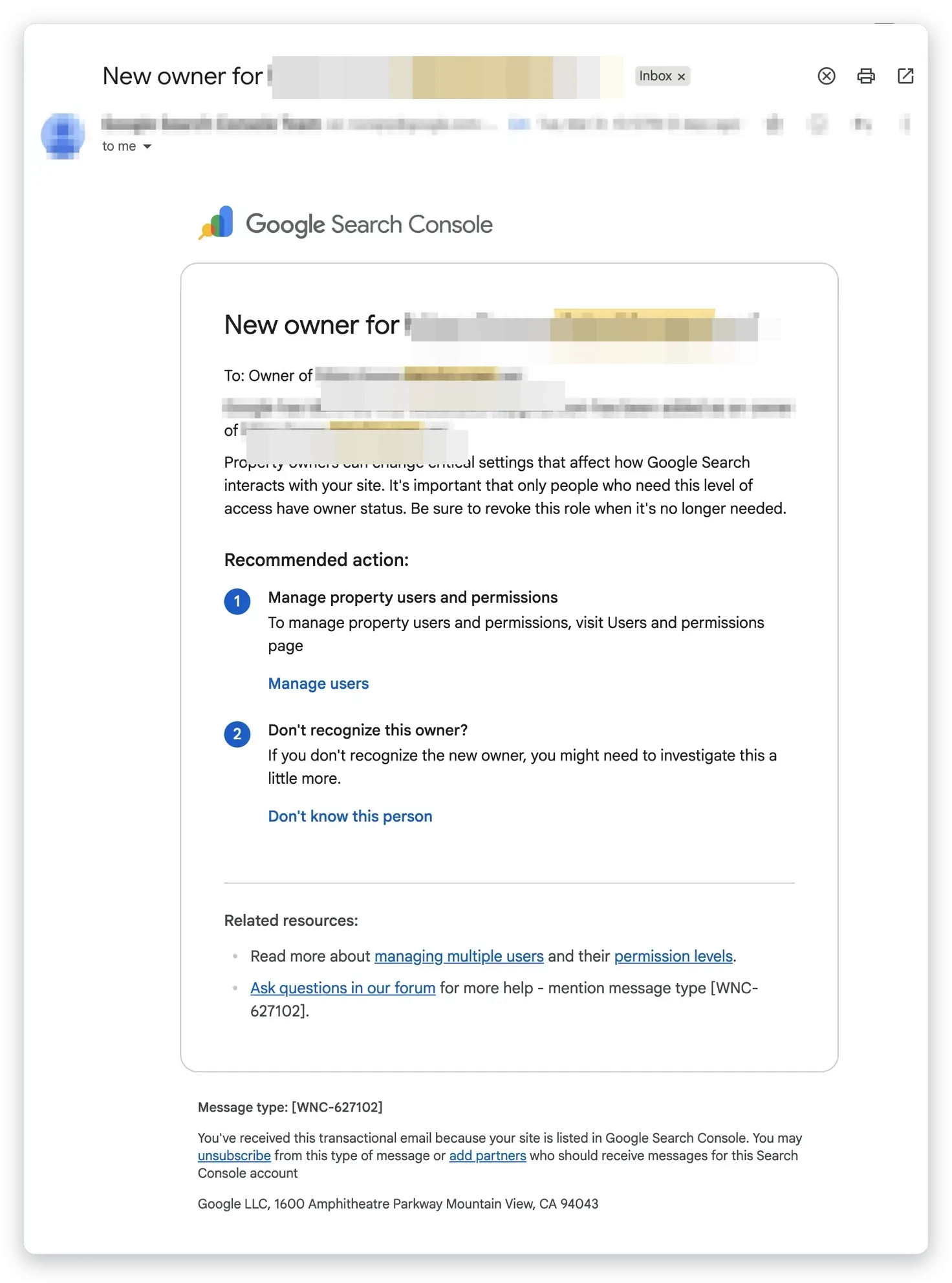
Google Search Console sends a warning when someone becomes a new owner of your website property. If you did not add that person, the warning can be the first sign of a hack. Business IT Support reviews owners, permissions, indexing and the server to secure the site.
Why the new owner warning matters
An owner in Google Search Console can change settings, remove pages from Google, submit sitemaps and see all search data for the site. Therefore, an unknown owner has significant power over how the site appears in Google.
Attackers verify sites in their own accounts to push spam into the index or to hide their tracks. For that reason, an unexpected owner warning always deserves immediate attention, even if the site looks normal.
How we review owners and permissions
First of all, we open Settings and Users and permissions in Google Search Console and list every owner and user. Then we check how each owner verified the property: an HTML file, a meta tag, a DNS record or Google Analytics. An unknown verification method often points to the way in.
Next, we remove the unknown owner and the verification token that belongs to it. In addition, we make sure that at least two people at the company have their own owner access. As a result, the company never depends on one single account.
Indexing and pages that should not exist
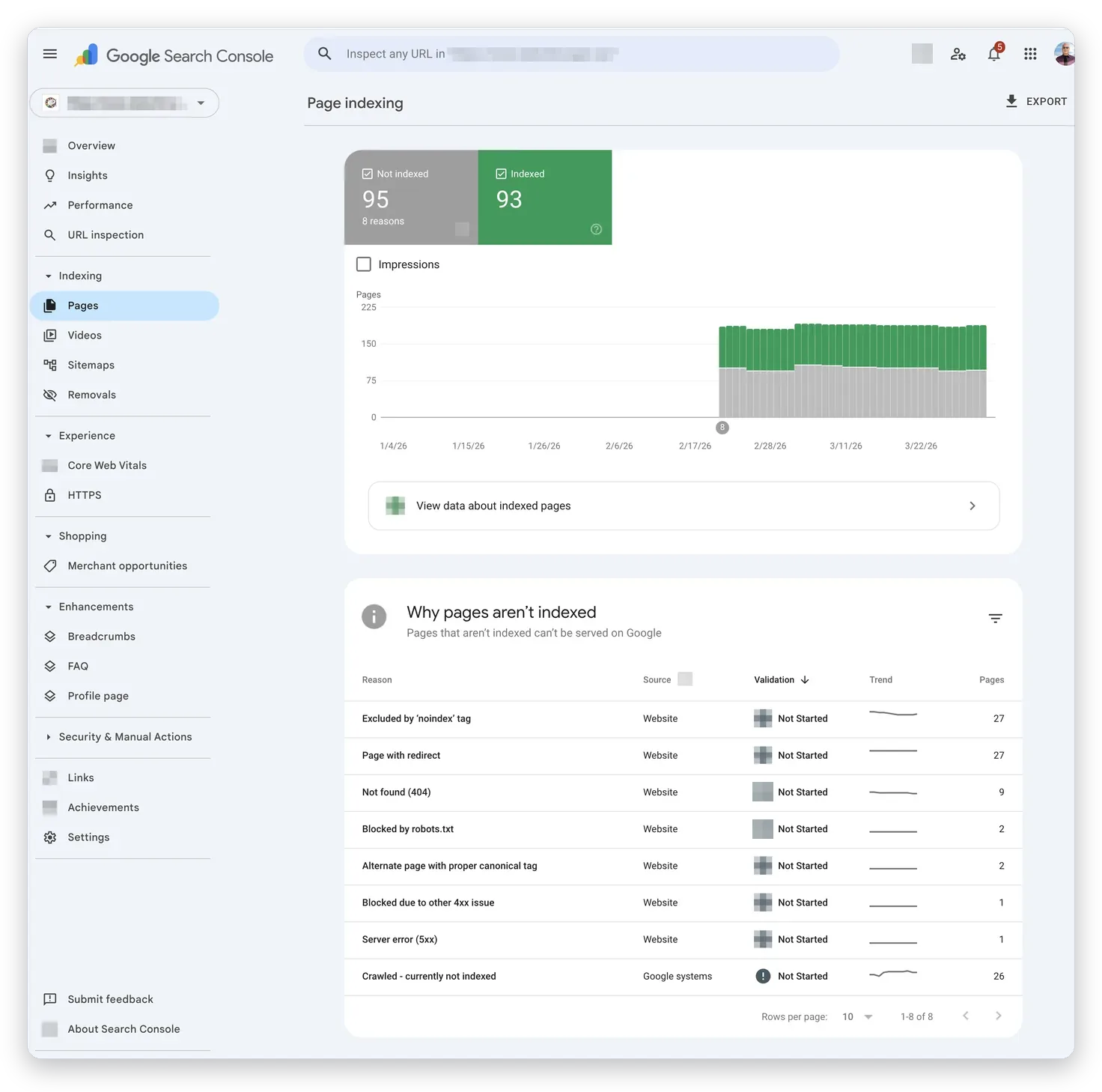
After that, we read the indexing report. A sudden rise in indexed pages, or pages in a foreign language, usually means SEO spam. Moreover, we check the sitemaps that are submitted, because attackers sometimes add their own sitemap with spam addresses.
If we find spam, we remove it on the server, make the addresses return 410 and use the removal tool for urgent cases. Consequently, the spam disappears from the search results faster.
Meanwhile, we keep an eye on the performance report, because a sudden drop in clicks shows whether Google has lowered its trust in the site.
Combine Google Search Console with a server check
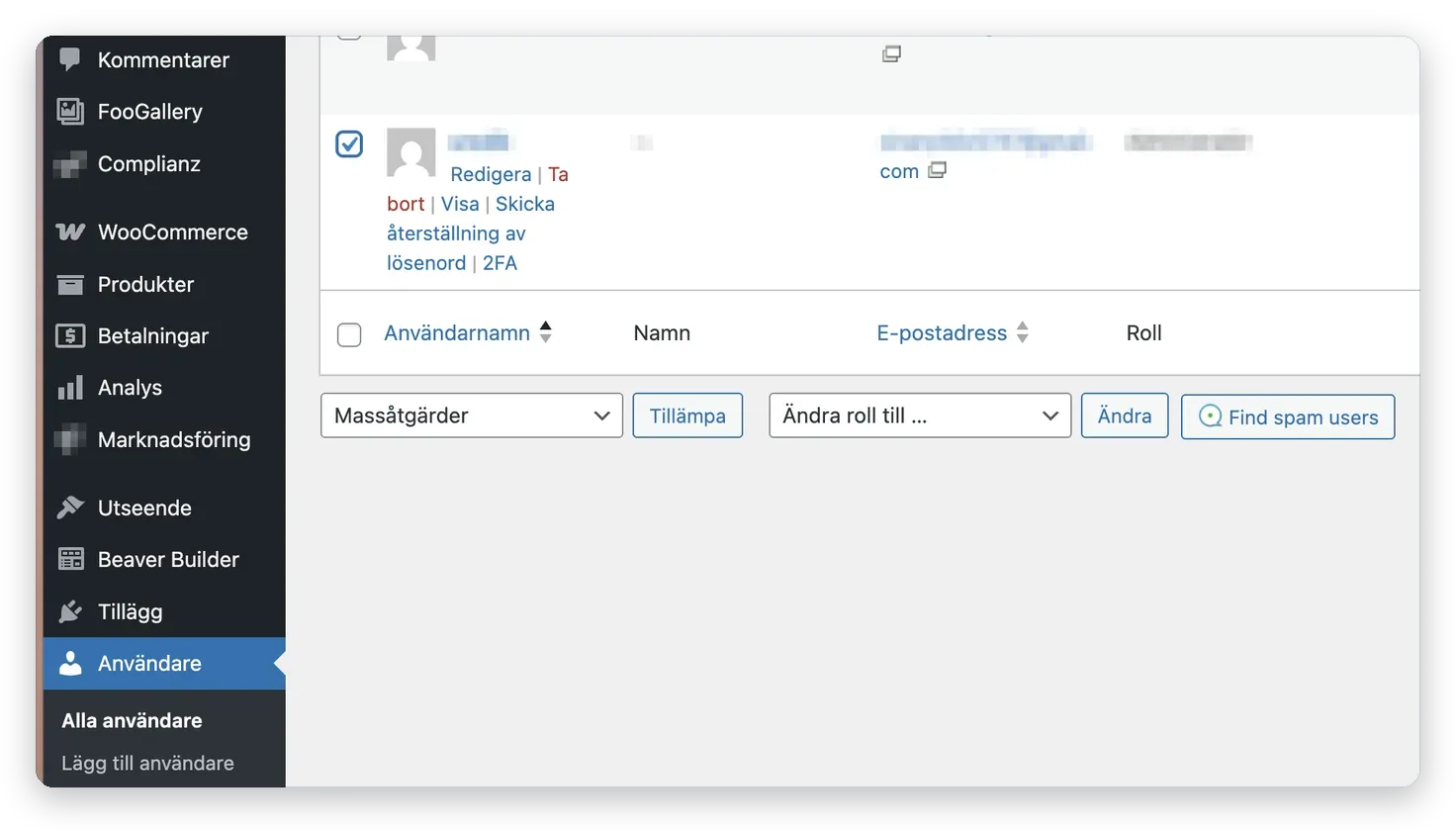
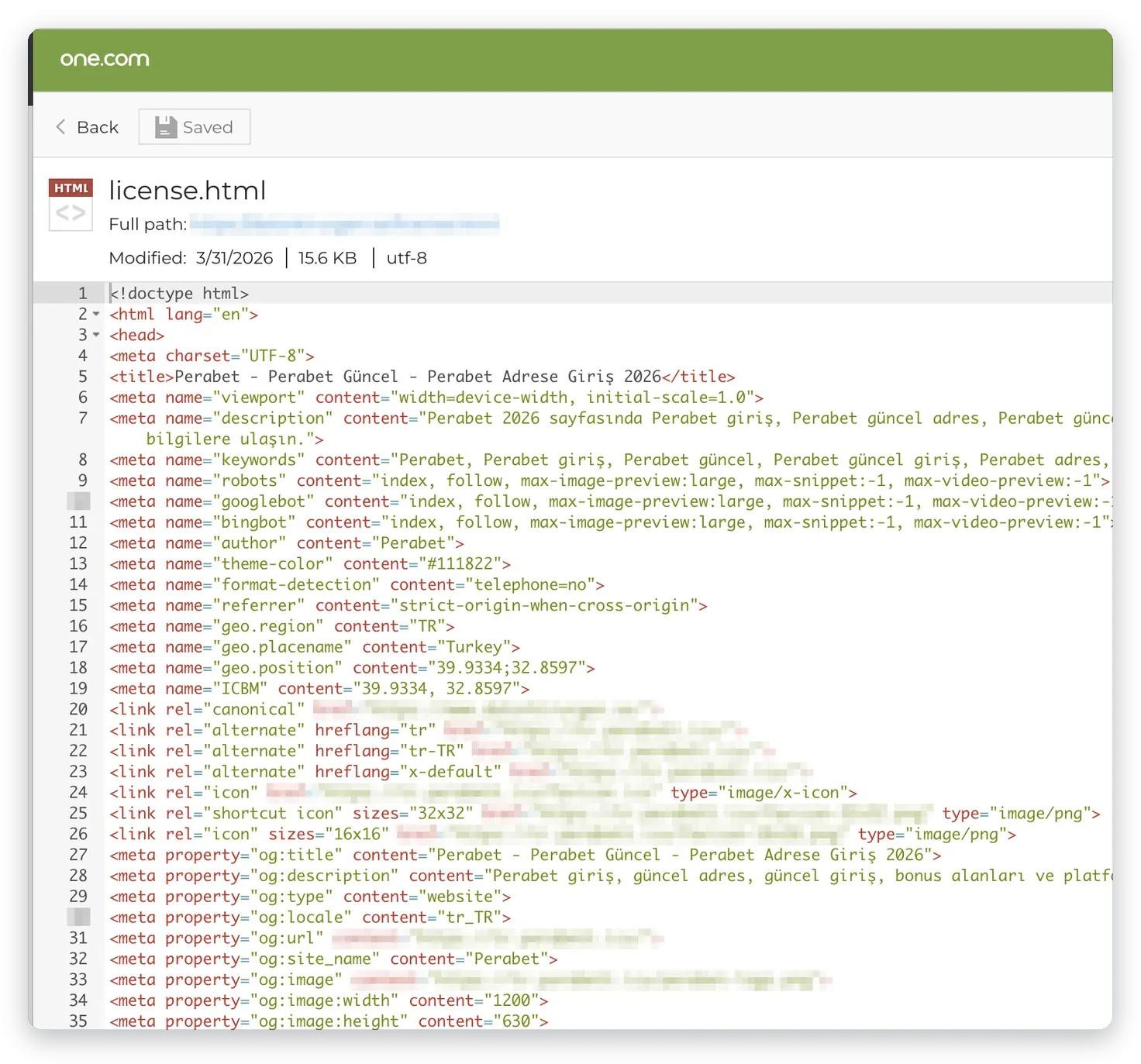
Google Search Console shows the symptoms, while the server shows the cause. For that reason, we always check files, the database, users and logs as well. For instance, a verification file in the web root reveals when the attacker had access.
Finally, we harden the site, update all components and set up alerts. In addition, we keep an eye on Google Search Console messages, so the next warning reaches the right person at once.
Contact Datorkirurgen AB about Google Search Console
Business IT Support is part of Datorkirurgen AB, which has more than 30 years of experience in IT for businesses. We handle Google Search Console warnings, hacked sites and SEO for companies remotely anywhere, and on site in Stockholm and across Sweden.
In addition, our prices start at €250 per hour excluding VAT, or as agreed, and we guarantee to solve the problem. Google explains owner management in its help article on users and owners. Contact us as soon as you receive an unexpected warning.
Frequently asked questions about Google Search Console
Basic questions
- What does the new owner warning mean?
- Who can become an owner?
- What can an owner do?
- What is the difference between an owner and a user?
- How do owners verify a site?
- What is a verification token?
- Should we remove an unknown owner?
- Is the warning always a hack?
- Can a former agency still be an owner?
- How many owners should we have?
Indexing and spam
- How do we find spam pages in Google?
- What does the indexing report show?
- Can attackers submit their own sitemap?
- How does the removal tool work?
- Should spam pages return 410?
- How long does Google take to update?
- What is a security issue in Search Console?
- How do we request a review?
- Can spam hurt our rankings?
- Do we need to check Bing too?
Server check and support
- Why check the server as well?
- Where do attackers place verification files?
- Can you check our WordPress site?
- Can you harden the site afterwards?
- Can you monitor Search Console messages?
- Do you help with SEO after a hack?
- Do you support other CMS platforms?
- Do you work outside office hours?
- Do you offer ongoing support?
- How do I contact you about Google Search Console?