
After an outage, the cloud provider or the monitoring system often delivers an incident analysis report. It shows what happened, but seldom why it happened in your environment. Business IT Support interprets the report, finds the root cause and turns it into a prioritised action plan.
The report shows what happened, but rarely why
Reports from AWS Health, Azure Service Health or Oracle Cloud describe the provider’s part of an incident: which region, which service and for how long. However, they do not know how your own servers, applications and settings reacted. Therefore, the real cause often remains hidden.
For example, a short network disruption in a region may stop one company completely while another does not notice it. The difference usually lies in the design: redundancy, timeouts, retries and monitoring. Consequently, the report is a starting point, not an answer.
Where we collect the evidence
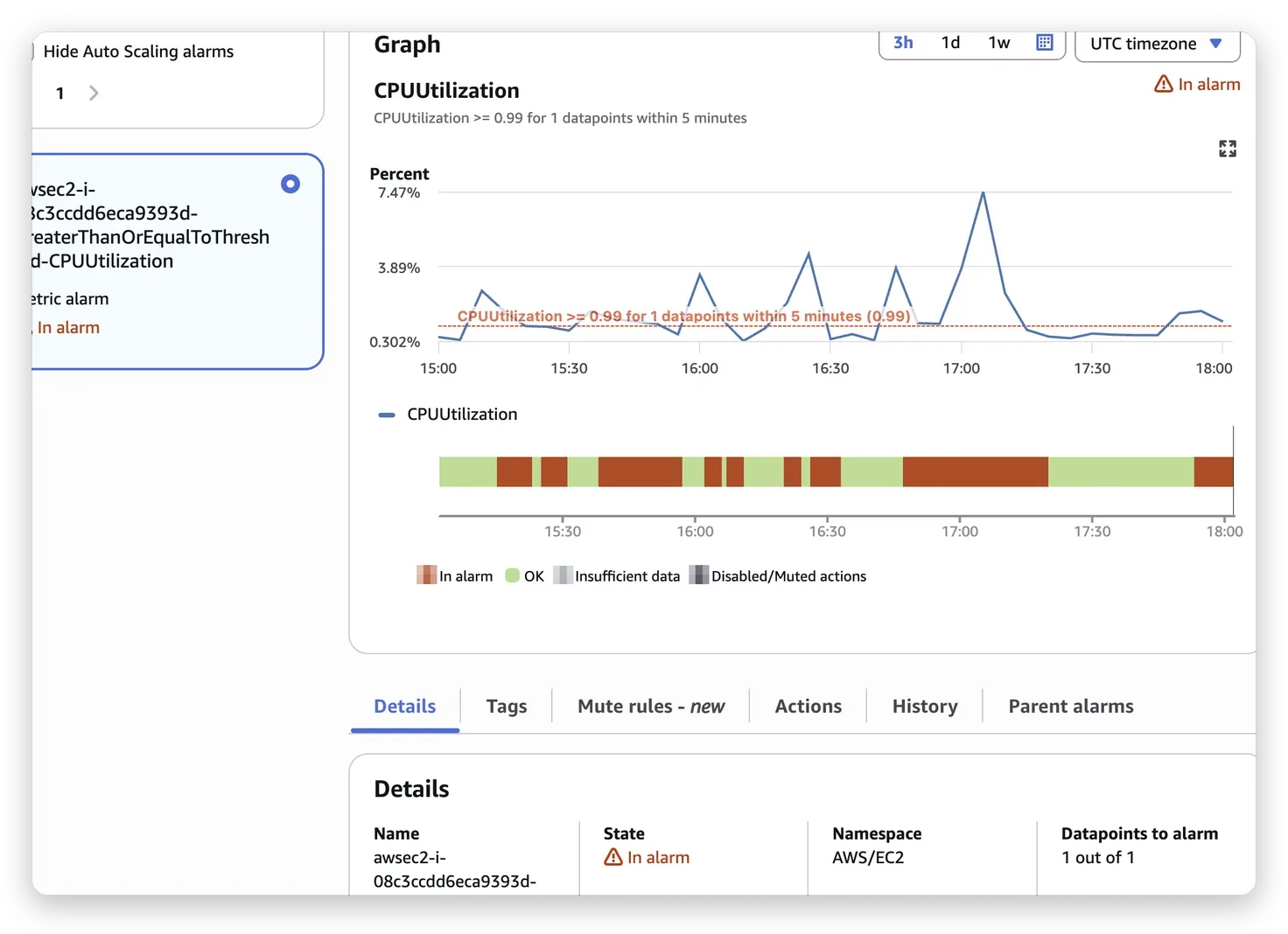
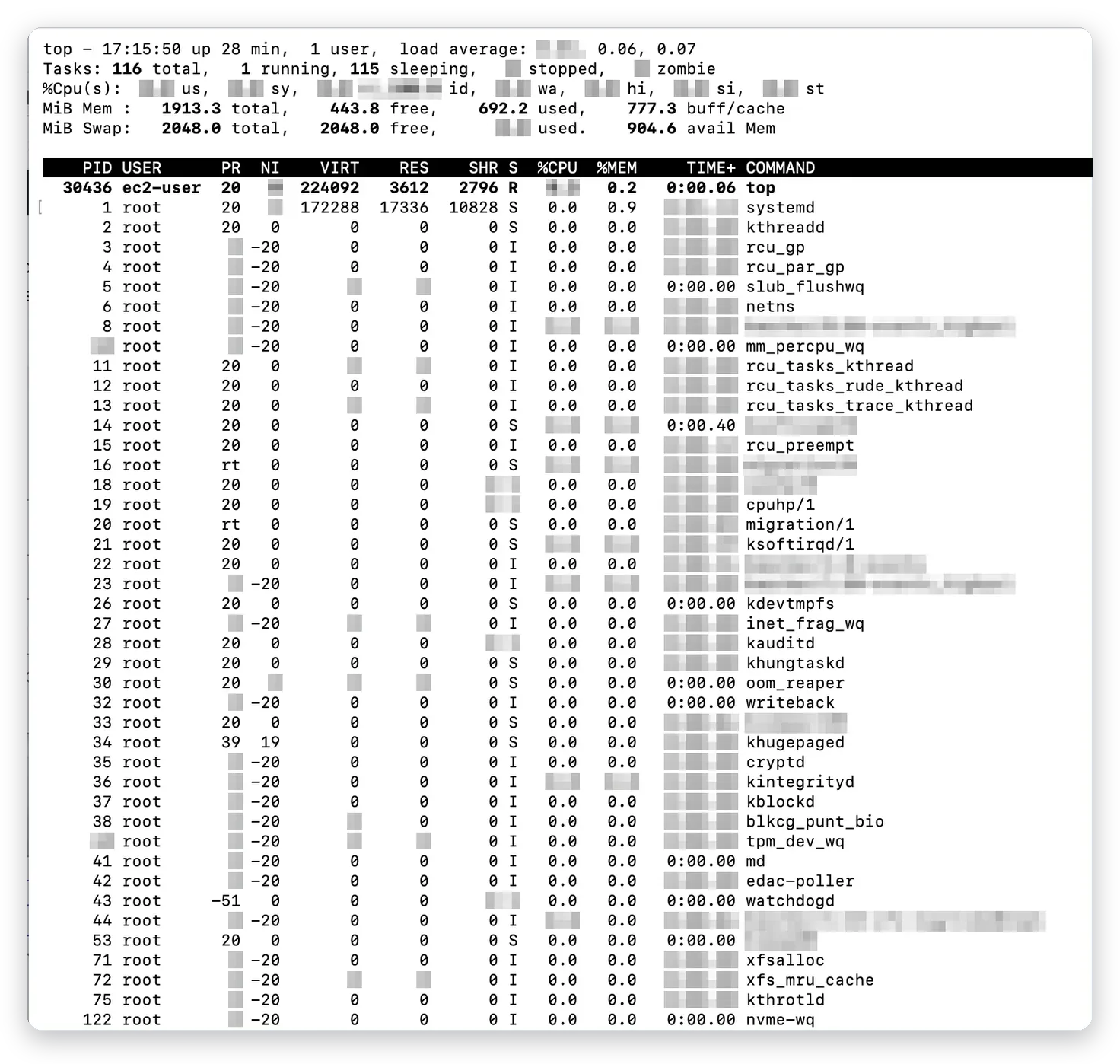
First of all, we gather the provider’s report, the monitoring data from CloudWatch or Azure Monitor, the system logs, the application logs and the change history. In addition, we interview the people who noticed the problem, because the user’s perspective often reveals the real impact.
We also secure the evidence quickly, since many logs rotate after a few days. As a result, the analysis rests on facts rather than memories.
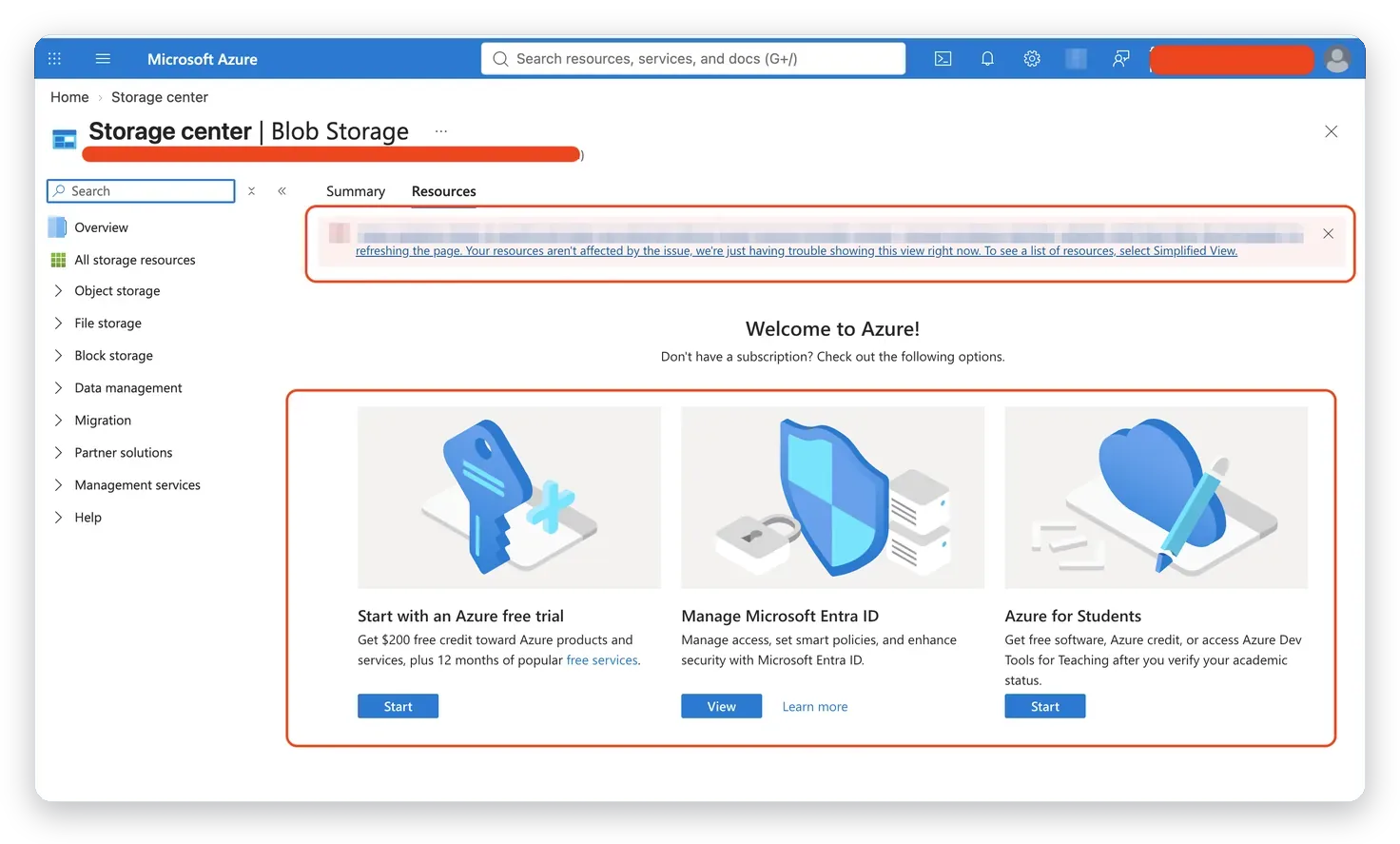
Our method: timeline, scope and root cause
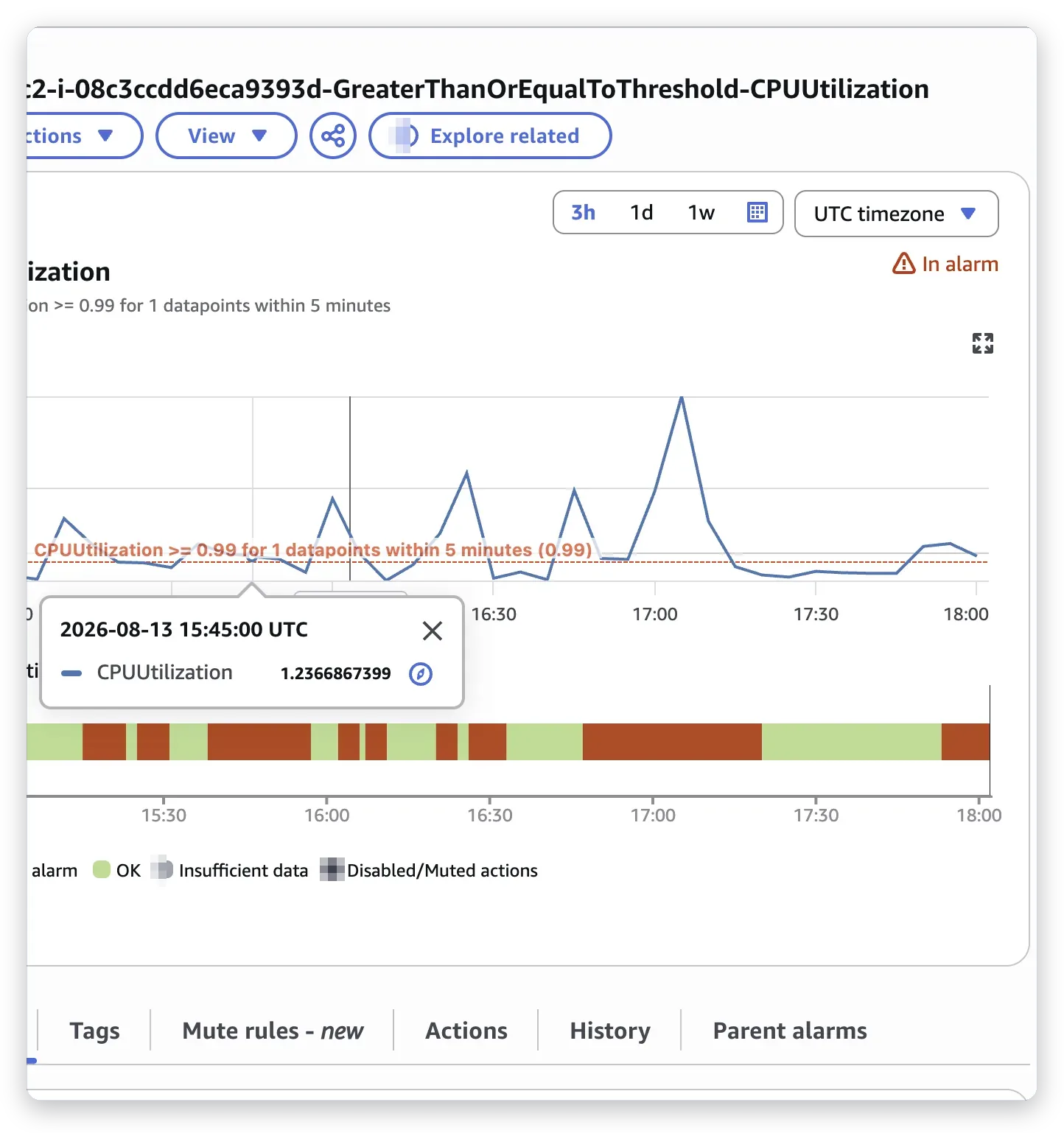
Next, we build a timeline minute by minute, from the first symptom to full recovery. Then we define the scope: which systems, users and data the incident affected. In this way, we separate the trigger from the underlying weakness.
Finally, we ask why several times until we reach a cause that we can actually fix. For instance, the trigger may be a full disk, while the root cause is missing monitoring and no automatic clean-up of old logs. Therefore, our recommendations target the root cause.
An incident analysis report with an action plan
The result is a clear incident analysis report in plain language: what happened, why, what it cost and what to do next. Each action has an owner, a priority and an estimate of the effort. In addition, we separate quick fixes from larger improvements such as redundancy across zones.
Management gets a short summary, while the technical team gets the details. As a result, everyone understands the decisions, and the same incident does not happen again.
Contact Datorkirurgen AB about an incident analysis report
Business IT Support is part of Datorkirurgen AB, which has more than 30 years of experience in IT for businesses. We interpret incident reports, find root causes and plan actions for companies using AWS, Azure and Oracle Cloud, remotely anywhere and on site in Stockholm.
In addition, our prices start at €250 per hour excluding VAT, or as agreed, and we guarantee to solve the problem. AWS explains its event reports in the AWS Health documentation. Contact us after an incident, and we will start the analysis while the logs still exist.
Frequently asked questions about incident analysis reports
Incident analysis report basics
- What is an incident analysis report?
- What is a root cause analysis?
- What does AWS Health show?
- What does Azure Service Health show?
- Does Oracle Cloud publish incident reports?
- Why does the provider report not explain our outage?
- What is the difference between trigger and root cause?
- How quickly should we start the analysis?
- Which logs do you need?
- How long are logs kept?
Method and results
- How do you build a timeline?
- Do you interview our staff?
- What does the final report contain?
- Who gets the report?
- How do you prioritise the actions?
- Do you calculate the cost of the incident?
- Can you compare with earlier incidents?
- Can the report be used for insurance?
- Can the report be used for audits?
- Do you follow up the actions?
Prevention and support
- How do we avoid the same incident again?
- Should we use several availability zones?
- How do we improve monitoring?
- Can you set up alerts for us?
- Can you test our disaster recovery?
- Do you support hybrid environments?
- Do you work outside office hours?
- Can you be our incident contact?
- Do you offer ongoing support?
- How do I contact you about an incident analysis report?