
0:00
Agent development means letting software carry out whole workflows for you, not just single commands. An agent can inventory your systems, check updates, review security settings and compile a report while you do something else. Business IT Support, part of Datorkirurgen AB, builds such agents for businesses, and we build them so that a human always has the final say.
What is an agent, and how does it differ from a script?
An ordinary script does one thing at a time, for example backing up a database. An agent, on the other hand, carries out a chain of steps: it collects information, compares it with the expected state, makes a limited decision and reports the result. Therefore, agents suit recurring work that would otherwise take a technician several hours every week.
At the same time, an agent is not magic. It follows the rules we build in and only works with the permissions it receives. For this reason, we always start by describing the workflow together with you, step by step, before we write any code. If you want to read about AI services in general, we describe them in the article on AI and automation for businesses.
Checks and monitoring around the clock
The first benefit is control. For example, an agent can check every night that all servers have the latest security updates, that certificates are not about to expire and that backups actually completed. In addition, it can compare firewall rules, administrator accounts and Microsoft 365 settings with an approved baseline.
When something deviates, the agent sends a short report instead of hundreds of alerts. Consequently, you hear about what actually requires action, and the technicians no longer go through the same lists by hand every morning.
Reviewing security and updates
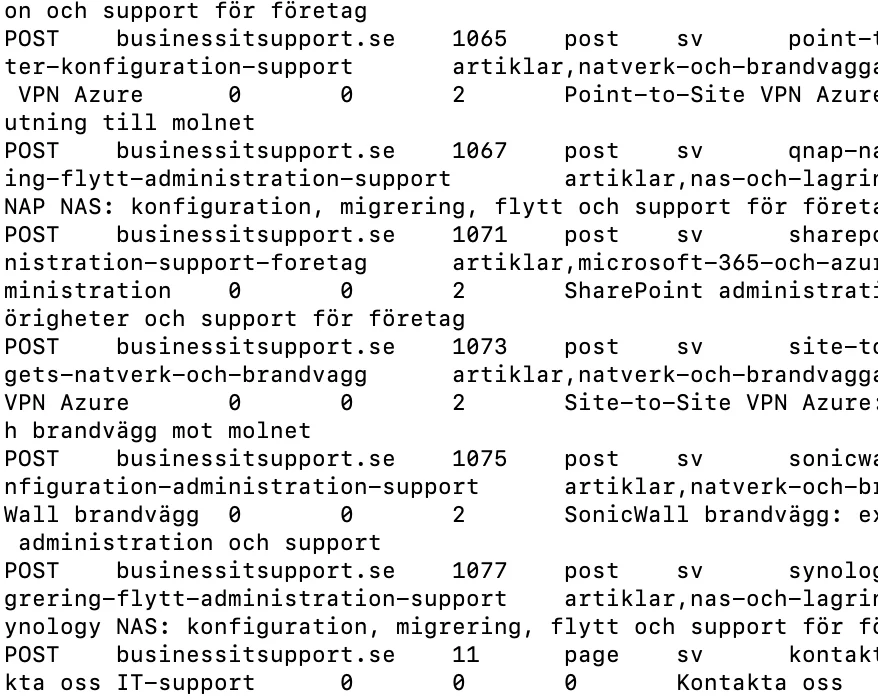
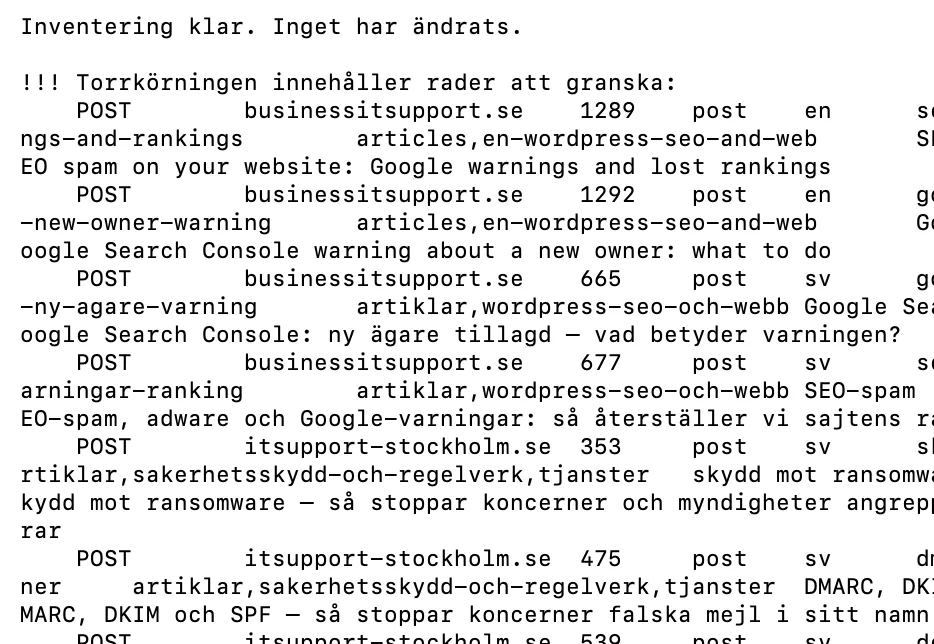
Moreover, agents can review. In one of our own projects, an agent took inventory of six websites at once: all articles, all pages and all links between the sites, and it checked whether the links had the right attributes. The work would have taken a day by hand, but the agent finished in a few minutes.
Similarly, an agent can review permissions in Entra ID, old guest accounts, shared folders in SharePoint or which programs lack updates. The result is a list you can act on, and next week the agent can show what has improved since the previous review.
Agent development for websites and articles
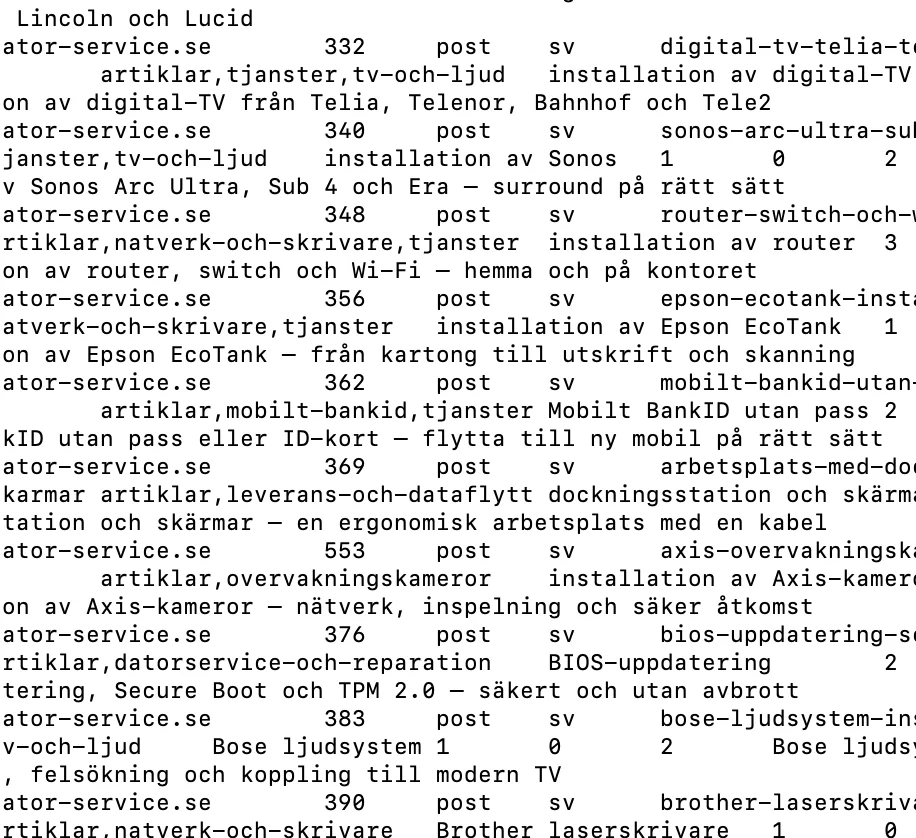
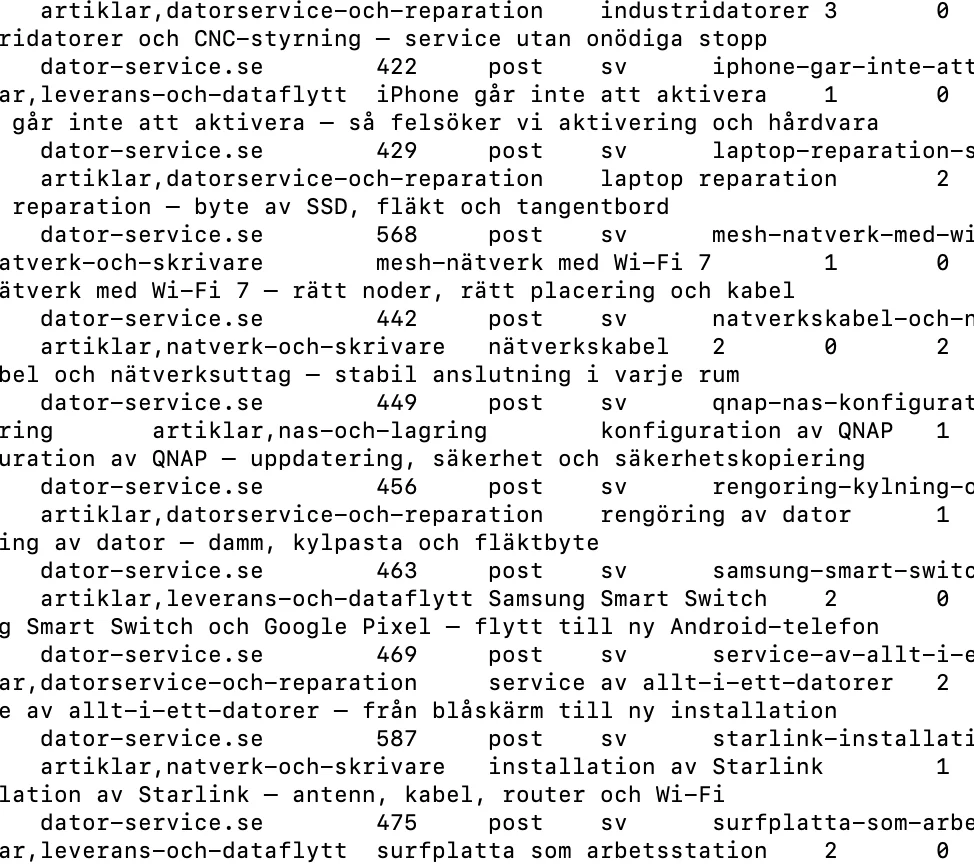
Agents also work for websites. We build agents that publish articles, upload images with the right file names and alt texts, check heading structure and meta descriptions and verify that every new page responds correctly. Furthermore, the agent can check all sites after an update and report if something has stopped working.
As a result, publishing and maintenance become repeatable. The same steps happen the same way every time, and nobody needs to remember a long checklist when it is time to publish something new.
Security first: dry run, approval and logs
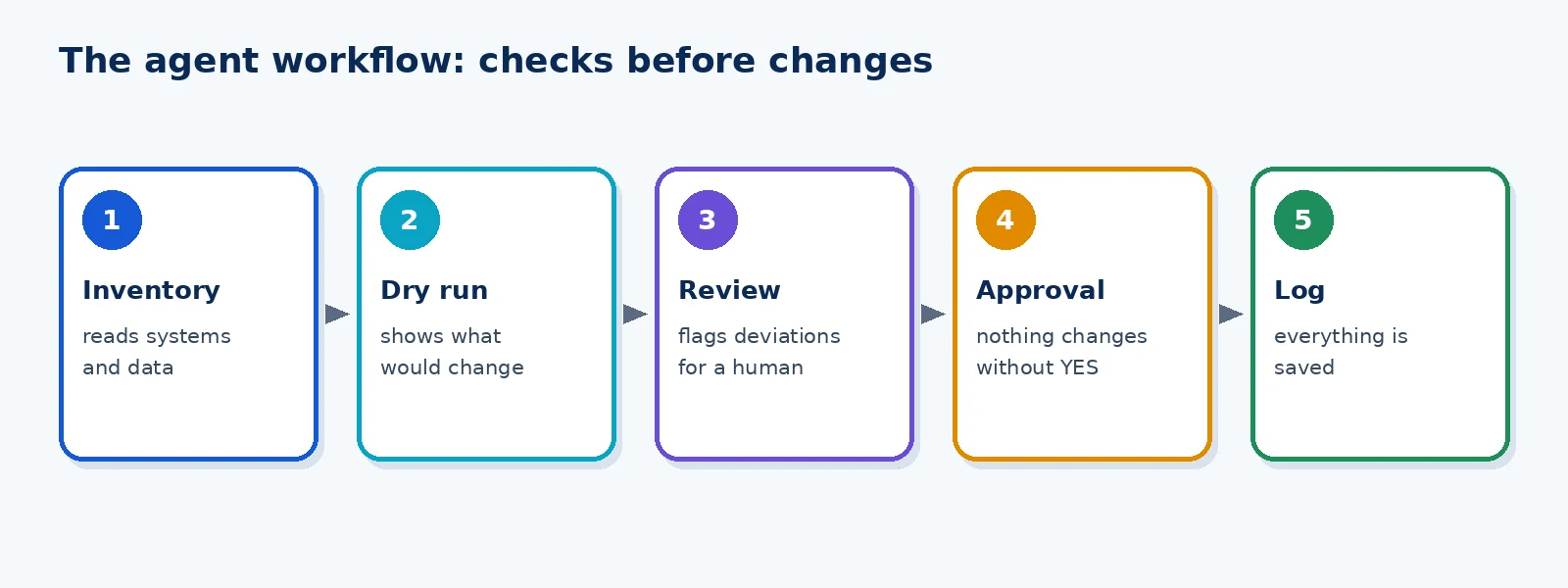
An agent with too much power can do a lot of damage in a short time. Therefore, we always build in three safeguards. First, the agent runs a dry run that shows exactly what it would change. Then, a human must give explicit approval before anything changes. Finally, the agent keeps a log of everything it has read and done.
In addition, the agent only gets the permissions the task requires, and it always takes a backup before a change. In this way, you get the benefits of automation without handing over control. For server environments, Linux Service, another part of Datorkirurgen AB, describes how we build security agents on Linux (in Swedish).
Contact Datorkirurgen AB about agent development
Business IT Support, part of Datorkirurgen AB, has more than 30 years of experience of IT and builds agents for checks, monitoring, reviews and publishing for businesses across Sweden. We start with a limited workflow, show the result and then build further step by step.
In addition, our prices start at €250 per hour excluding VAT, or as agreed, and we guarantee to solve the problem. Meanwhile, OWASP describes the risks of AI agents with excessive permissions on genai.owasp.org. Contact us via the form on our home page, and we will review which workflows suit an agent in your business.
Frequently asked questions about agent development
Agent development and workflows
- What is the difference between an agent and a script?
- Which tasks suit an agent?
- How long does it take to build a first agent?
- Can an agent work at night?
- Can an agent check several systems at once?
- Do we need AI to use agents?
- Can the agent send reports by email or Teams?
- How do we measure the benefit of an agent?
- Can we start with a small workflow?
- Can the agent grow over time?
Checks, monitoring and reviews
- Can an agent check security updates?
- Can the agent monitor certificates that are about to expire?
- How does an agent review permissions in Entra ID?
- Can the agent find old guest accounts?
- Can an agent check that backups work?
- Can the agent review our websites and links?
- Can an agent publish articles and images?
- What does a report from the agent look like?
- Can the agent compare against a baseline?
- How often should the agent run?
Security, price and support
- How do you stop the agent from making wrong changes?
- What is a dry run?
- Who approves the changes the agent proposes?
- Which permissions does the agent get?
- Does the agent keep logs?
- Where does the agent run?
- Can you build agents for our Linux servers?
- Do you offer support after delivery?
- What does agent development cost?
- How do we get started?