
CloudWatch alarms in AWS warn when an EC2 server runs out of capacity, stops responding or behaves unusually. Business IT Support builds alarms that react to real problems, reach the right person and lead to clear action.
Why monitoring is not optional
Without monitoring, the company often learns about a problem from a customer. By then, the website may have been down for hours, or a disk may have filled up and stopped the database. Therefore, monitoring is a basic requirement for every server that the business depends on.
AWS includes basic metrics for EC2, such as CPU, network and status checks. However, memory and disk space require the CloudWatch agent. As a result, many servers lack the very metrics that would have warned in time.
What we monitor with CloudWatch alarms
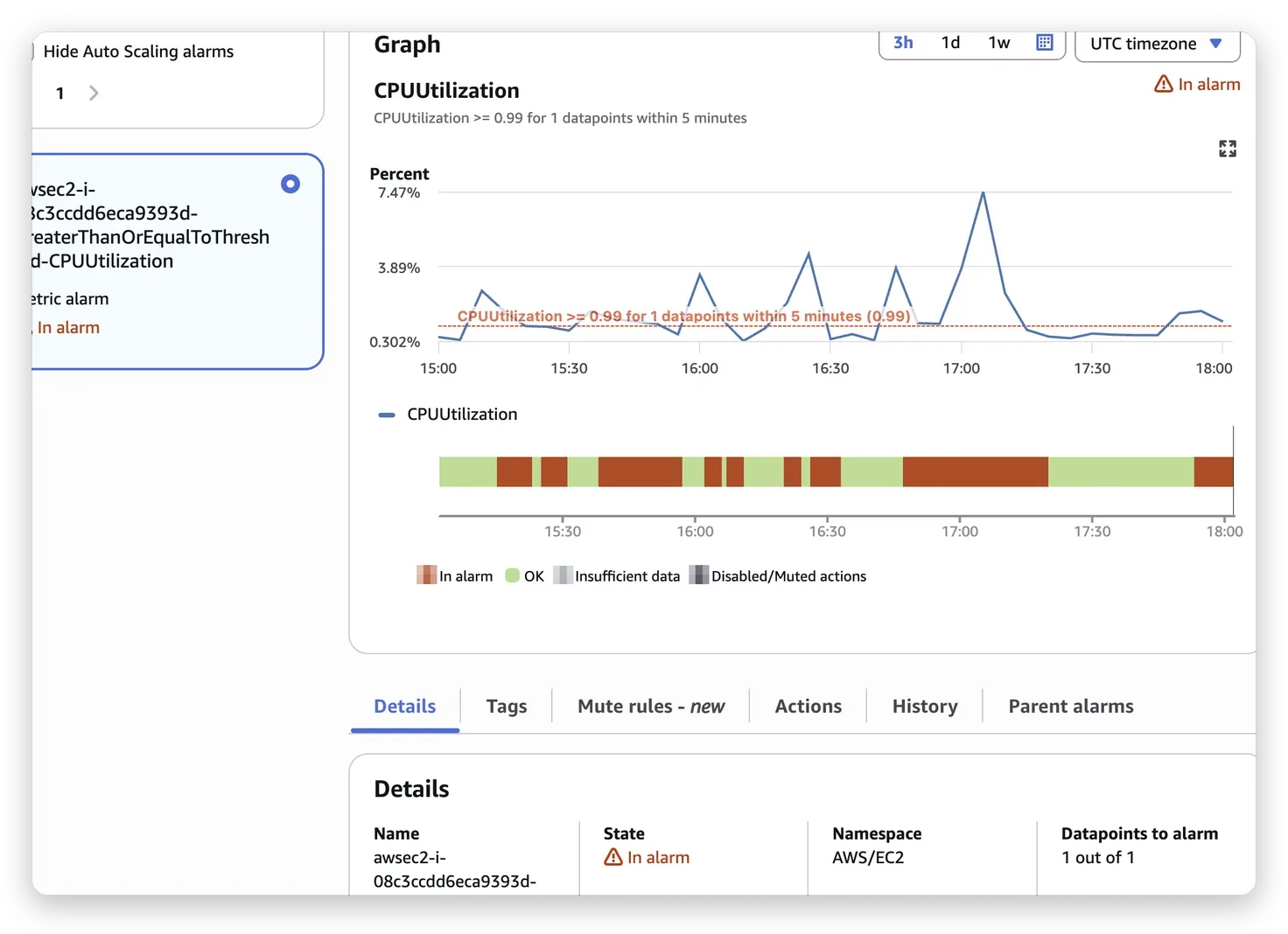
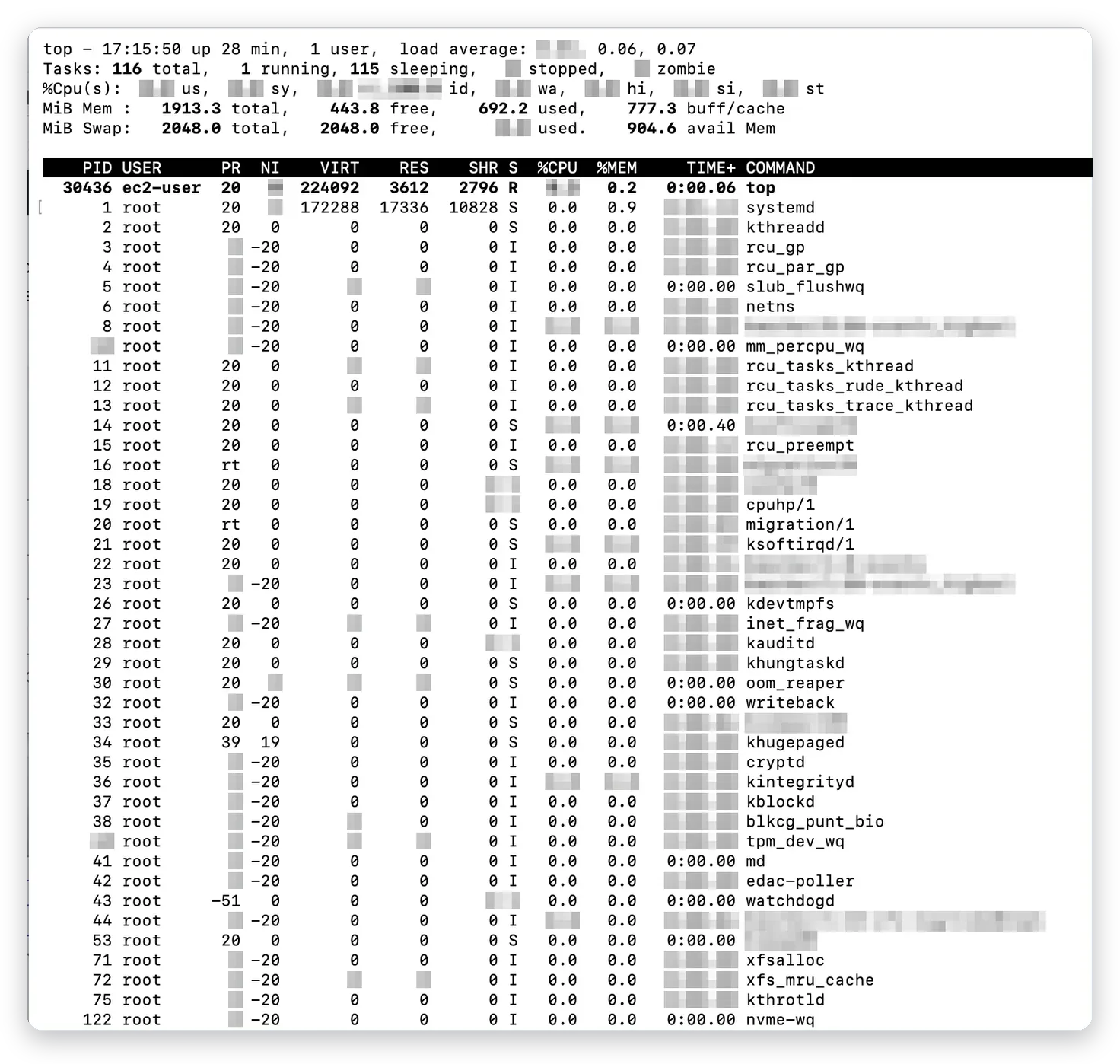
First of all, we monitor CPU, memory, free disk space and the EC2 status checks. In addition, we watch the network, the number of errors in the web server and the response time of the website from the outside. For databases, we add connections and free storage.
We also monitor costs with AWS Budgets, because an unexpected cost spike can indicate a misconfiguration or a compromised account. Consequently, the company sees both technical and financial problems early.
How we build CloudWatch alarms that work
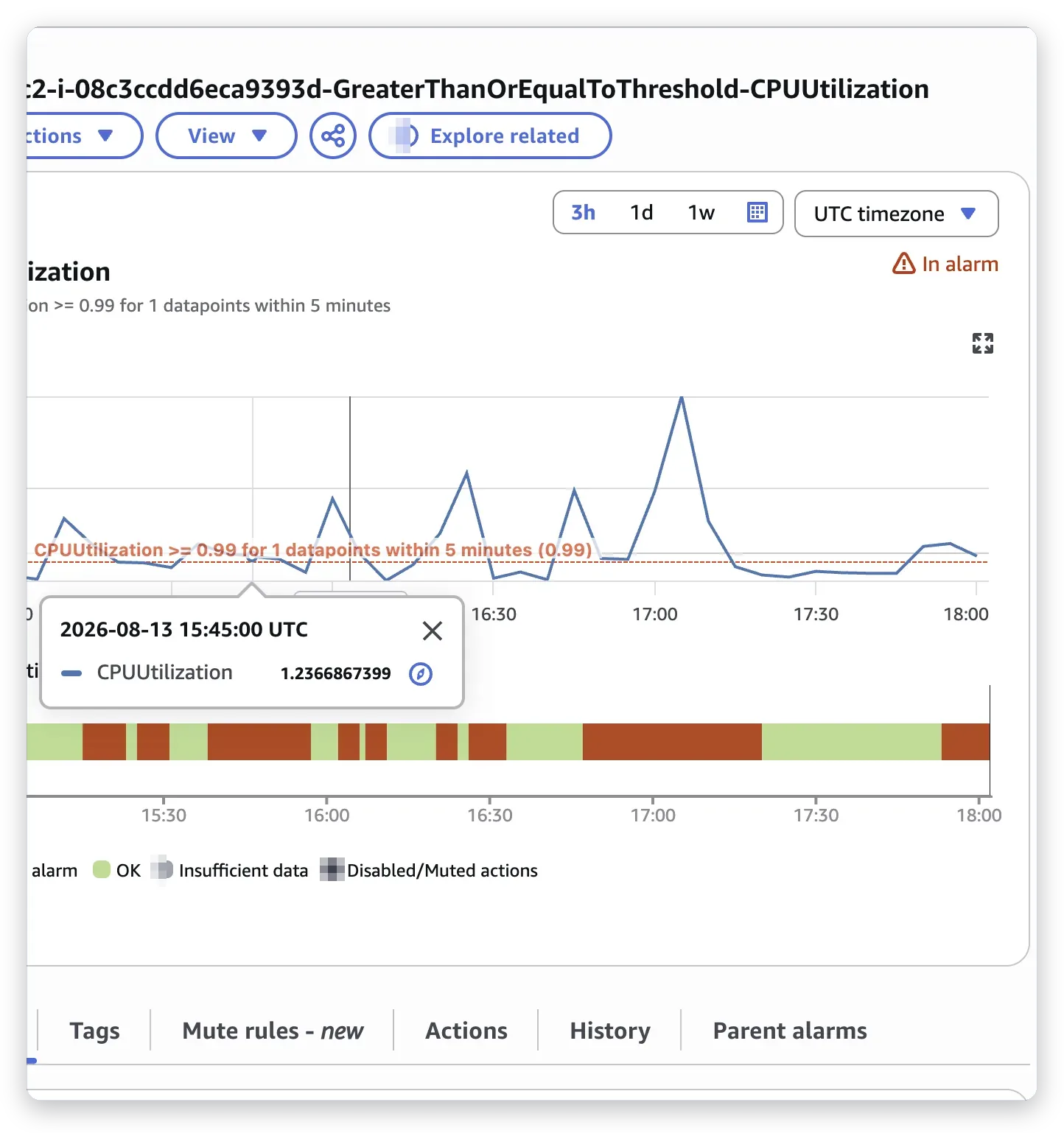
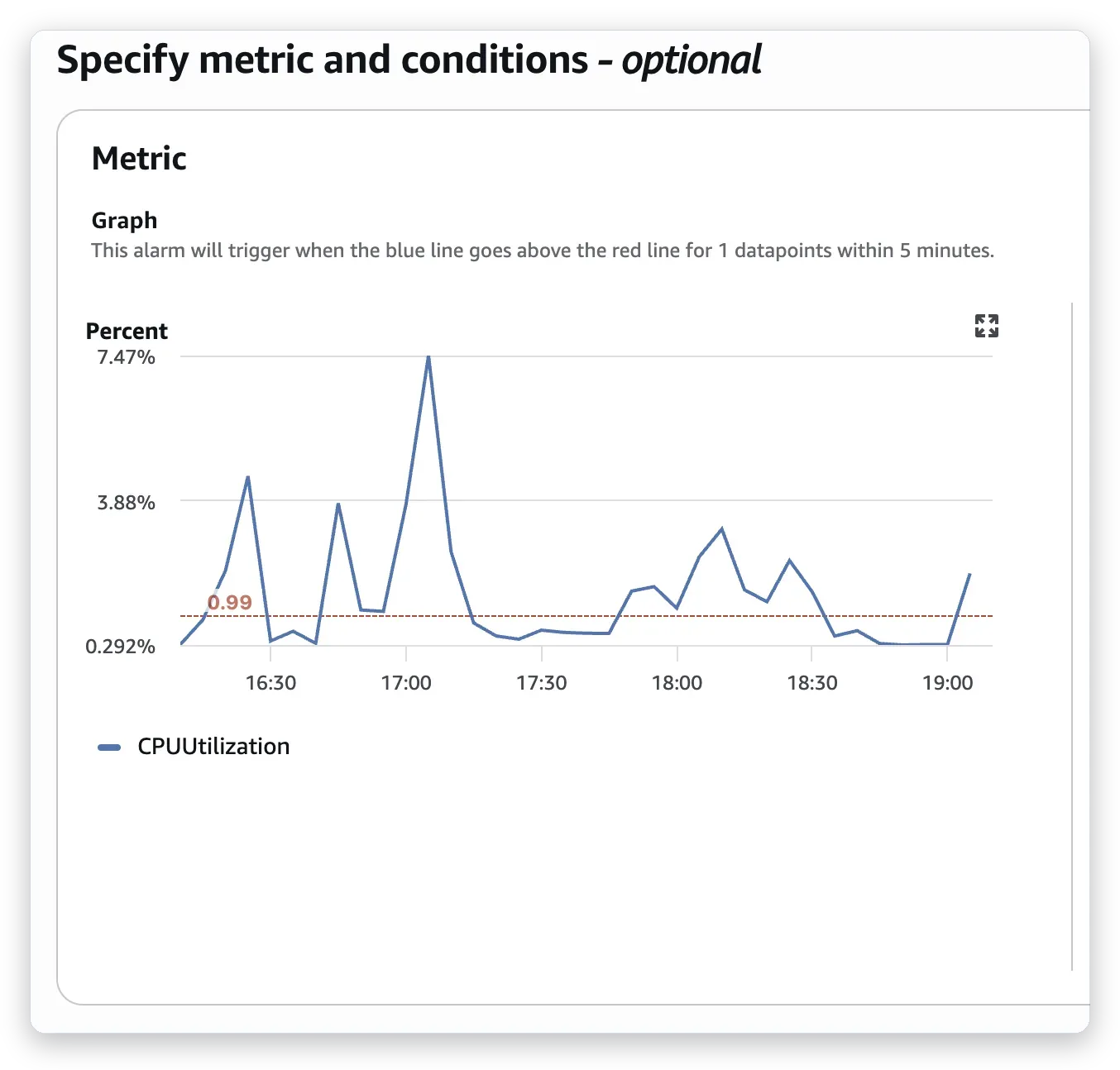
A good alarm reacts to a real problem but ignores short spikes. Therefore, we use several evaluation periods, for example CPU above 85 percent for 10 minutes instead of a single minute. We also set an alarm for missing data, so a stopped agent does not go unnoticed.
Notifications go through Amazon SNS to email, SMS or chat. Furthermore, a status check alarm can recover or reboot the instance automatically. As a result, some problems solve themselves before anyone needs to act.
What an alarm should lead to
An alarm without a plan only creates stress. For that reason, each alarm has a short runbook: what it means, how to check the cause and what to do. In addition, we review the alarms after every incident and adjust thresholds that triggered too often or too late.
Finally, we connect the alarms to a dashboard that shows the health of all servers at a glance. Consequently, the team spends less time searching and more time fixing.
Moreover, we test every alarm once after we create it, for example by filling a test disk or stopping the agent. As a result, we know that the notification really reaches the right person before a real problem happens.
Contact Datorkirurgen AB about CloudWatch alarms
Business IT Support is part of Datorkirurgen AB, which has more than 30 years of experience in IT for businesses. We set up CloudWatch alarms, dashboards and runbooks for EC2 and other AWS services for companies remotely anywhere, and on site in Stockholm and across Sweden.
In addition, our prices start at €250 per hour excluding VAT, or as agreed, and we guarantee to solve the problem. AWS describes alarms in its CloudWatch documentation. Contact us, and we will review the monitoring of your servers.
Frequently asked questions about CloudWatch alarms
Basic questions
- What is Amazon CloudWatch?
- What is a CloudWatch alarm?
- Which metrics does EC2 provide by default?
- Why is memory missing in CloudWatch?
- What is the CloudWatch agent?
- What does a status check measure?
- What is Amazon SNS?
- Can alarms send SMS?
- Do CloudWatch alarms cost money?
- How many alarms do we need?
Building good alarms
- Which CPU threshold should we use?
- What is an evaluation period?
- How do we avoid false alarms?
- What does missing data mean?
- Can an alarm restart a server?
- Can we monitor free disk space?
- Can we monitor a website from the outside?
- What is a composite alarm?
- Can we monitor costs with alarms?
- What is a CloudWatch dashboard?
Operations and support
- What is a runbook?
- Who should receive the alarms?
- How often should we review thresholds?
- Can you set up the CloudWatch agent?
- Can you monitor our databases?
- Can you respond to alarms for us?
- Do you support Azure Monitor too?
- Do you work outside office hours?
- Do you offer ongoing support?
- How do I contact you about CloudWatch alarms?