
SharePoint Online can be managed in the browser, but PowerShell gives far more control, especially for reports and bulk changes. Business IT Support uses PowerShell to administer SharePoint Online and the rest of Microsoft 365 safely and efficiently.
Why PowerShell matters in Microsoft 365
To begin with, the admin centres in Microsoft 365 work well for single changes. However, when you need to check sharing on hundreds of sites, change storage limits or find every site without an owner, the browser becomes slow. In those cases, therefore, PowerShell does the job in minutes.
Moreover, scripts give repeatable results. For example, we run the same report every month and compare the numbers. As a result, changes in permissions or storage stand out quickly.
Modules and connection to SharePoint Online
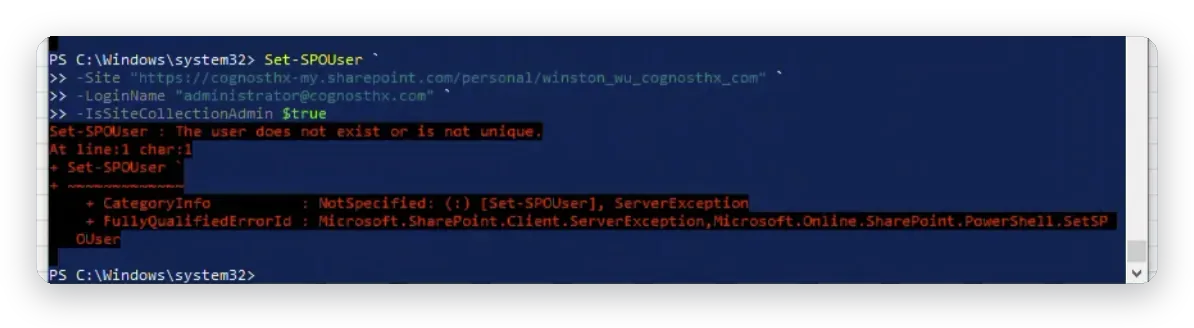
To begin with, we install the right modules: the SharePoint Online Management Shell for tenant settings and, where needed, PnP PowerShell for content and lists. In addition, we use Microsoft Graph PowerShell for users and groups and the Exchange Online module for mailboxes.
Then we connect with modern authentication and multi-factor authentication. Furthermore, for scheduled scripts we register an app in Entra ID with a certificate and only the permissions the script needs. Consequently, no passwords live in the scripts.
Reports and regular checks
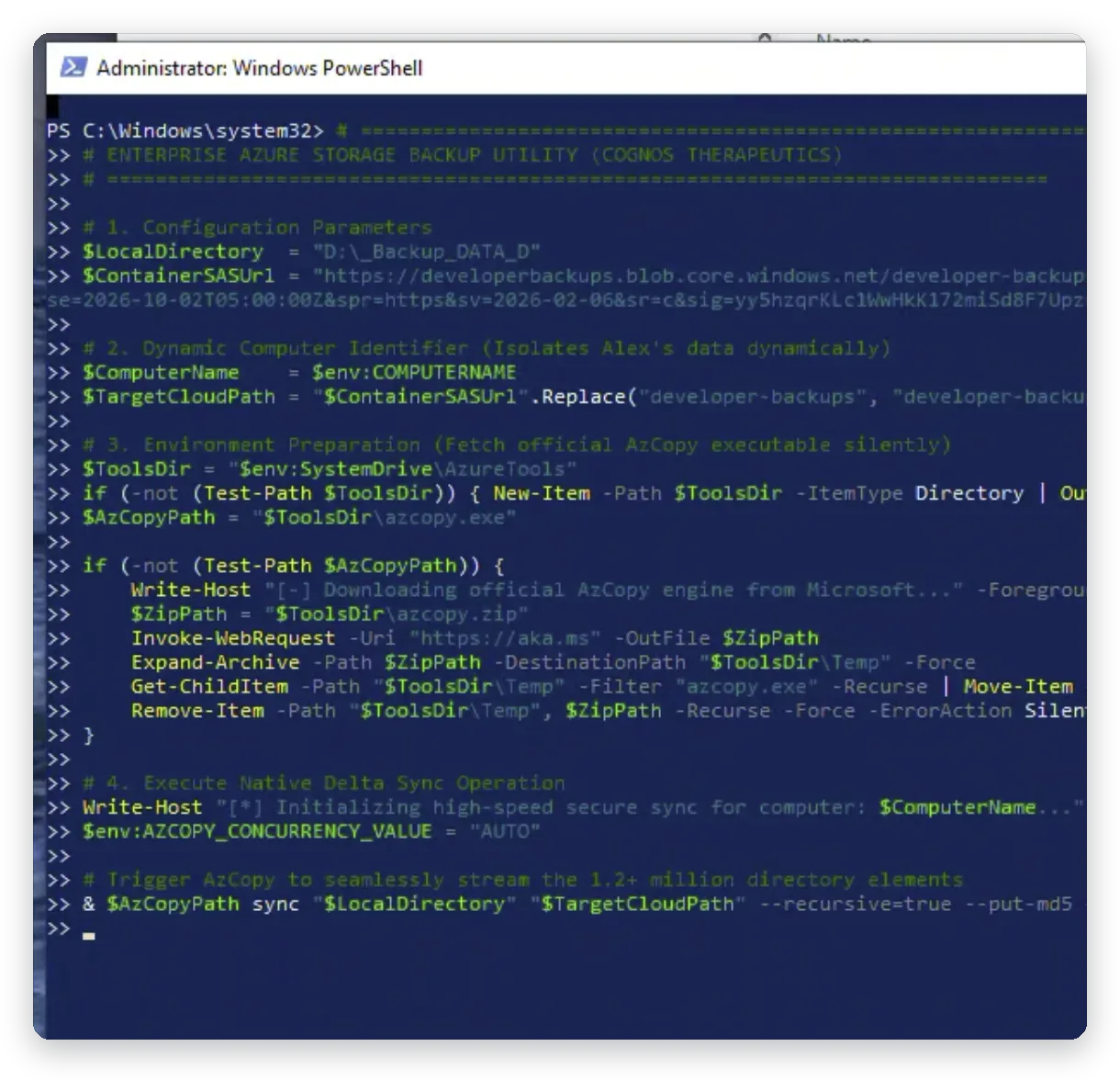
For instance, typical reports include sites without owners, external sharing per site, guest users, storage per site and files shared with anyone links. Furthermore, we list sites that nobody has used for a long time, so they can be archived.
Afterwards, we deliver the reports in Excel or as a short summary with recommendations. Therefore, management can see the situation without logging in to any admin centre.
Security and traceability in administration
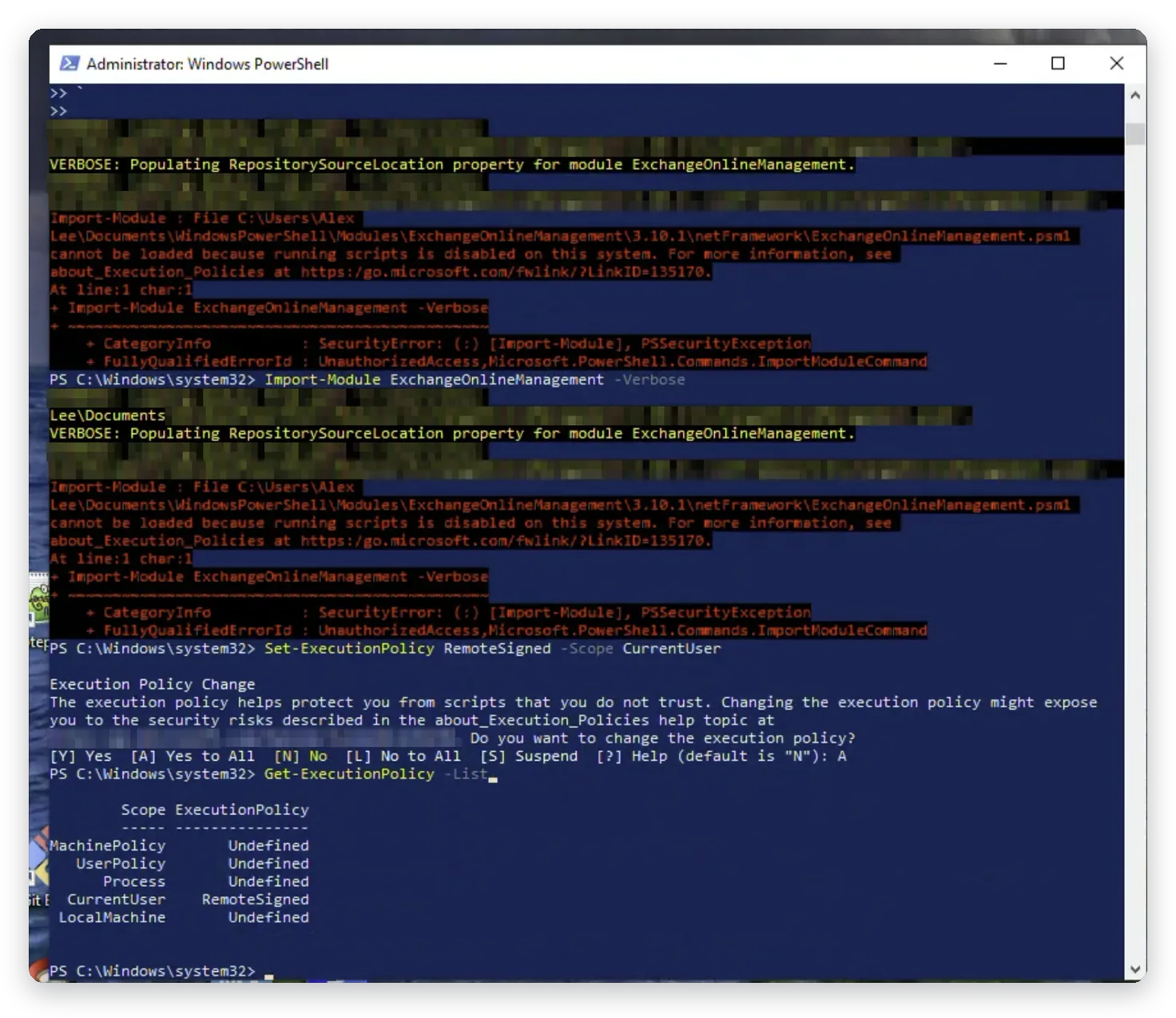
PowerShell gives great power, so it needs control. We always test bulk changes on a few sites first and export the current state before we change anything. In addition, the audit log in Microsoft Purview records every administrative action.
We also keep the scripts in version control and document what each one does. As a result, another administrator can understand and repeat the work, and nothing depends on one person’s memory.
In addition, we schedule a monthly run of the most important reports and send the result to the person responsible. Consequently, the organisation discovers risky sharing, missing owners and growing storage long before they become a problem, and SharePoint Online stays tidy without extra effort from the staff.

Contact Datorkirurgen AB about SharePoint Online
Business IT Support is part of Datorkirurgen AB, which has more than 30 years of experience in IT for businesses. We administer SharePoint Online and Microsoft 365 with PowerShell for companies remotely anywhere, and on site in Stockholm and across Sweden.
In addition, our prices start at €250 per hour excluding VAT, or as agreed, and we guarantee to solve the problem. Microsoft describes the shell in its SharePoint Online PowerShell guide. Contact us, and we will start with a report on your sites.
Frequently asked questions about SharePoint Online and PowerShell
Basic questions
- Why use PowerShell for SharePoint Online?
- Which PowerShell module do we need?
- What is PnP PowerShell?
- What is Microsoft Graph PowerShell?
- How do we connect with multi-factor authentication?
- Can scripts run on a schedule?
- Do scripts need a password?
- What is app-only authentication?
- Which permissions does a script need?
- Does PowerShell work on a Mac?
Reports and administration
- How do we find sites without owners?
- How do we list external sharing?
- How do we find guest users?
- How do we see storage per site?
- Can we change settings on many sites at once?
- How do we find inactive sites?
- Can we archive old sites?
- Can we export permissions to Excel?
- How often should we run the reports?
- Can you combine Exchange and SharePoint data?
Security and support
- How do we test a bulk change safely?
- Where do we see what administrators changed?
- What is the audit log?
- Should scripts live in version control?
- Can you write scripts for us?
- Can you review our sharing settings?
- Can you train our IT staff?
- Do you work outside office hours?
- Do you offer ongoing support?
- How do I contact you about SharePoint Online?