
Apache on Amazon Linux powers many company websites in AWS. A small typo or a conflicting redirect can still stop the whole site. Business IT Support fixes configuration errors, virtual hosts, redirect loops and PHP-FPM settings.
Error 1: Apache on Amazon Linux does not start after a change
Occasionally, after a change in a configuration file, Apache refuses to start, and every website on the server goes down. The cause is usually a typo, a missing module or a reference to a certificate file that does not exist. Therefore, we always run apachectl configtest before we restart the service.
Fortunately, the test shows the exact file and line with the error. In addition, journalctl and the error log in /var/log/httpd give more details. As a result, we can fix the error within minutes instead of guessing.

Error 2: virtual hosts, domains and HTTPS rules
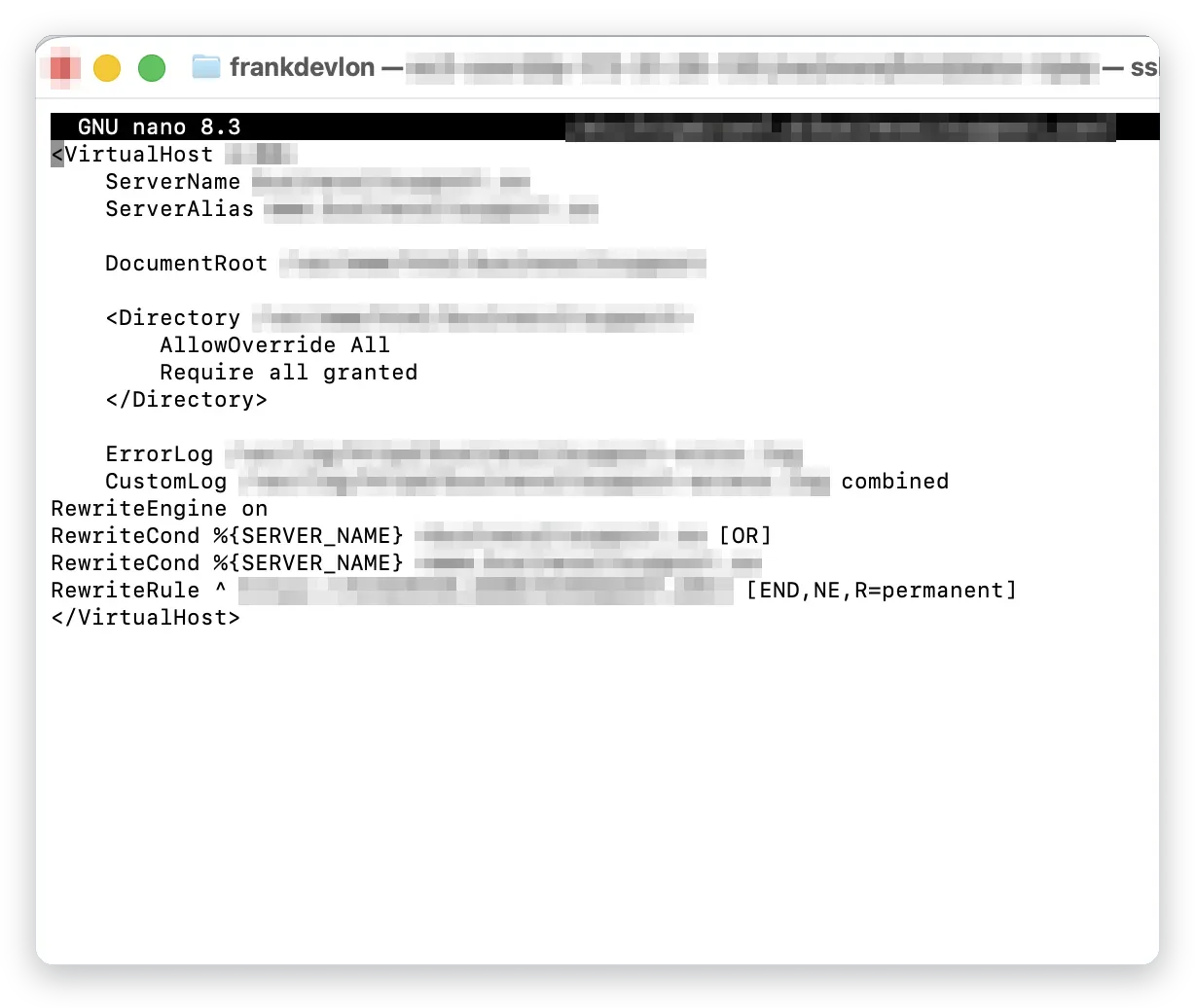
In general, each website needs its own virtual host with the correct ServerName, ServerAlias and DocumentRoot. If two virtual hosts claim the same name, or if the default host catches the traffic, visitors land on the wrong site. Moreover, the HTTPS virtual host must point to the right certificate.
Therefore, we review every virtual host, remove duplicates and keep one file per site in /etc/httpd/conf.d. Consequently, the configuration stays readable, and new sites can be added without risk.
In addition, we check that SELinux contexts and file permissions allow Apache to read the document root. Because Amazon Linux applies strict defaults, a wrong context often gives a 403 error even when the configuration itself is correct.
Error 3: too many redirects
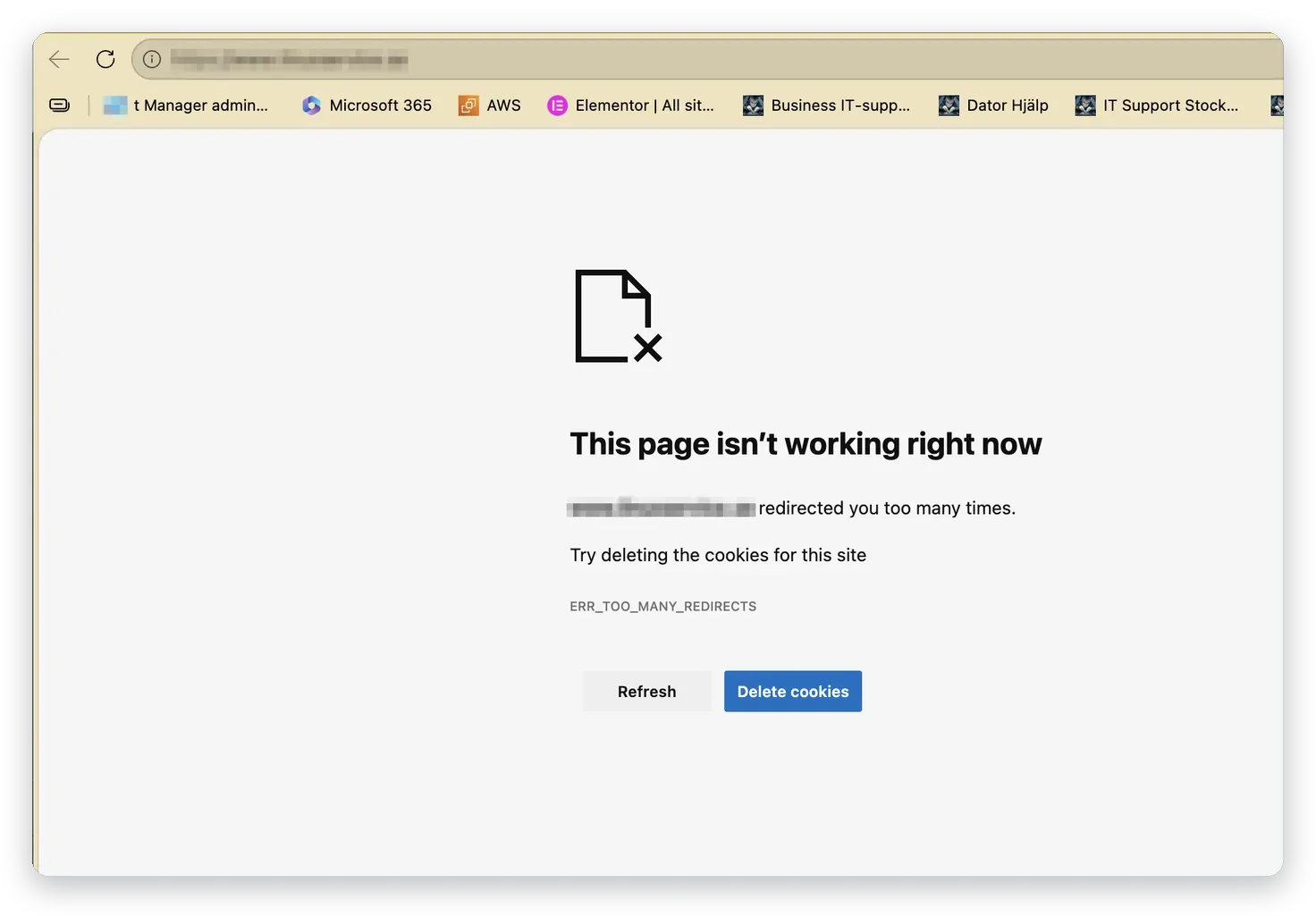
In short, the browser error ERR_TOO_MANY_REDIRECTS means that the site sends the visitor in a loop, often between HTTP and HTTPS or between www and non-www. Typically, Apache, WordPress and sometimes a load balancer all try to redirect at the same time.
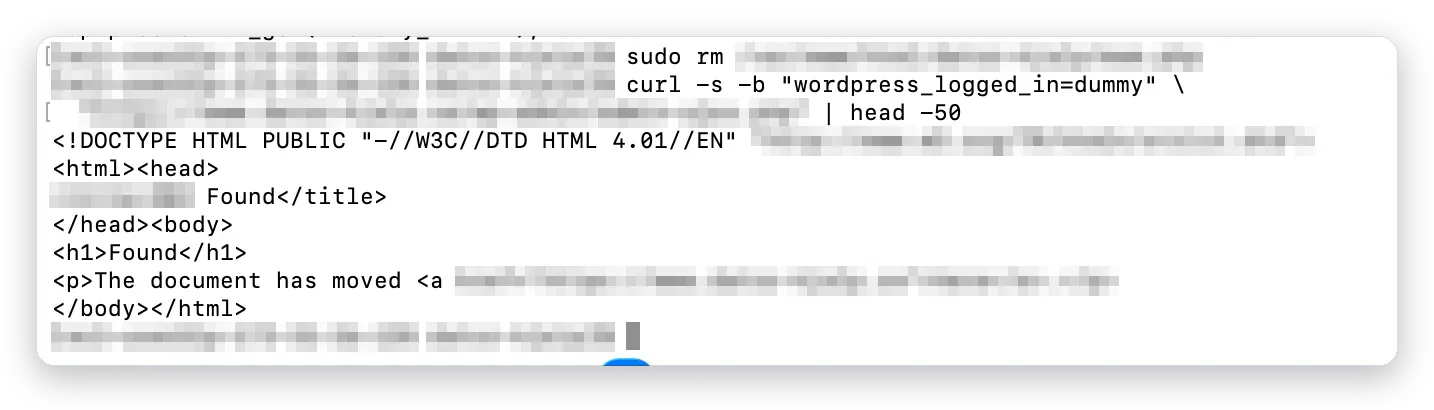
Therefore, we decide where the redirect should happen and remove the rest. For instance, Apache handles HTTP to HTTPS, while WordPress only knows the final address. After the change, we test with curl to see every step of the redirect chain.
Checking PHP-FPM and php.ini
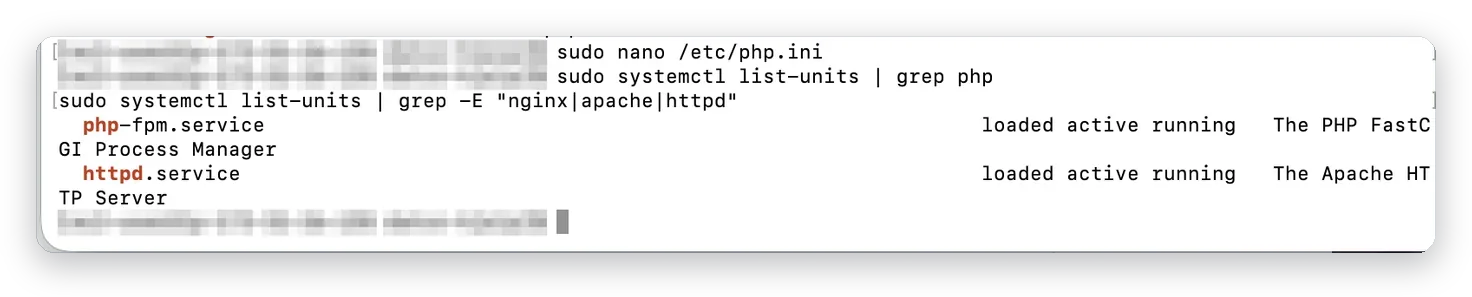
For example, on Amazon Linux Apache usually passes PHP requests to PHP-FPM. If PHP-FPM has too few workers, the site becomes slow under load; if it has too many, the server runs out of memory. In addition, php.ini settings such as memory_limit, upload_max_filesize and max_execution_time affect how WordPress and other applications behave.
Next, we test the application with curl, for example against admin-ajax.php in WordPress, and measure the response time. Then we adjust PHP-FPM and php.ini to the available memory and the traffic. As a result, Apache on Amazon Linux stays both stable and fast.
Contact Datorkirurgen AB about Apache on Amazon Linux
Business IT Support is part of Datorkirurgen AB, which has more than 30 years of experience in IT for businesses. We configure and troubleshoot Apache, PHP-FPM and HTTPS on Amazon Linux and other distributions for companies remotely anywhere, and on site in Stockholm.
In addition, our prices start at €250 per hour excluding VAT, or as agreed, and we guarantee to solve the problem. The Apache project documents virtual hosts in its official documentation. Contact us when your web server stops.
Frequently asked questions about Apache on Amazon Linux
Apache on Amazon Linux basics
- What is Amazon Linux?
- Which Apache version does Amazon Linux use?
- Where are the Apache configuration files?
- What does apachectl configtest do?
- Where is the Apache error log?
- How do we restart Apache safely?
- What is a virtual host?
- What is ServerAlias?
- Can one server host several websites?
- Should we use Apache or Nginx?
Redirects and HTTPS
- What does ERR_TOO_MANY_REDIRECTS mean?
- Where should the HTTPS redirect happen?
- Can WordPress cause a redirect loop?
- Can a load balancer cause a loop?
- How do we test redirects with curl?
- How do we redirect www to non-www?
- Where do we configure the certificate?
- How do we renew certificates automatically?
- What is HSTS?
- Why does only one site show the wrong certificate?
PHP-FPM and support
- What is PHP-FPM?
- How many PHP-FPM workers do we need?
- Which php.ini settings matter for WordPress?
- Why is admin-ajax.php slow?
- Can you upgrade PHP for us?
- Can you move our site to Amazon Linux 2023?
- Can you monitor our web server?
- Do you work outside office hours?
- Do you offer ongoing support?
- How do I contact you about Apache on Amazon Linux?