
Azure Virtual Desktop gives your staff a full Windows 11 desktop in the cloud, reachable from any device. Business IT Support designs, sets up and supports the environment, from host pools and images to identities, profiles and security.
What Azure Virtual Desktop is and who it suits
Azure Virtual Desktop is Microsoft’s service for virtual desktops and applications in Azure. Users connect from a PC, a Mac, a tablet or a browser, and they get the same desktop wherever they are. Data stays in Azure instead of on the laptop. Therefore, a lost computer no longer means lost information.
The service suits companies with remote staff, consultants, seasonal workers and offices in several countries. It also works well for applications that need a fast connection to a database in Azure. In addition, Windows 11 multi-session lets several users share one virtual machine, which lowers the cost per user considerably.
Architecture: host pools, session hosts and images
An environment consists of host pools, session hosts and application groups. First, we decide whether users need a personal desktop or a pooled desktop. Then we choose virtual machine sizes based on the applications, for example office work, CAD or development. We also build a golden image with Windows 11, Microsoft 365 Apps and your software, so every session host starts identical.
Moreover, we set up scaling plans that start and stop session hosts according to working hours. As a result, you only pay for capacity when people actually work. We document the image, the update routine and the scaling rules, so changes stay controlled and predictable over time.
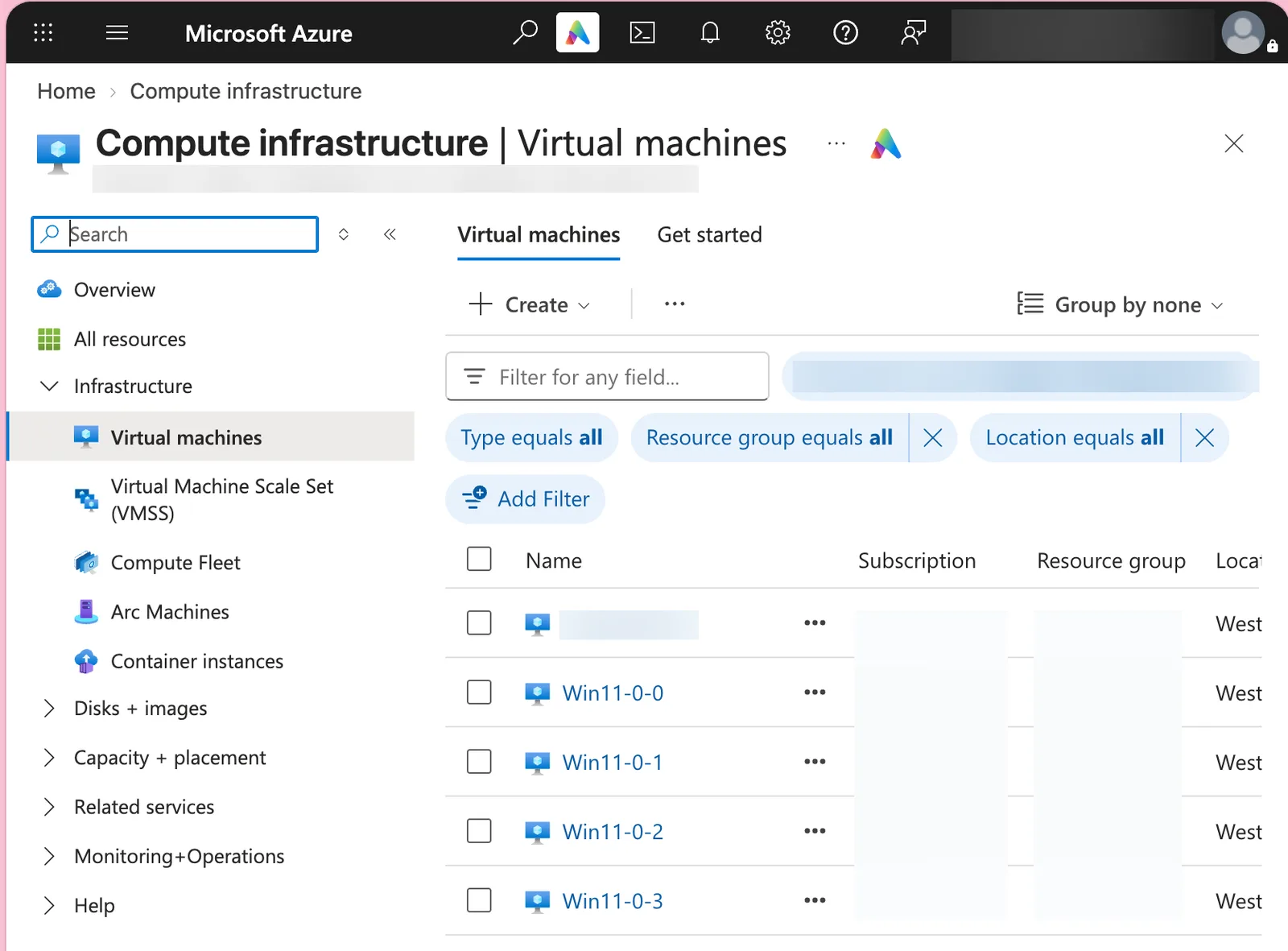
Domains in the cloud with Azure Virtual Desktop
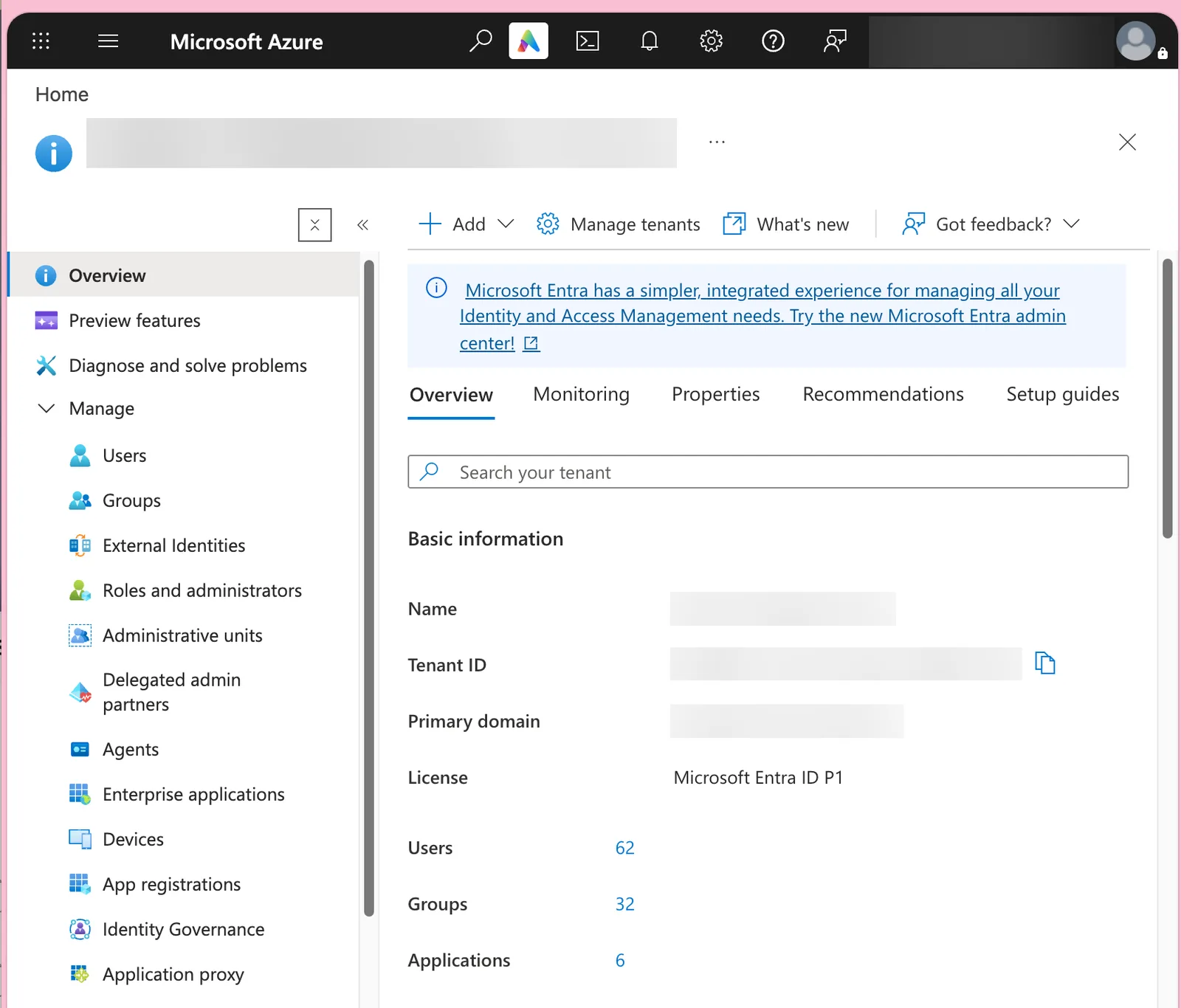
Every desktop needs an identity. Today, session hosts can join Microsoft Entra ID directly, so you no longer need a domain controller in the cloud. Alternatively, we use Microsoft Entra Domain Services or a traditional Active Directory over a VPN when older applications require it. Consequently, the design follows your real needs instead of a fixed template.
We also connect the desktops to Intune for policies, updates and compliance. In addition, conditional access decides which devices and locations may connect. Because identities, devices and desktops share one set of rules, administration becomes simpler, and security stays consistent.
Profiles, FSLogix and files
Users expect their settings, signatures and files to follow them. For that reason, we store profiles in FSLogix containers on Azure Files or Azure NetApp Files. A profile then loads quickly, regardless of which session host the user lands on. We also exclude caches and temporary folders, so the containers stay small.
Shared files usually live in SharePoint, OneDrive or Azure Files. In addition, we redirect known folders such as Desktop and Documents to OneDrive. As a result, users find their files both inside and outside the virtual desktop, and backups cover everything.
Security, access and monitoring
Security starts with multi-factor authentication and conditional access for every login. We also block copy-paste, drive mapping and printing where the business does not need them. Furthermore, Microsoft Defender protects the session hosts, and we keep the image updated every month.
For monitoring, we use Azure Monitor and AVD Insights. They show login times, connection quality and resource use per session host. Therefore, we can see a problem before users report it, and we can adjust the capacity in time.
Support and daily operations
Daily operations include user support, application updates and new images. When a user cannot connect, we check the client, the network, the identity and the session host in that order. Then we fix the fault and document the cause. Regular image updates also keep security patches and applications current without manual work on each machine.
We offer both project delivery and ongoing administration. For instance, we can migrate an existing Remote Desktop Services farm to Azure Virtual Desktop. We can also take over a solution that another supplier built. Either way, you get one contact who knows the whole environment.
Contact Datorkirurgen AB about Azure Virtual Desktop
Business IT Support is part of Datorkirurgen AB, which has more than 30 years of experience in IT for businesses. We design, deliver and support Azure Virtual Desktop for companies remotely anywhere, and on site in Stockholm and across Sweden.
Our prices start at €250 per hour excluding VAT, or as agreed, and we guarantee to solve the problem. Microsoft describes the service in the Azure Virtual Desktop documentation. Contact us, and we will suggest a design that fits your users and your budget.
Frequently asked questions about Azure Virtual Desktop
Azure Virtual Desktop basics
- What is Azure Virtual Desktop?
- Which devices can connect to a virtual desktop?
- What is a host pool?
- What is the difference between pooled and personal desktops?
- What is Windows 11 multi-session?
- Which licences do we need?
- Can we run our own applications?
- Does it work for CAD and graphics?
- Is a browser enough to connect?
- How long does a setup take?
Domains, profiles and security
- Do we need a domain controller in Azure?
- Can session hosts join Entra ID directly?
- What is FSLogix?
- Where do user profiles live?
- How does multi-factor authentication work with virtual desktops?
- Can we block copying files to the local computer?
- How do we protect session hosts against malware?
- What does conditional access control?
- Can external consultants get access safely?
- Does Intune manage the session hosts?
Operations, troubleshooting and cost
- How do we lower the monthly cost?
- What is a scaling plan?
- Why is a login slow?
- How do we update the golden image?
- Can you migrate our Remote Desktop Services farm?
- How do we monitor connection quality?
- What happens if a session host fails?
- Can you take over an existing environment?
- Do you offer ongoing administration?
- How do I contact you about Azure Virtual Desktop?