
DKIM signing adds a digital signature to every email your domain sends. The receiver then uses it to check that the message really comes from you and that nobody changed it on the way. Business IT Support enables and maintains DKIM in Microsoft 365, Google Workspace and other mail services.
What DKIM signing is and why you need it
In short, DKIM stands for DomainKeys Identified Mail. First of all, the sending server signs selected headers and the body of each message with a private key. The receiving server then fetches the public key from DNS and checks the signature. If the content changed, or if someone else sent the message, the check fails.
Unlike SPF, DKIM usually survives forwarding, because the signature travels with the message. Therefore, DKIM forms the most reliable base for DMARC. In addition, Google and Microsoft now require DKIM from companies that send larger volumes of email.
Selectors, keys and DNS records for DKIM signing
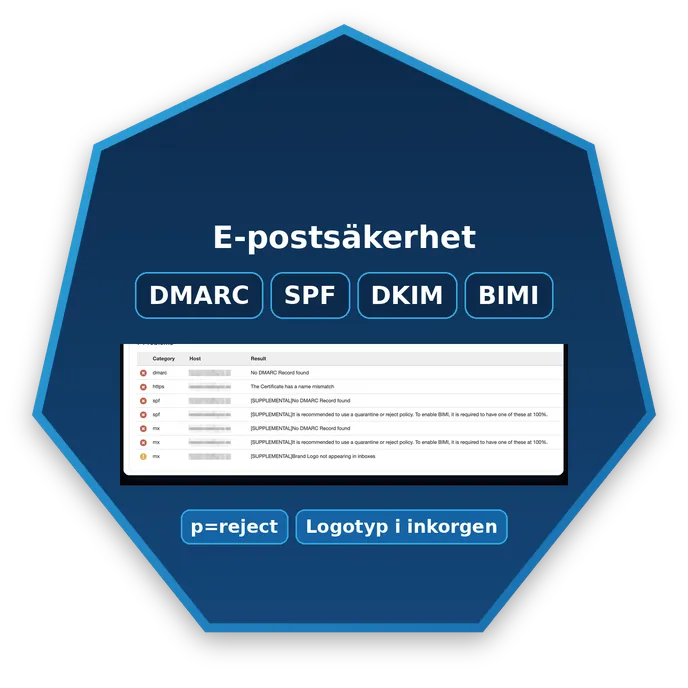
In practice, each DKIM key has a name, the selector, which appears in the signature and in DNS. For example, Microsoft 365 uses two CNAME records called selector1._domainkey and selector2._domainkey that point to keys Microsoft manages. Google Workspace instead gives you a TXT record with the public key, usually under the selector google.
Generally, we recommend 2048-bit keys wherever the service supports them. Moreover, every service that sends email for your domain, such as a newsletter tool, should sign with its own selector. As a result, each sender has its own key, and you can remove one without affecting the others.
Common DKIM mistakes we correct
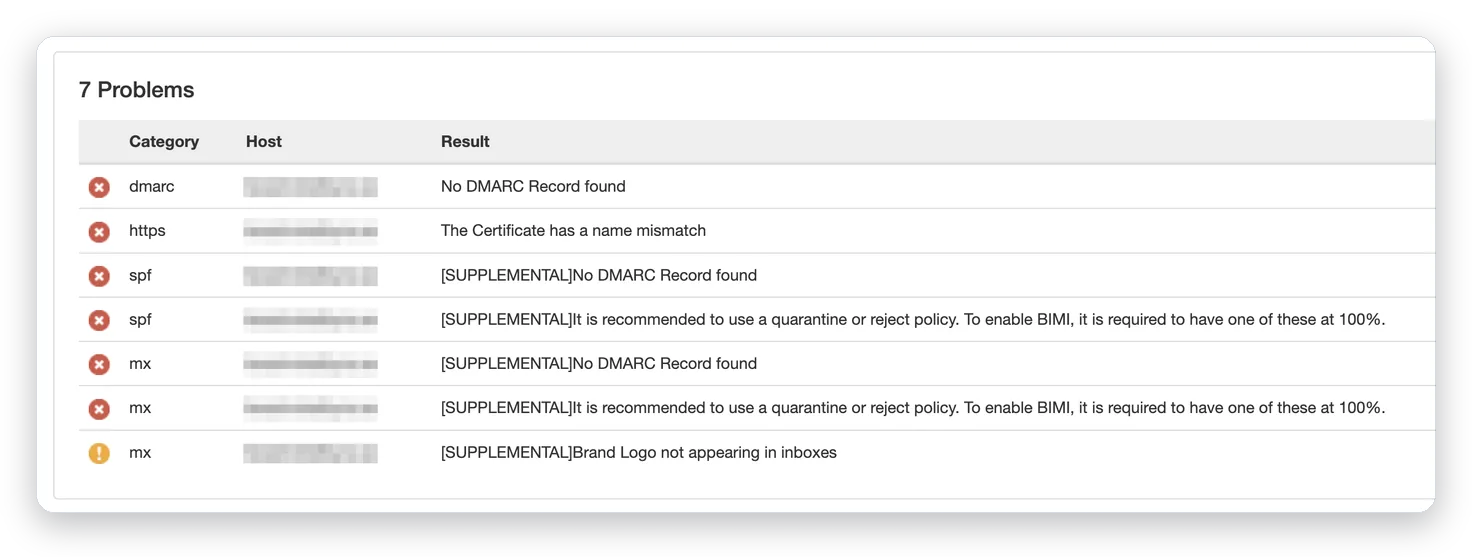
In our experience, the most common mistake is that DKIM signing was never switched on. In Microsoft 365, for instance, a custom domain needs both the CNAME records and the activation in Defender. Another frequent problem is a key that someone pasted into DNS with line breaks or missing characters.
Furthermore, services that sign with their own domain instead of yours do not help DMARC alignment. We therefore configure custom DKIM in newsletter and CRM tools. Finally, we check that old selectors from former providers disappear from DNS.
Key rotation and ongoing maintenance
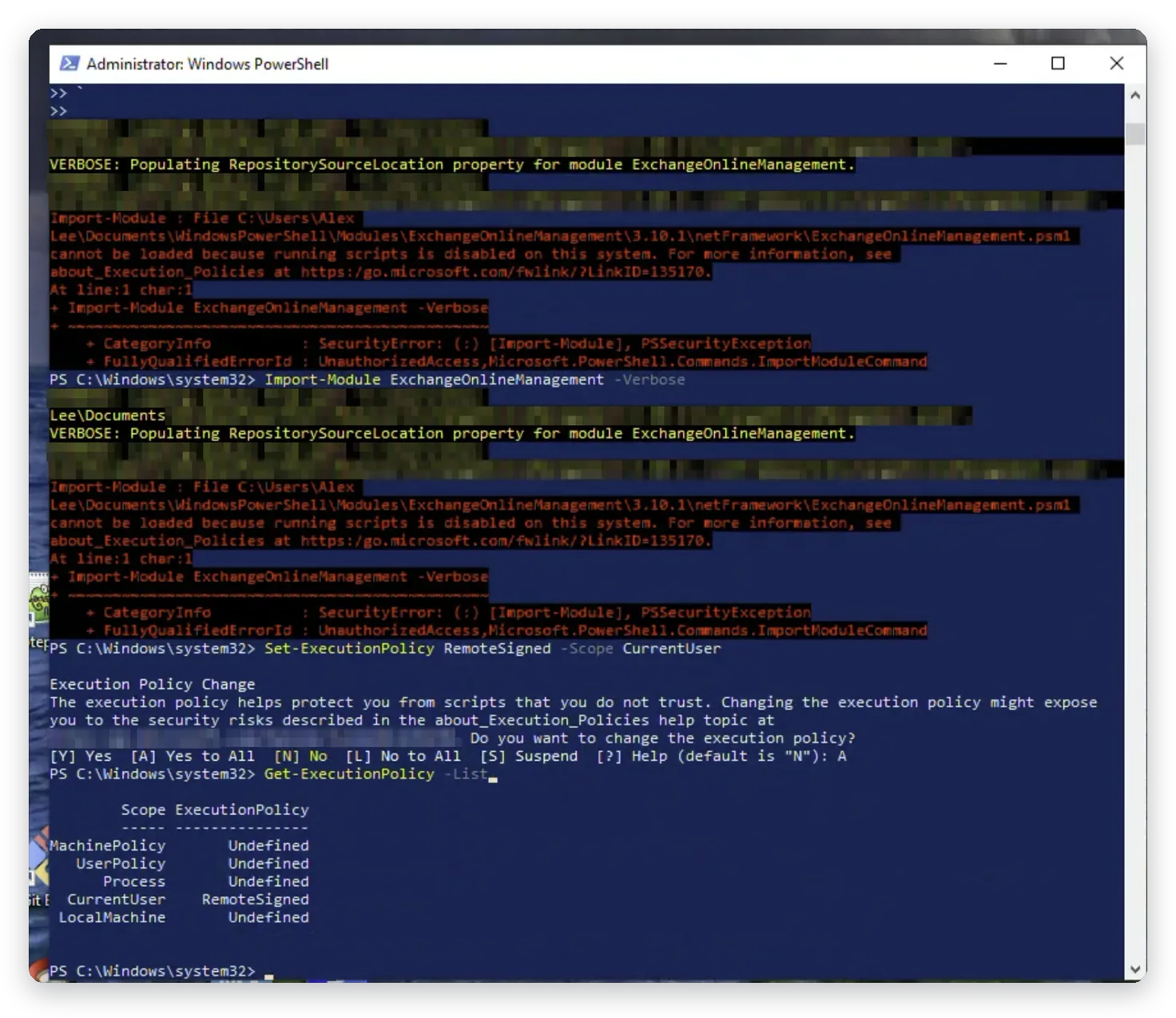
Similarly, keys should change regularly, just like passwords. Microsoft 365 makes this simple, because it alternates between two selectors, and we start the rotation with one command. In Google Workspace, we generate a new key, publish it and then activate it.
We also follow the DMARC reports after every change. Consequently, we see at once if a sender stops signing correctly. In this way, DKIM keeps working when you add new systems or change providers.
Contact Datorkirurgen AB about DKIM signing
Business IT Support is part of Datorkirurgen AB, which has more than 30 years of experience in IT for businesses. We enable and maintain DKIM signing for companies remotely anywhere, and on site in Stockholm and across Sweden.
In addition, our prices start at €250 per hour excluding VAT, or as agreed, and we guarantee to solve the problem. Microsoft describes the setup in its DKIM documentation. Contact us, and we will check the signing for all your domains.
Frequently asked questions about DKIM signing
Questions about DKIM signing
- What is DKIM?
- How does a DKIM signature work?
- What is a DKIM selector?
- Where do we publish the public key?
- Which key length should we use?
- Does DKIM survive forwarding?
- Do we need DKIM if we have SPF?
- How does DKIM relate to DMARC?
- Can several services sign for the same domain?
- How do we test DKIM?
DKIM signing in Microsoft 365 and Google Workspace
- How do we enable DKIM in Microsoft 365?
- Which CNAME records does Microsoft 365 need?
- How do we enable DKIM in Google Workspace?
- Why does Google give us a TXT record?
- How do we rotate keys in Microsoft 365?
- How often should we rotate keys?
- Can our newsletter tool sign with our domain?
- Why does the DKIM check fail?
- What does body hash did not verify mean?
- Why do we see two signatures in the header?
More about protection and delivery
- Does DKIM stop phishing?
- Do Google and Microsoft require DKIM?
- Does DKIM improve delivery?
- What is DMARC alignment?
- What is BIMI?
- Can you check all our domains?
- Can you monitor DMARC reports for us?
- Do you support other mail services?
- Do you offer ongoing support?
- How do I contact you about DKIM signing?