
A Microsoft Authenticator reset becomes necessary when a user gets a new phone, loses the old one or the app stops working. Business IT Support resets authentication methods in Entra ID safely, so the user regains access without opening the door to attackers.
When a Microsoft Authenticator reset is needed
Microsoft Authenticator links to one specific phone. Consequently, a new phone, a factory reset or a broken app means that the user can no longer approve sign-ins. The same happens if the phone disappears, or if someone deletes the account from the app by mistake.
In these situations, the user cannot reach email, Teams or files. Therefore, a quick and safe reset matters for both productivity and security. At the same time, an attacker may call the help desk and pretend to be the user, so the identity check must be strict.
How the Microsoft Authenticator reset works in Entra ID
An administrator opens the user in Entra ID and selects authentication methods. From there, we can delete the old Authenticator registration or require the user to register methods again. In addition, we can issue a Temporary Access Pass, a time-limited code that lets the user sign in once and register the app on the new phone.
Before we do anything, we verify the identity of the user. For example, we call back on a known number or ask a manager to confirm the request. Afterwards, we document who asked, who approved and what we changed.
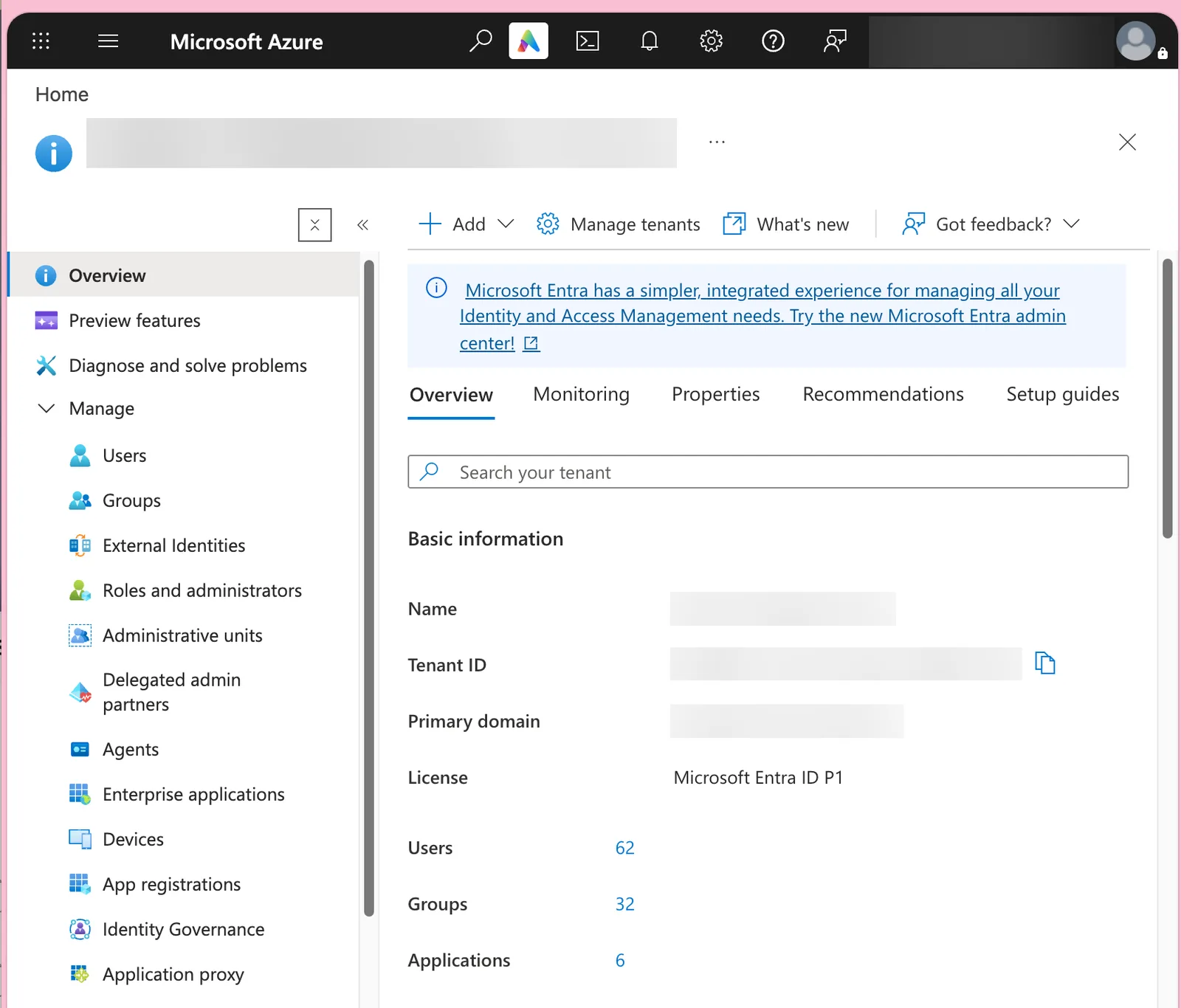
New phone, lost phone and broken app
With a new phone, the easiest path is to move the accounts while the old phone still works. On iPhone and Android, the app can restore accounts from a cloud backup. However, work accounts often need a fresh sign-in, so we prepare a Temporary Access Pass in advance.
If the phone is lost, we first remove the old registration and sign the user out of every session. Then we check the sign-in logs for anything unusual. Finally, the user registers the app on the replacement phone, and we confirm that everything works.
Passwordless sign-in and backup methods
Authenticator also supports passwordless sign-in with number matching. In addition, passkeys in the app or on a security key give strong protection against phishing. We help companies choose the right mix for their staff.
Every user should have at least two methods. For instance, Authenticator on the phone and a FIDO2 key in the drawer make a good combination. As a result, one lost phone does not lock the user out, and the help desk receives fewer urgent calls.
Preventing lock-out and MFA fatigue
Attackers sometimes send many approval requests in the hope that a tired user taps ”approve”. Microsoft therefore introduced number matching and additional context such as location and application. We make sure these protections are active for everyone.
Furthermore, we create emergency access accounts for administrators, stored safely and monitored. We also write a short routine for new phones that users can follow on their own. Consequently, most changes of phone happen without any call to support.
Support routines at Business IT Support
Our support routine combines speed with control. When a user calls, we verify the identity, reset the right method and stay on the line until the new registration works. In most cases, the user is back at work within minutes.
We also review the authentication methods across the whole tenant. For example, we find users with only one method or old phone numbers. Then we fix them before they cause a lock-out. In this way, the next Microsoft Authenticator reset becomes a routine task.
Contact Datorkirurgen AB about a Microsoft Authenticator reset
Business IT Support is part of Datorkirurgen AB, which has more than 30 years of experience in IT for businesses. We reset and administer authentication methods in Entra ID for companies remotely anywhere, and on site in Stockholm and across Sweden.
Our prices start at €250 per hour excluding VAT, or as agreed, and we guarantee to solve the problem. Microsoft describes the available methods in its authentication documentation. Contact us, and we will help the user sign in again.
Frequently asked questions about Microsoft Authenticator reset
Microsoft Authenticator reset and a new phone
- How do I move Microsoft Authenticator to a new phone?
- What happens if I reset my phone?
- Can the app restore accounts from a backup?
- Why does the work account not restore?
- What is a Temporary Access Pass?
- Who can reset my authentication methods?
- How long does a reset take?
- Can I keep the old phone as a backup?
- What if the app shows the wrong code?
- Do I need to remove the old phone?
Security and sign-in methods
- How do you verify my identity before a reset?
- What is number matching?
- What is MFA fatigue?
- What is passwordless sign-in?
- What is a passkey?
- Can we use a FIDO2 security key?
- How many methods should each user have?
- Should we stop using SMS codes?
- What is an emergency access account?
- How do we see suspicious sign-ins?
Administration and support
- Can users change phone without calling support?
- How do you document a reset?
- Can you review methods for all users?
- What happens if an administrator loses the phone?
- Can a manager approve a reset?
- Do you offer support outside office hours?
- Can you help remote staff abroad?
- Can you set up passwordless sign-in for us?
- Can you take over our Entra administration?
- How do I contact you about a Microsoft Authenticator reset?