
To harden WordPress means to close the common ways in before an attacker finds them. Business IT Support reviews and secures WordPress sites for businesses, from updates and users to file permissions, backups and monitoring.
Why attackers target WordPress
WordPress runs a large share of all websites in the world. As a result, automated tools scan the internet around the clock for known vulnerabilities in WordPress, themes and plugins. Most attacks are therefore not personal: the bots simply try every site they find.
Moreover, many sites run outdated plugins, weak passwords or forgotten test files. For that reason, a few well-chosen measures stop the vast majority of attacks. In other words, you do not need to be a large company to need protection.
Harden WordPress with updates, plugins and users
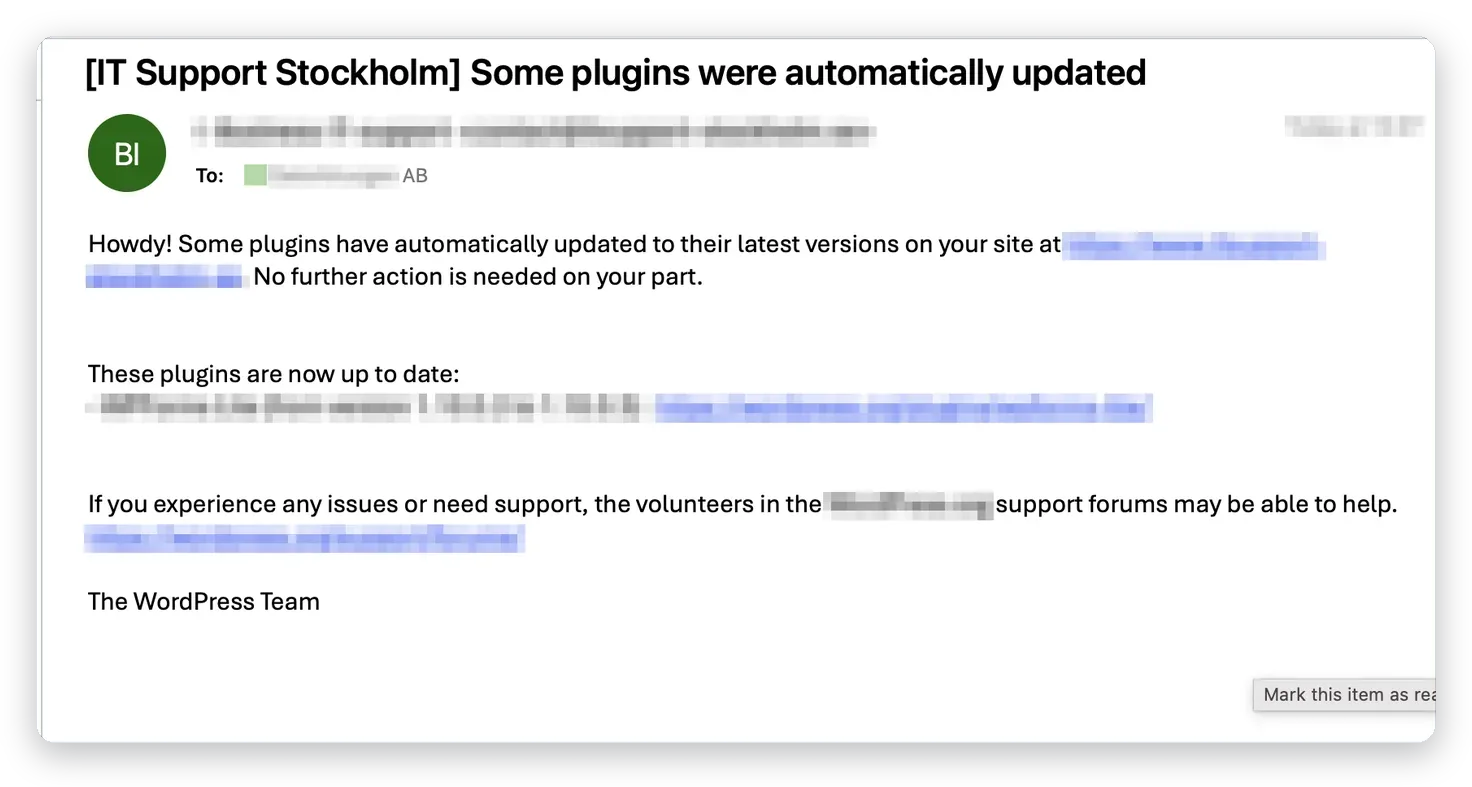
First of all, WordPress, themes and plugins need regular updates. We enable automatic updates for minor releases and security fixes, and we test larger updates on a copy first. In addition, we remove every plugin and theme that the site does not use, because inactive code can still contain vulnerabilities.
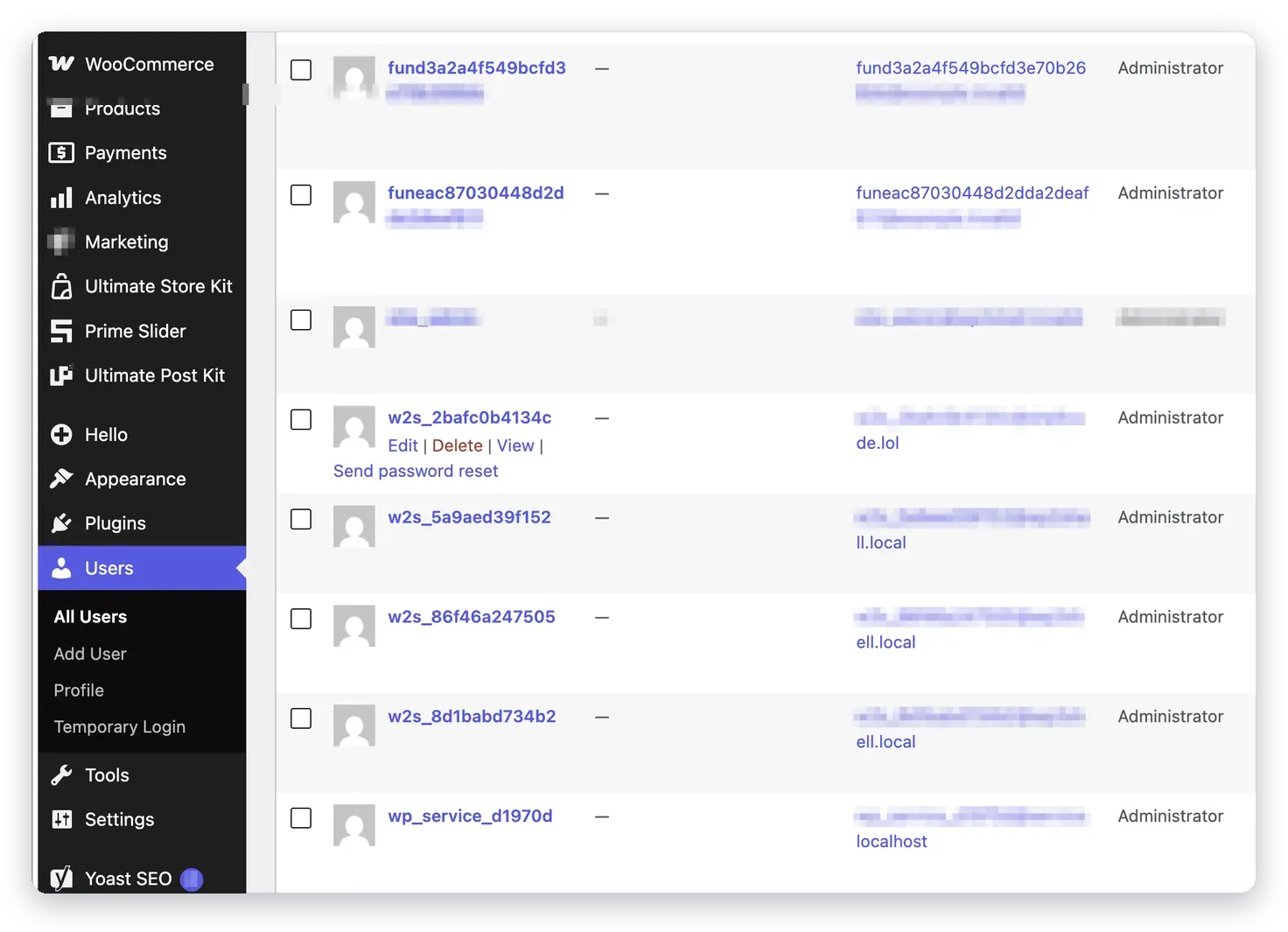
Similarly, users need the same discipline. Each person gets their own account with the lowest role that works, a strong password and two-factor authentication. Furthermore, we remove accounts for former staff and suppliers at once.
wp-config, file permissions and hidden folders
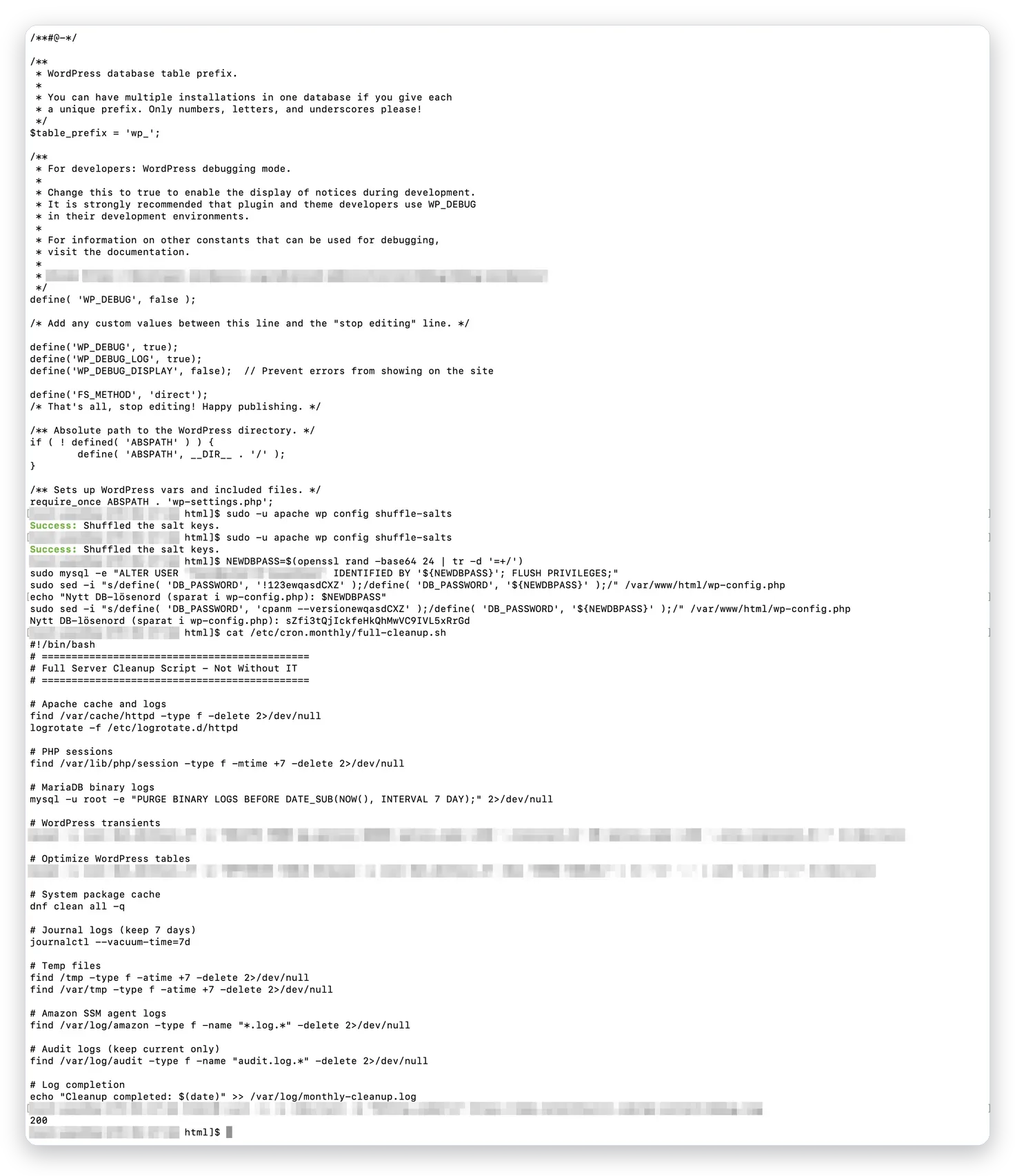
In particular, the file wp-config.php contains the database password and the security keys. Therefore, it needs strict permissions, and we block direct web access to it. We also turn off the built-in file editor, so an attacker with a stolen login cannot change PHP files from the dashboard.
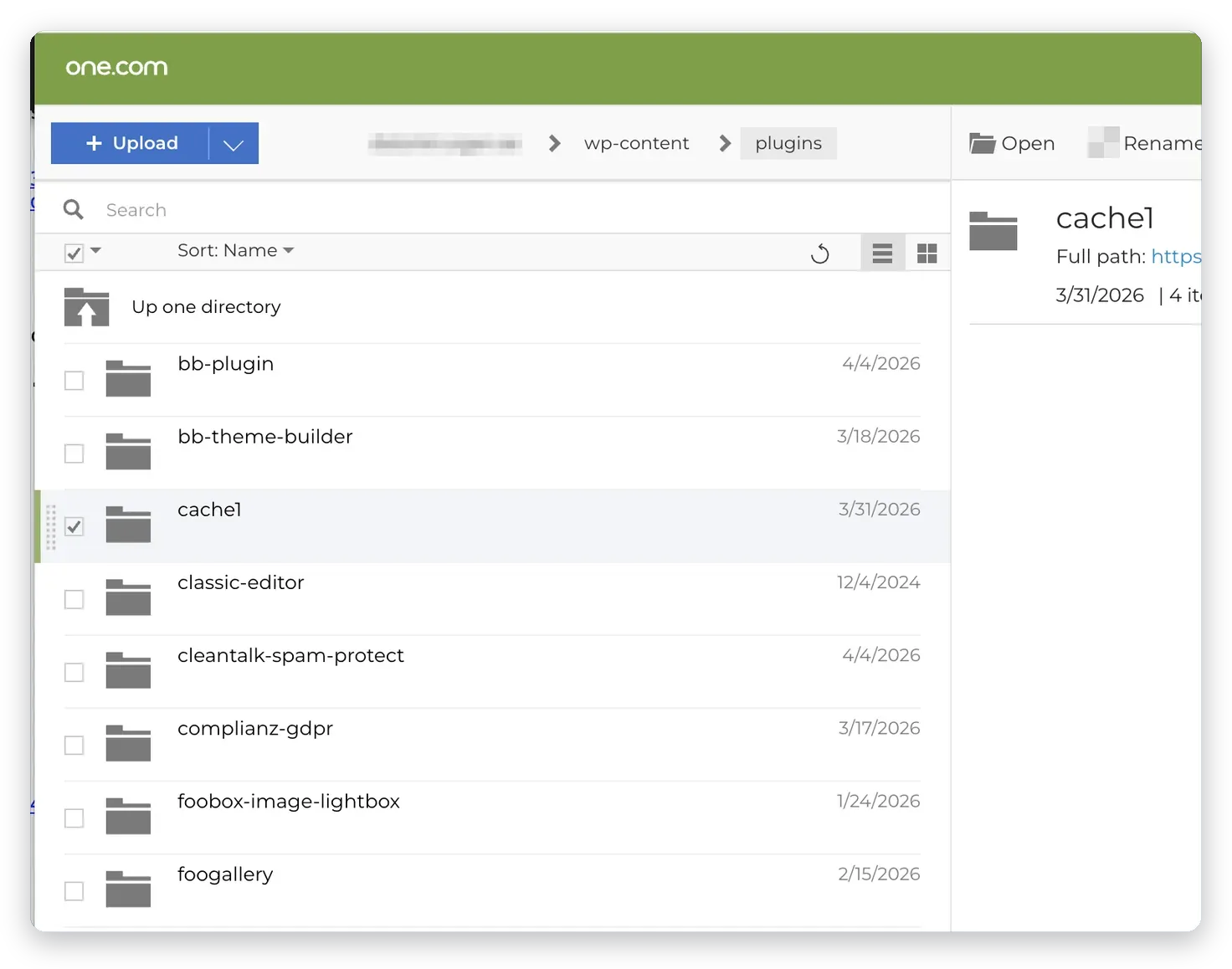
Next, we set correct permissions on folders and files and block PHP execution in the uploads folder. In addition, we remove backups, test scripts and old files from the web root, since attackers search for such files automatically.
Backup, monitoring and recovery
Even a hardened site needs a way back. For that reason, we take daily backups of files and database and store them outside the server. We also test a restore regularly, so we know that the copies work.
Finally, monitoring completes the protection. For example, we watch for file changes, new administrators, failed logins and unusual server load. As a result, we can act within minutes if something happens, instead of discovering it weeks later through Google.
In addition, we review the hosting environment itself. For instance, PHP should run a supported version, the server should receive security updates and only necessary ports should be open. Because many attacks target the server rather than WordPress, this step often matters as much as the plugins. As a result, the whole chain becomes harder to break.
Contact Datorkirurgen AB to harden WordPress
Business IT Support is part of Datorkirurgen AB, which has more than 30 years of experience in IT for businesses. We harden, monitor and support WordPress sites for companies remotely anywhere, and on site in Stockholm and across Sweden.
In addition, our prices start at €250 per hour excluding VAT, or as agreed, and we guarantee to solve the problem. WordPress gives further advice in its WordPress hardening guide. Contact us, and we will start with a security review of your site.
Frequently asked questions about how to harden WordPress
Questions on how to harden WordPress
- Why do attackers target WordPress?
- Is WordPress secure?
- How often should we update WordPress?
- Should we enable automatic updates?
- Why remove inactive plugins?
- Which plugins are safe?
- Do we need a security plugin?
- What is two-factor authentication?
- Which role should our editors have?
- Should we hide the login page?
Files, server and configuration
- Where should wp-config.php live?
- Which file permissions should we use?
- Why turn off the file editor?
- Why block PHP in the uploads folder?
- What is XML-RPC and should we close it?
- Do we need a web application firewall?
- Should we change the table prefix?
- What are security keys?
- Can old backup files be dangerous?
- Does HTTPS make the site secure?
Backup, monitoring and support
- How often should we back up?
- Where should backups live?
- How do we test a restore?
- What should monitoring cover?
- Can you monitor our site?
- Can you clean a hacked site?
- Do you support shared hosting?
- Can you host our site?
- Do you offer ongoing support?
- How do I contact you to harden WordPress?