
An Epson printer in the office should print, copy and scan without anyone thinking about it. When it stops, the cause is usually the network or the mail settings rather than the printer. Business IT Support sets up and troubleshoots Epson and other office printers.
The problem rarely sits in the printer
Typical complaints sound like this: the printer is offline, the scan never arrives or only some computers can print. In most cases, the printer works fine, while the IP address has changed, the Wi-Fi is unstable or the mail server rejects the login. Therefore, we start by checking the network and the settings.
We also update the printer firmware, because Epson fixes both bugs and security holes in its updates. As a result, many intermittent problems disappear before we even start the deeper troubleshooting.
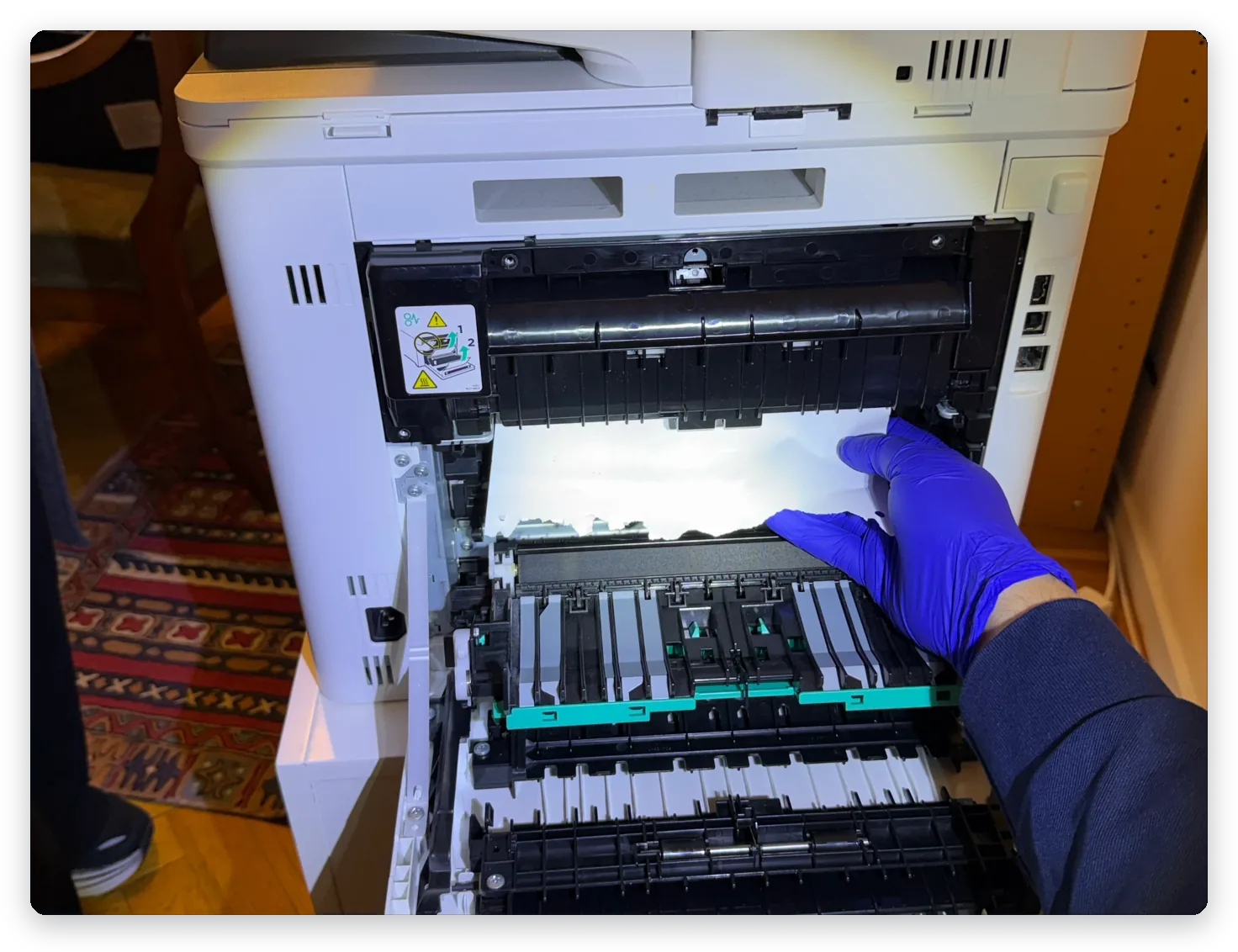
A stable network is the foundation for an Epson printer
First of all, the printer needs a fixed IP address, either set in the printer or reserved in the router. Otherwise, computers lose track of it after a restart. In addition, a cable connection is more reliable than Wi-Fi for printers that many people share.
We then install the printer on every computer with the right driver or with driverless printing over IPP, which modern Windows and macOS support. Consequently, staff can print from laptops, phones and tablets without extra software.
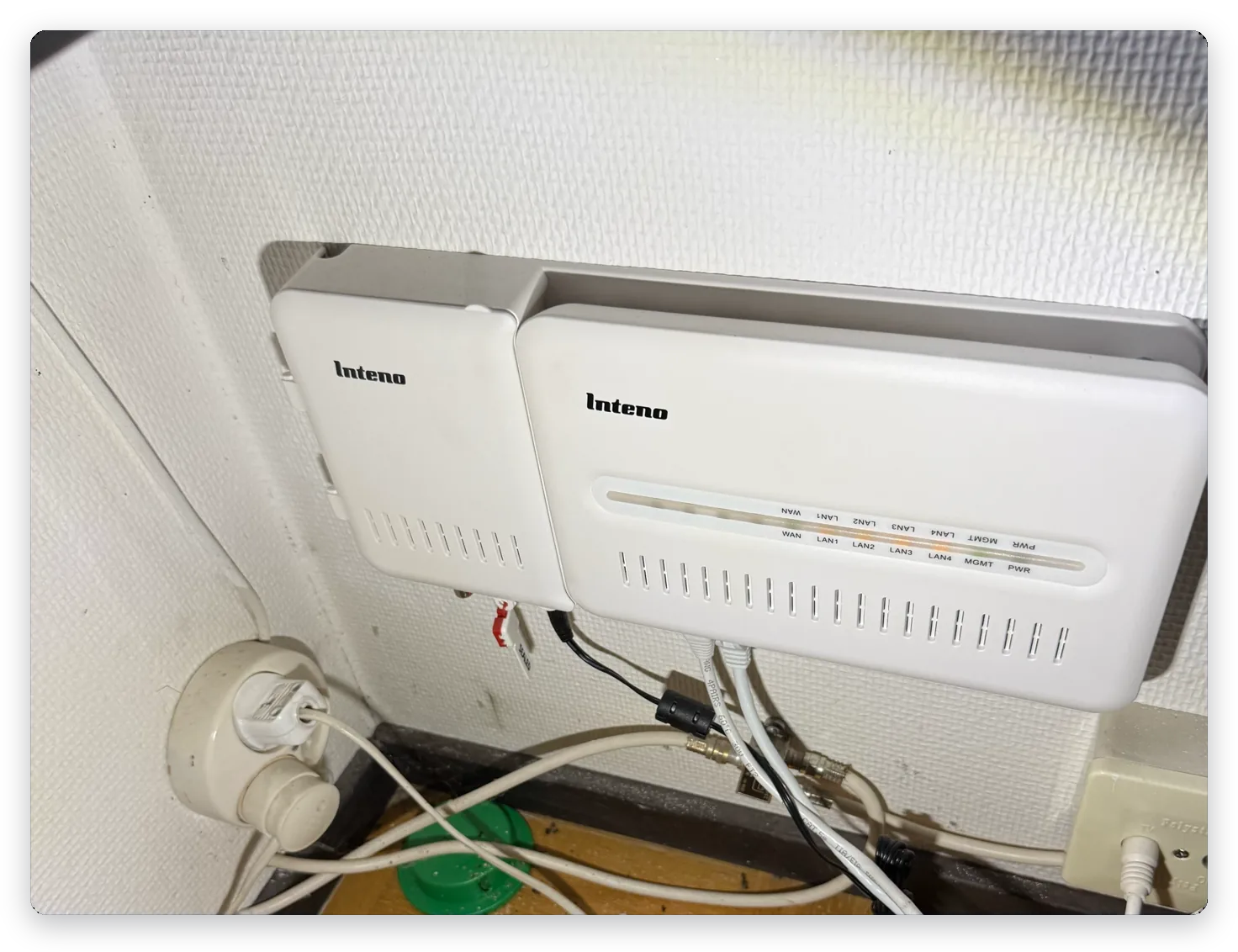
Scan to email and folder
Scan to email requires the printer to send mail through a mail server. Microsoft is phasing out basic authentication for SMTP in Exchange Online, so older printers often need another solution, for example a connector, an SMTP relay or Epson’s cloud service. We choose the option that suits your mail system and security requirements.
Scan to folder sends the file to a shared folder on a server, a NAS or SharePoint. For that reason, we create a dedicated service account with access only to that folder. As a result, a scanned document lands in the right place without passing through anyone’s inbox.
Security for printers in the network
Printers are computers too, and attackers use them as a way into the network. Therefore, we change the default administrator password, turn off services such as Telnet and FTP that nobody uses and enable HTTPS for the web interface. In addition, we place printers in their own network segment where possible.
We also make sure that the printer never faces the internet directly. Finally, we check that scanned documents with personal data go only to approved destinations, which matters for GDPR.
Contact Datorkirurgen AB about your Epson printer
Business IT Support is part of Datorkirurgen AB, which has more than 30 years of experience in IT for businesses. We set up and troubleshoot Epson, HP, Canon, Brother and other office printers for companies in Stockholm and across Sweden.
In addition, our prices start at €250 per hour excluding VAT, or as agreed, and we guarantee to solve the problem. Epson offers manuals and firmware on its support site. Contact us, and we will get the printer working again.
Frequently asked questions about Epson printer setup
Epson printer basics
- Why does our printer show offline?
- Should the printer have a fixed IP address?
- Is cable better than Wi-Fi for printers?
- Do we need to install a driver?
- What is IPP printing?
- Can we print from phones?
- How do we update the firmware?
- Why can only some computers print?
- Can a Mac and a PC share the same printer?
- Do you support other brands too?
Scanning
- How does scan to email work?
- Why did scan to email stop working?
- What is basic authentication for SMTP?
- What is an SMTP relay?
- Can we scan to SharePoint?
- How does scan to folder work?
- Can we scan to a NAS?
- Which account should the printer use?
- Can we scan to OneDrive?
- Why are scanned files so large?
Security and support
- Can a printer be hacked?
- Should we change the admin password?
- Which services should we turn off?
- Should printers have their own network?
- How do we protect scanned personal data?
- Can you set up printers on site?
- Can you troubleshoot remotely?
- Do you work with law firms and clinics?
- Do you offer ongoing support?
- How do I contact you about our Epson printer?