
A hacked WordPress site often looks normal to the owner, while it serves spam to Google and hides code that lets the attacker return. This article follows a real case where Business IT Support found and removed every trace.
The first warning is often an email from Google
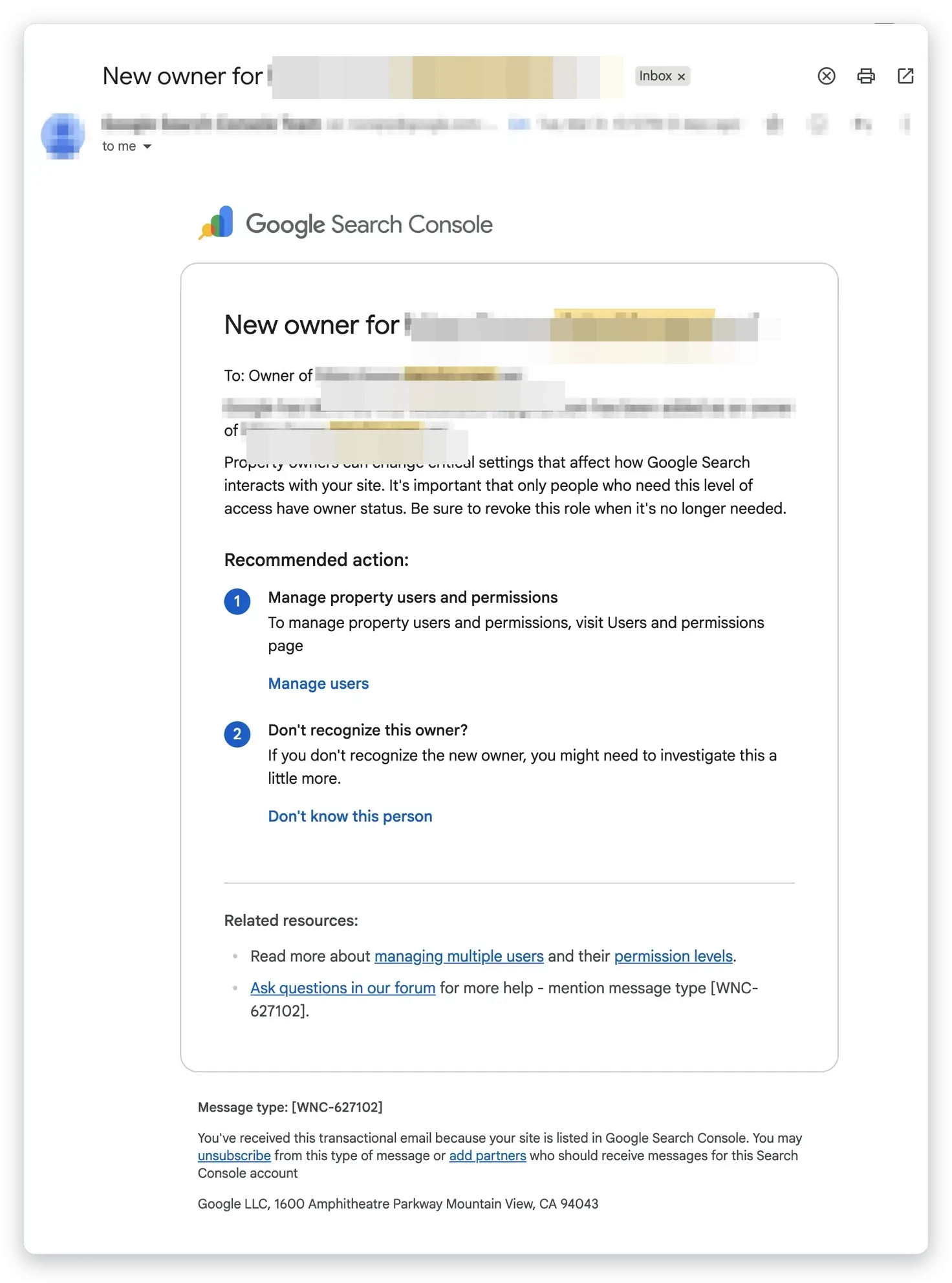
In this case, the owner received an email from Google Search Console about a new owner of the property. Nobody at the company had added that owner. In other words, the attacker had verified the site in their own Search Console account, which gave them control over how Google saw it.
That warning is serious. Therefore, we removed the unknown owner at once, deleted the verification file and started a full investigation of the server and the database.
Hidden files in mu-plugins and disguised scripts
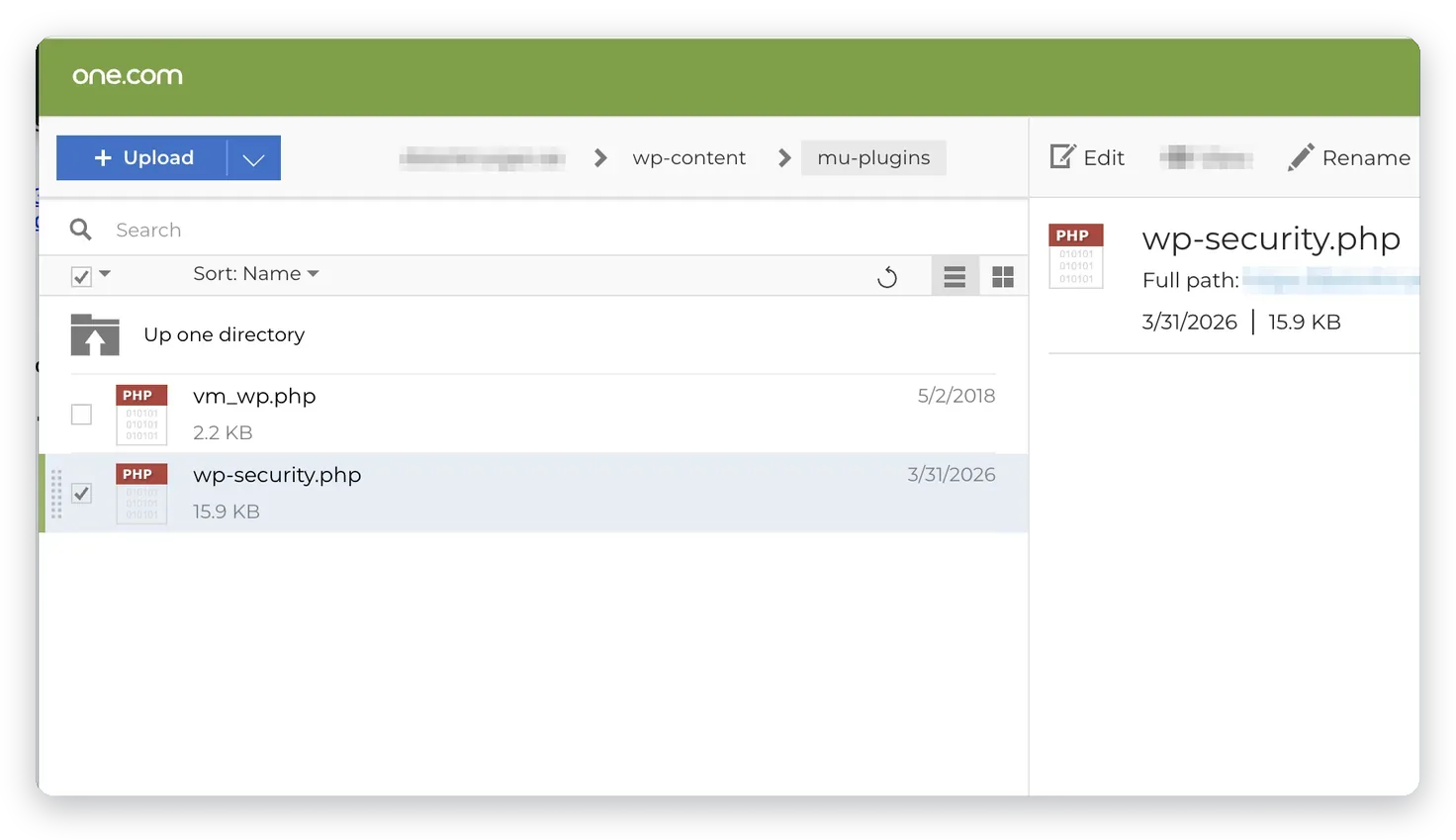
First of all, we searched for recently changed files. In the folder mu-plugins, which WordPress loads automatically on every request, we found a file with a harmless name. However, the code inside was obfuscated and loaded further instructions.
In general, attackers like mu-plugins because these plugins do not appear in the normal plugin list and cannot be deactivated from the dashboard. Consequently, we always check that folder when we investigate a hacked WordPress site.
The fake cache plugin fetched external content
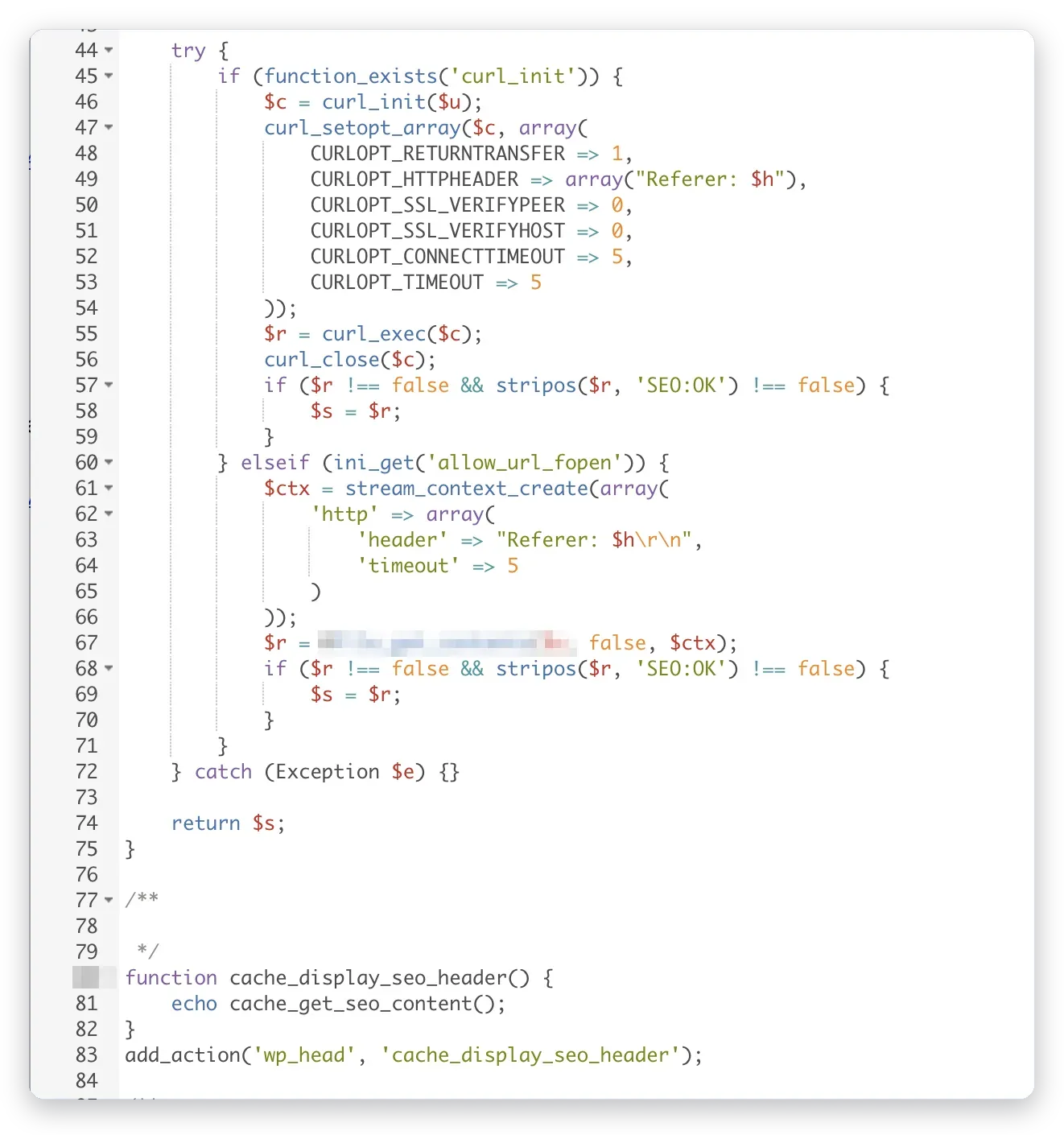
Next, we found a plugin that pretended to be a cache tool. In reality, it fetched content from an external server and showed it only to search engine bots. As a result, Google saw spam pages, while ordinary visitors saw the normal site.
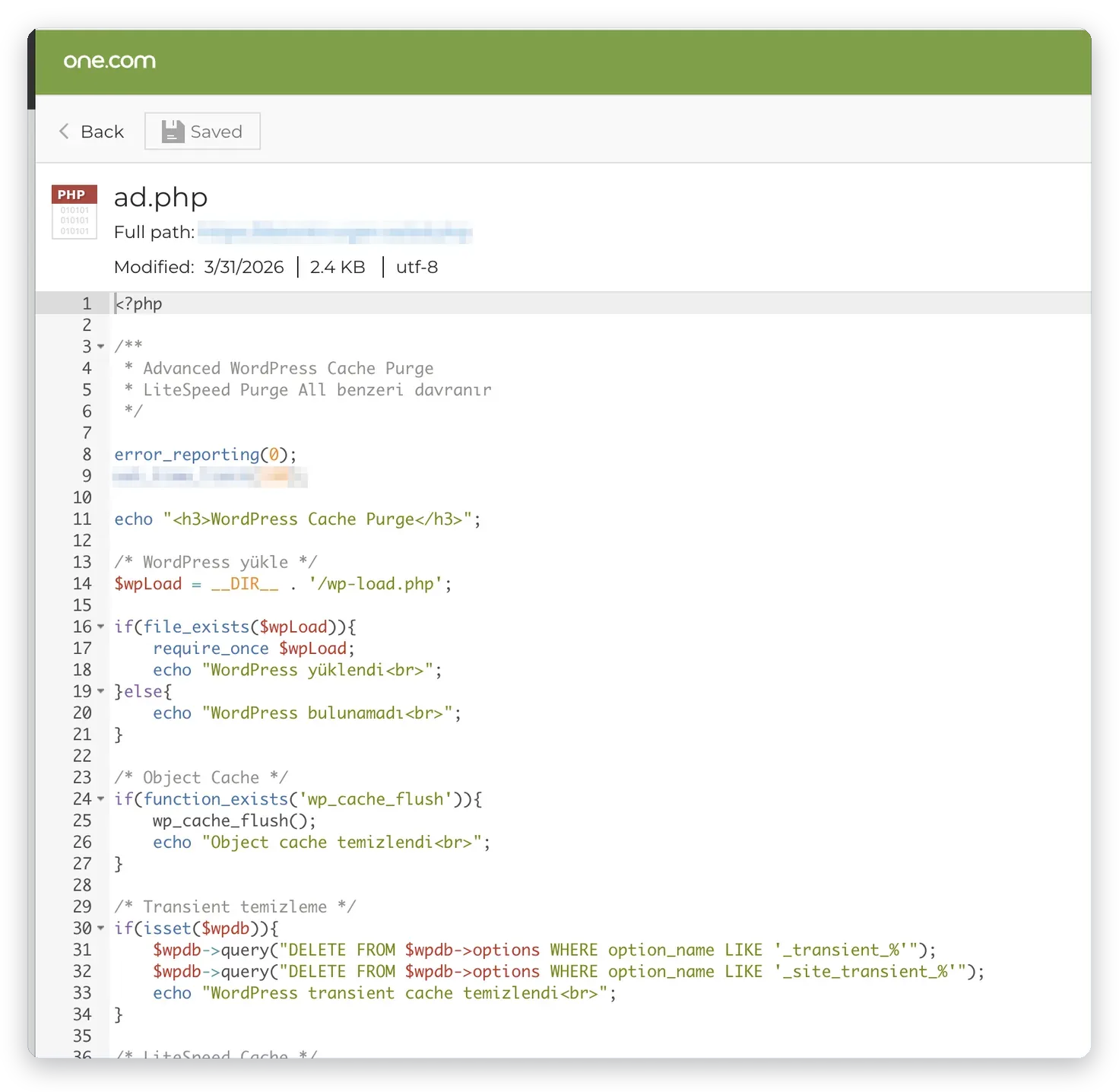
We also found a file called ad.php in the root folder that acted as a backdoor. Through it, the attacker could upload new files at any time. For that reason, removing only the visible spam would have been useless.
SEO spam: a static page with foreign content
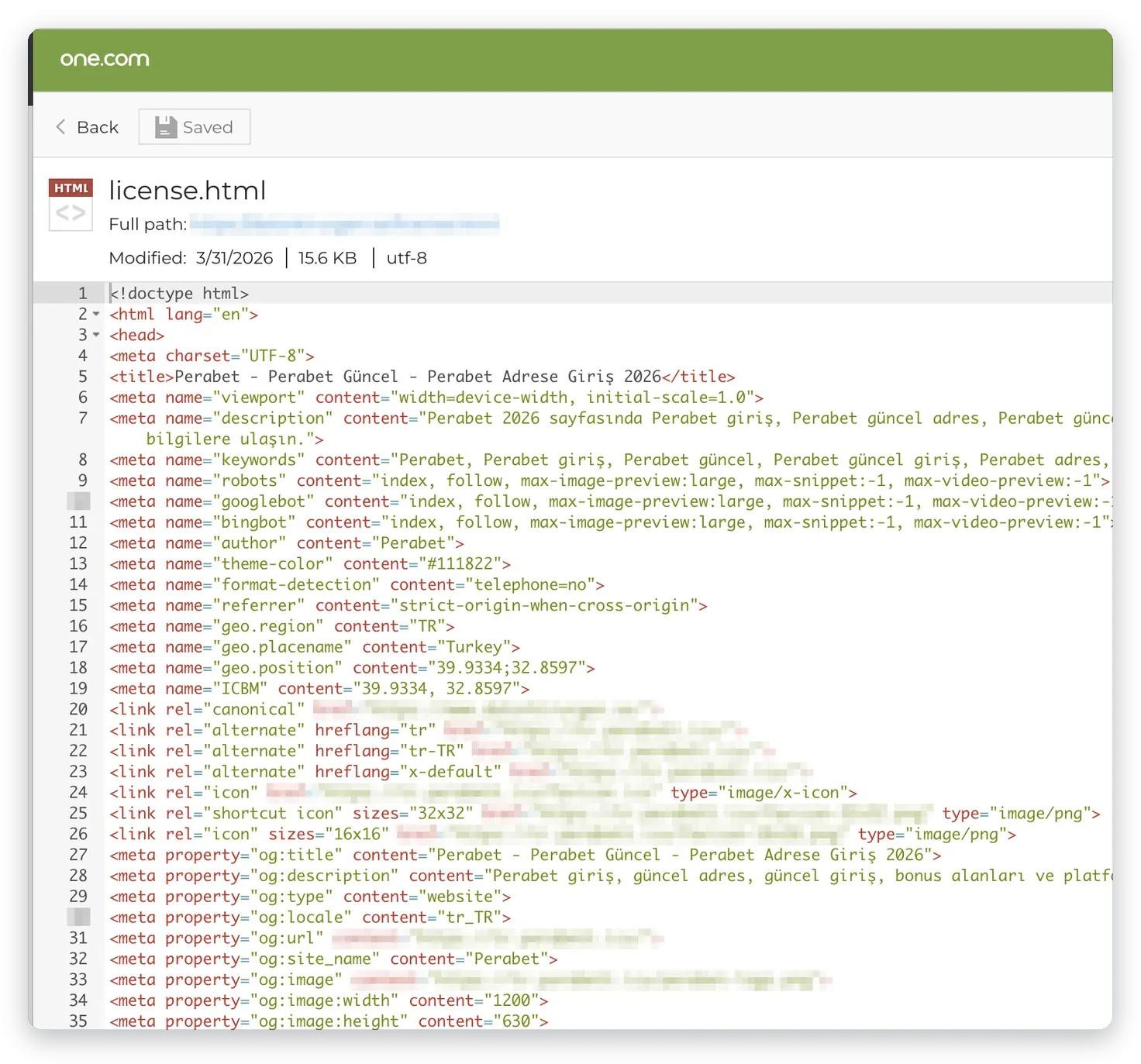
Finally, the attacker had placed static spam pages in a foreign language in the root folder. Google had indexed many of them, so search results for the company showed unrelated products. Consequently, both the brand and the rankings suffered.
Then we removed the pages, made sure they returned 410 Gone and asked Google to recrawl the site. Moreover, we checked the database for spam posts and changed metadata.
How we clean a hacked WordPress site and harden it
After the removal, we also replaced WordPress core files with fresh copies, updated all plugins and themes, changed every password and replaced the security keys. In addition, we blocked PHP execution in the uploads folder and set up monitoring of file changes.
Within a few weeks, Google removed the spam pages from the index, and the site regained its normal search results. As a result, the company could focus on its business again instead of on the attack.
Contact Datorkirurgen AB about a hacked WordPress site
Business IT Support is part of Datorkirurgen AB, which has more than 30 years of experience in IT for businesses. We clean hacked WordPress sites, remove backdoors and SEO spam and harden the site for companies remotely anywhere, and on site in Stockholm and across Sweden.
In addition, our prices start at €250 per hour excluding VAT, or as agreed, and we guarantee to solve the problem. Google explains how to recover in its guide for hacked sites. Contact us at once if you suspect an intrusion.
Frequently asked questions about hacked WordPress sites
Signs of a hacked WordPress site
- How do I know if our WordPress site is hacked?
- Why does the site look normal to me?
- What does a new owner in Search Console mean?
- What is a backdoor?
- Why do attackers use mu-plugins?
- Can a plugin pretend to be a cache tool?
- What is cloaking?
- Why are there foreign pages in Google for our site?
- Is our customer data at risk?
- Should we take the site offline?
Investigation and clean-up
- How do you find malicious files?
- Do you check the database too?
- Why replace WordPress core files?
- Should spam pages return 404 or 410?
- How long does a clean-up take?
- Do you keep evidence of the attack?
- Can you restore from a backup instead?
- How do we remove an unknown owner from Search Console?
- How long does Google take to drop spam pages?
- Do you request a review from Google?
Prevention and support
- How do we stop new attacks?
- Should we change all passwords?
- Do we need two-factor authentication?
- Can you monitor file changes?
- Can you harden our site afterwards?
- Do you support shared hosting?
- Can you host the site for us?
- Do you work outside office hours?
- Do you offer ongoing support?
- How do I contact you about a hacked WordPress site?